

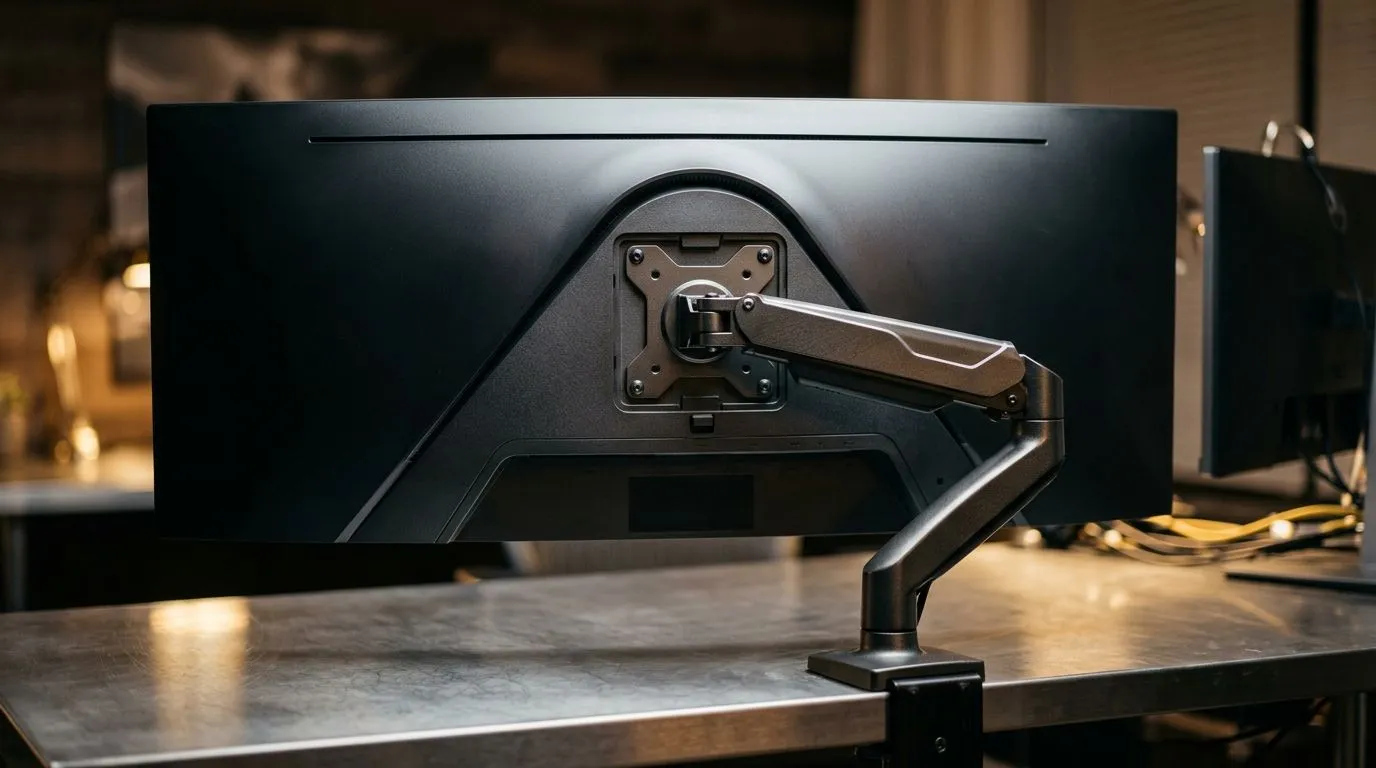
Finding the Right VESA Mount for Your Ultrawide
So, you’ve finally pulled the trigger on a massive 34-inch ultrawide curved monitor. You’ve cleared your desk, but now you realise that the stock stand is taking up way too much space. Whether you are chasing that clean, minimalist aesthetic or just trying to reclaim your desk real estate, mounting your screen is the logical next step. But wait—is your current arm actually strong enough to hold that curve? 🔧
Understanding VESA Compatibility
Most 34-inch ultrawide displays follow the standard VESA mounting patterns, usually 75x75mm or 100x100mm. However, the "curved" part of the equation changes the game. Because these screens are deeper than standard flat panels, the centre of gravity is pushed further forward. Before you bolt anything down, ensure your mount is rated for the weight of your specific panel. If you are building a new battle station, consider upgrading your gaming desk to a model that can handle the extra weight of a heavy-duty arm. ⚡
Ergonomics and Setup Essentials
Once you have the right VESA mount size, the real fun begins. Positioning your monitor at the correct eye level is crucial for those long raid nights. If you want a truly cohesive look, you might want to look into Arozzi gaming setups that offer integrated solutions for your gear. Don't forget that a clean desk is only half the battle; adding some NZXT case lighting behind your monitor can help reduce eye strain during late-night gaming sessions.
Pro Mounting Tip ⚡
Always check the weight capacity of your arm, not just the VESA pattern. A 34-inch ultrawide might fit a 100x100mm mount, but if the arm is rated for 5kg and your monitor weighs 7kg, you are going to have a sagging screen that ruins your immersion.
Comfort is Key
Even with the perfect monitor setup, you cannot ignore your seating position. If you are hunched over, even the best ultrawide experience will leave you with back pain by midday. Browse our range of ergonomic gaming chairs to ensure your posture matches your high-end display. Getting the height and tilt of your 34-inch screen dialled in is the final piece of the puzzle for a premium desktop experience. 🚀
Ready to Elevate Your Setup? A perfect monitor setup is only as good as the hardware supporting it. Whether you need a heavy-duty mount or a complete desk overhaul, we have the gear to transform your workspace. Browse our latest monitor accessories and gaming gear here to get your rig battle-ready today.











