

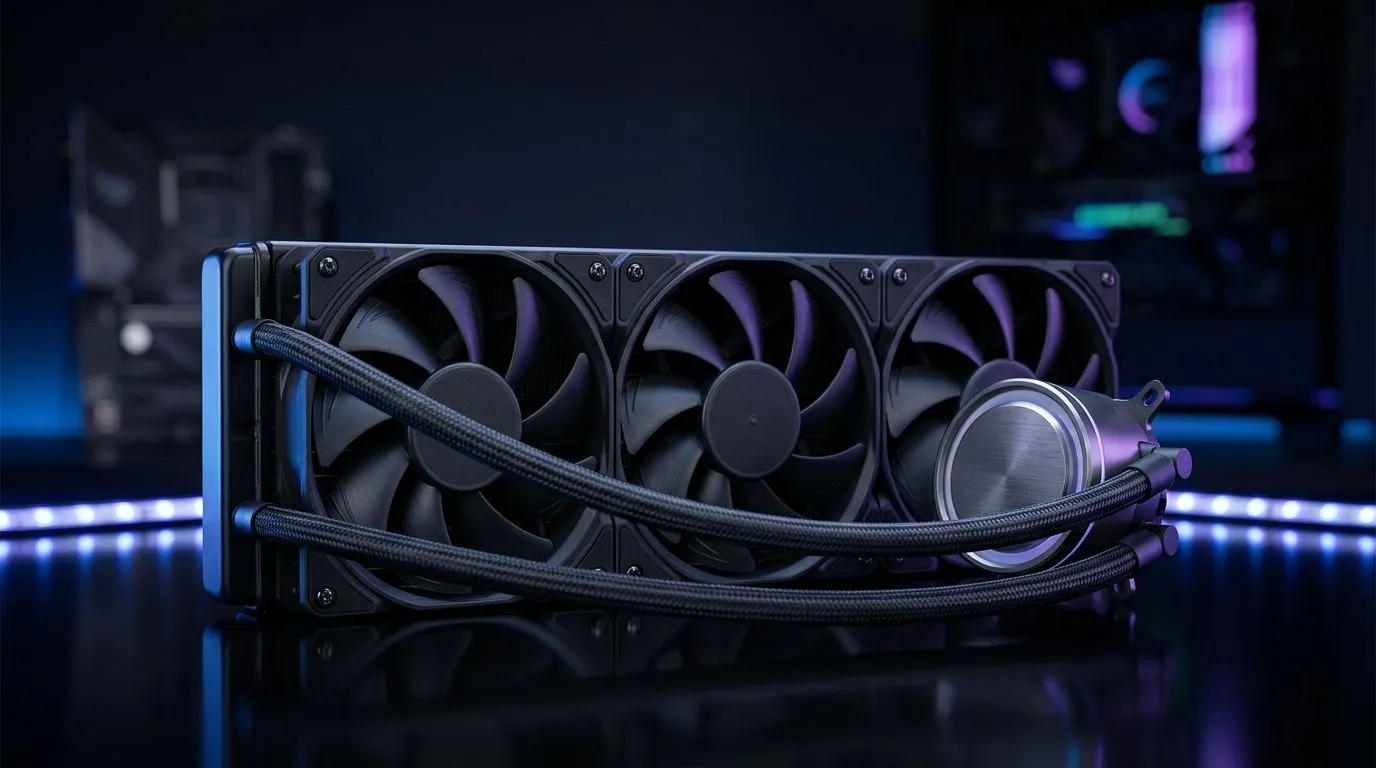
360mm Liquid CPU Cooler Maintenance: Cleaning & Coolant Health
South African gamers, your 360mm AIO can keep CPU temps low through marathon sessions... but only if you maintain it. This guide breaks down practical cleaning steps, coolant health checks, and lifespan signs so your rig stays cool, quiet and ready for ranked play. Follow these steps for reliable performance and less downtime. 🔧 Now.
Visual Inspection and Fan Care for 360mm Liquid CPU Cooler Maintenance
Start with a visual inspection. Look for dust, kinks in the tubing, and corrosion at fittings. Remove the radiator and fans to blow dust out with compressed air, then wipe blades with isopropyl alcohol. If you need a new fan or want a performance upgrade, browse Evetech’s range of CPU coolers to compare models and accessories: Evetech CPU coolers.
Flushing Radiator Channels and Coolant Health
Even sealed AIOs can show coolant discolouration or odour after years. While many 360mm liquid CPU cooler systems are closed loop, some DIYers refresh coolant via a compatible fill port or swap the whole unit. Check Evetech’s AIO selection here: Liquid Cooler (AIO) listings. If you want a new AIO instead, see items with 360mm radiators: 360mm radiator liquid coolers.
Leak Testing, Pump Noise and Temperature Checks
After cleaning, run a leak test. Power fans and pump for a short period without the motherboard connected, checking for drips. Note pump noise; a grinding or rattling sound indicates failing bearings. Monitor idle and load temps using a tool like HWInfo. If your pump’s failing, consider replacements from recognised brands available at Evetech: Corsair AIO options.
When to Replace Your 360mm Liquid CPU Cooler
General signs to replace: persistent high temps, visible corrosion, frequent top-ups, or pump failure. Most modern AIOs are reliable for several years, but replacement parts are limited. If you’re shopping for a fresh unit, compare Deepcool models and specs on Evetech before you buy: Deepcool 360mm coolers.
I once helped a Cape Town builder whose AIO began showing amber coolant and rising temps during streaming. A quick inspection revealed trapped dust and a slightly loose fan connector. After a careful clean and reseating the plug, temperatures dropped by 8°C and pump noise fell. Small checks like routing tubing away from cable bundles and ensuring airflow into the radiator can save months of trouble. Keep a maintenance log so you remember when you last checked your cooler. Simple routines prevent big failures. Every season.
Maintenance Micro‑Tip ✨
Avoid topping up random fluids. Use manufacturer‑approved coolant or replace the AIO. For quick cleaning, remove fans and use a soft brush and compressed air; keep isopropyl around 70‑90% for final wipe downs.
Quick Checklist for Cooler Health and Performance
- Dust-free fans and radiator fins.
- No visible leaks or coolant residue.
- Stable pump noise and RPM.
- No significant coolant discolouration or odour.
For size choices, remember 360mm radiators give better thermal headroom than 240mm units in many builds. Compare sizes and compatibility on Evetech’s cooler pages: 240mm comparison. ⚡
Ready to Find Your Perfect Match? The Mac vs Windows debate is complex, but for maximum power, choice, and value in South Africa, Windows is hard to beat. Explore our massive range of laptop specials and find the perfect machine to conquer your world.











