

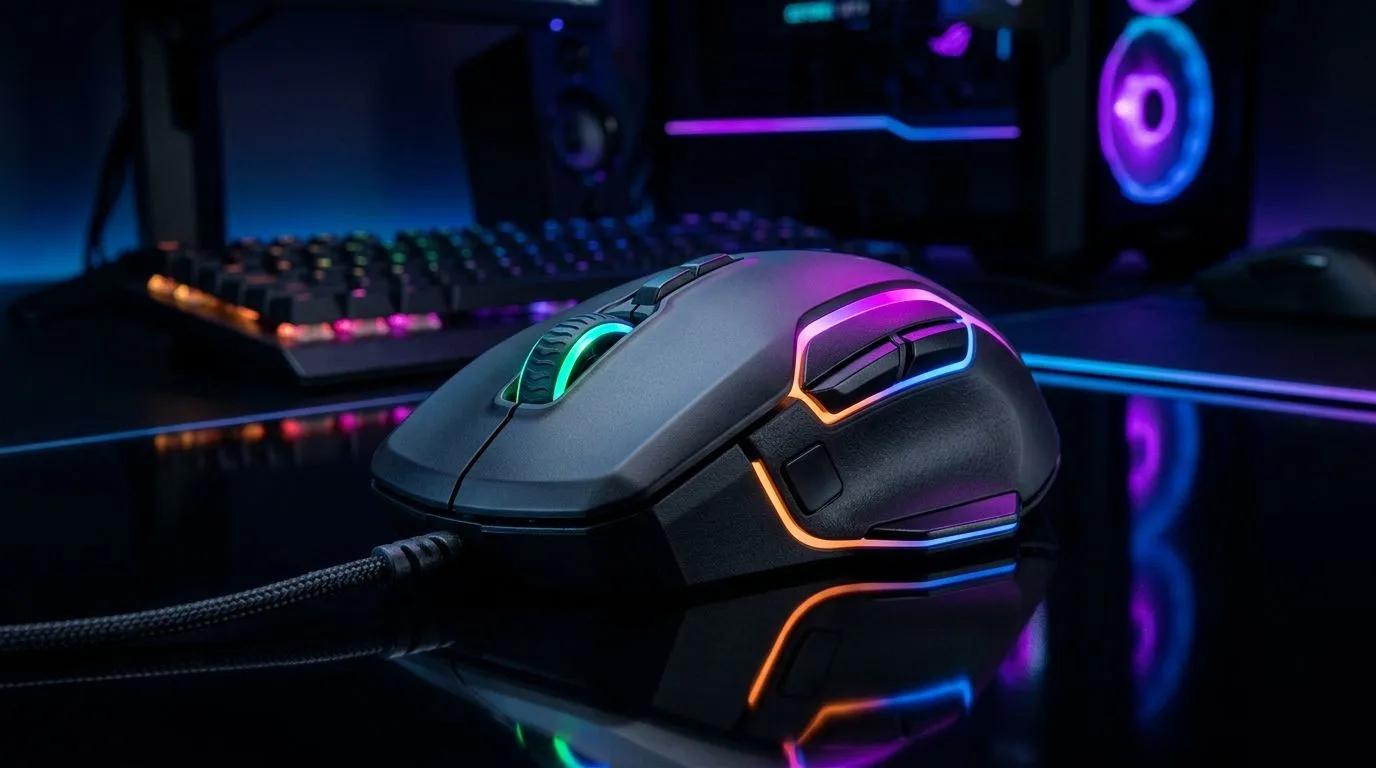
3D AIMO RGB Lighting Zones Guide for Gaming Setups
If your desk looks like a rainbow on hard mode… you’re not alone. South African gamers love AIMO-style lighting because it turns “just a PC” into your personal battle station. But lighting zones can feel confusing: where do you place them, what software do you need, and how do you stop the glow from washing out your keyboard and monitor glow? Let’s make it easy. Here’s a practical 3D AIMO RGB Lighting Zones Guide for Gaming Setups you can set up in under an hour ⚡✨.
3D AIMO RGB Lighting Zones Guide for Gaming Setups: Understand what “zones” actually do
Think of lighting zones as individually controlled areas across your keyboard, mouse, and desk-compatible gear. Instead of a single colour everywhere, zones let you create depth and direction. That matters because your eyes read patterns, not pixels. With 3D AIMO effects, you can keep “main actions” brighter and “background” calmer.
Here’s how to approach it:
- Pick one focal zone: usually the keyboard WASD area or the mouse grip area.
- Use contrast, not brightness: darker room + higher contrast looks better than “max brightness everywhere”.
- Match your monitor lighting: if your monitor has soft backlight, choose complementary zone colours.
If you’re building a multi-device setup, the mouse is usually the easiest anchor for your design. Aiming your lighting toward your hands reduces visual fatigue during long ranked sessions 🚀.
Desk Setup Pro Tip ✨
Place your brightest AIMO zone near your mouse hand (not the edges of the desk). Your peripheral vision stays calmer, and you’ll notice motion cues without the glow blinding your screen. Keep brightness at a level where you can still read text comfortably after 30 minutes."
3D AIMO RGB Lighting Zones Guide for Gaming Setups: Placement ideas that look good in real homes
Not every South African bedroom is “gamer white walls + perfect cable runs”. So design around your space:
- Under-monitor glow: set a low-intensity zone behind the desk edge to avoid reflections on the monitor.
- Keyboard gradient: a smooth zone fade from left to right makes movement feel fluid.
- Mouse “landing” zone: colour that follows your hand position helps you track aim and movement.
If you also plan your mouse choice around control and comfort, browse Evetech’s options and pair them with your lighting plan. For travel-friendly rigs, a compact setup often pairs well with cleaner lighting zones:
- Get wired reliability here: wired mouse options from Evetech
- If you prefer freedom on the desk, compare wireless: wireless mouse options from Evetech
- Want extra customisation and flair? Start with accessories: mouse accessories on Evetech
3D AIMO RGB Lighting Zones Guide for Gaming Setups: Avoid the common mistakes (and why they matter)
The biggest mistake? Treating zones like party lights. Lighting should support your play, not compete with it.
Try this checklist:
- Turn off “rainbow everywhere” modes if your keyboard and mouse fight for attention.
- Use fewer colours. Two or three complementary colours usually look more premium.
- Set a “quiet night profile”. Lower brightness at night helps your eyes and keeps colours consistent.
And if you’re buying new gear, price matters in ZAR. That’s where deals come in:
- Check current savings: best gaming mouse deals on Evetech
For more mouse models that can complement zone-based setups, explore the full category: gaming mouse components from Evetech.
Ready to Find Your Perfect Match? The Mac vs Windows debate is complex, but for maximum power, choice, and value in South Africa, Windows is hard to beat. Explore our massive range of laptop specials and find the perfect machine to conquer your world.











