

3D NAND SSD Reliability: Start Here (Why Gamers Should Care) 🎮
If you’re building a PC for Apex legends, Warzone, or your backlog of single-player classics, your SSD is the load-screen hero. But there’s a difference between “it works today” and “it still feels fast in 3 to 5 years.”
That’s where 3D NAND SSD reliability matters. In South Africa, power dips happen, budgets are real, and storage needs tend to grow after the first upgrade. Let’s break down what actually impacts long-term storage reliability… and how to choose an SSD that you won’t regret.
3D NAND SSD Reliability: How 3D NAND is Built (and Why That Helps) 🔧
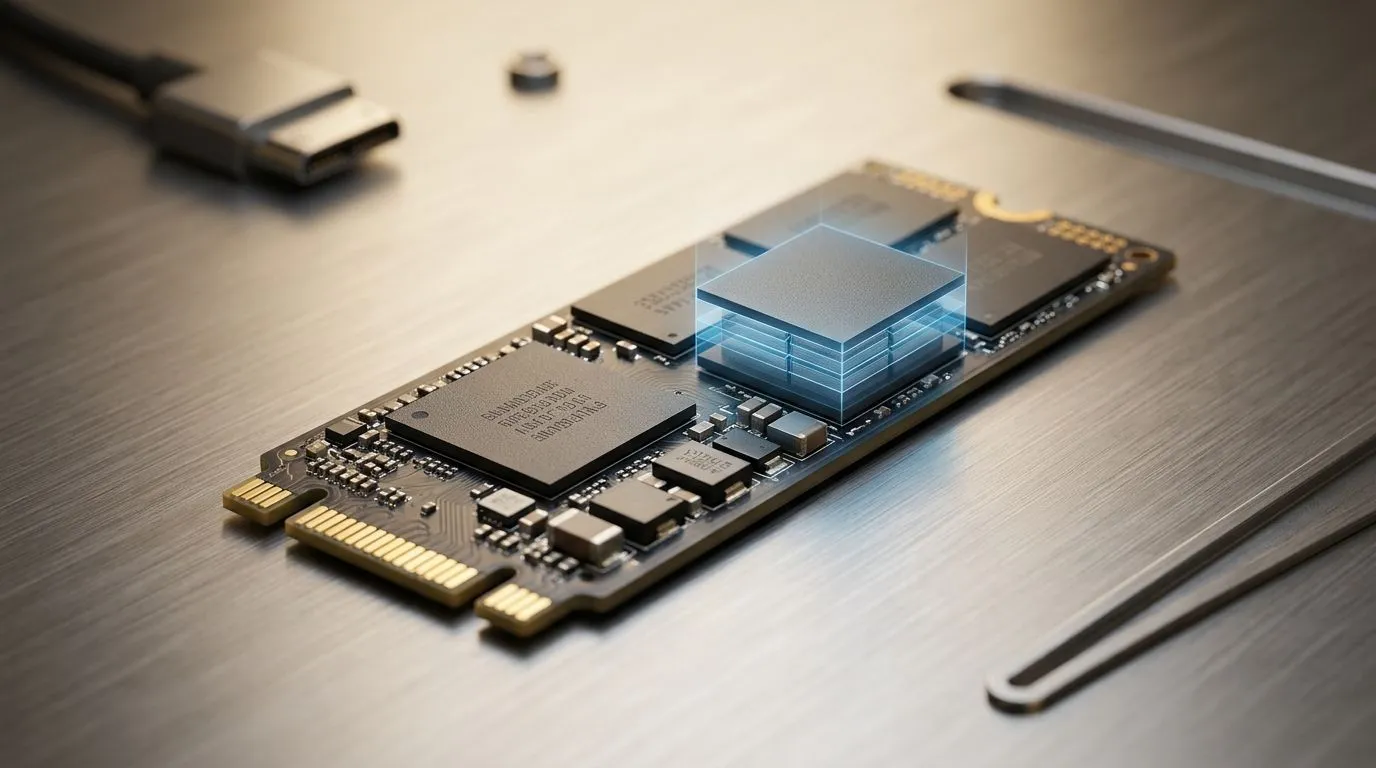
3D NAND stacks memory cells vertically. Instead of squeezing everything onto one thin plane, the design increases density without needing as much physical space. In practice, this usually translates to better efficiency and improved performance-per-watt compared to older approaches.
But reliability isn’t only about stacking. It also depends on:
- Controller quality (error correction, wear levelling, caching)
- Firmware maturity (stability and consistency over time)
- How much you write (gaming is mostly reads, but installs and updates add up)
For hardware buyers, it’s also smart to match your SSD to your motherboard’s expected form factor and interface. Evetech keeps a solid range of options if you’re shopping by drive type and compatibility: see their SSD range here: 3D NAND SSD reliability shoppers can start with these SSDs.
3D NAND SSD Reliability: The Real Reliability Factors (TBW, Endurance, Errors) ✨
Most SSD vendors publish TBW (Terabytes Written) or endurance ratings. Higher TBW generally means more guaranteed writes before the drive hits its wear limit. That doesn’t mean your SSD dies immediately when you reach that number. It means the manufacturer’s testing target is met.
Here’s the practical angle:
- A gamer who installs a new title every few months is often fine for years.
- Someone doing video editing, large game libraries, or frequent backups might hit higher write volumes sooner.
- Power loss protection and good thermal behaviour reduce risk during heavy workloads.
Know your NAND: TLC vs QLC (What It Means for You)
Many consumer SSDs use TLC or QLC variants. QLC can offer lower cost per GB, but it may need more careful handling with caches and sustained write workloads. For long-term storage reliability, you should still focus on TBW, controller, and warranty rather than NAND name alone.
If you’re shopping by brand to reduce uncertainty, you can browse options like: ADATA SSDs from Evetech and Kingston SSDs from Evetech.
3D NAND SSD Reliability: Form Factor and Interface That Affect Stability 🚀
Even a great SSD can perform poorly if it’s mismatched. Make sure you’re choosing the right physical and connection type:
- M.2 2280 is the common “stick” size for most modern systems.
- Interface generation (PCIe/NVMe) influences throughput, especially during large transfers.
Evetech makes it easy to filter the drives that fit your build, including:
Productivity Pro Tip ⚡
Productivity Pro Tip ⚡
On Windows, use the PowerToys FancyZones utility to create custom snap layouts for your windows. It's a lifesaver for managing multiple apps on an ultrawide monitor, letting you organise your timeline, preview window, and asset folders perfectly for video editing.
3D NAND SSD Reliability: How to Make Your SSD Last Longer (In Real Life) ✅
Reliability improves when your usage is intentional. Try these habits:
- Leave some free space (aim for 10–20%). SSDs use spare space for wear levelling and garbage collection.
- Avoid needless “write storms”. If you run frequent game benchmarks or re-download huge libraries, do it thoughtfully.
- Update firmware when available. Firmware fixes can improve stability and performance consistency over time.
- Keep temps down. Many SSD throttling issues are thermal, not “bad NAND”.
- Back up important stuff. Even reliable SSDs aren’t backups.
A quick reality check… gaming SSD failures often look sudden, but most systems show gradual changes first: weird stutters, slower copy speeds, or repeated install issues. If you notice those, don’t ignore them.
3D NAND SSD Reliability: Your Next Step (Choose with Confidence) 🎮
If you want long-term peace of mind, don’t shop only by capacity. Compare endurance/TBW, pick the correct form factor, and choose an interface your system can actually use. That’s how you avoid the “fast now, sad later” scenario.
Ready to Find Your Perfect Match? The Mac vs Windows debate is complex, but for maximum power, choice, and value in South Africa, Windows is hard to beat. Explore our massive range of laptop specials and find the perfect machine to conquer your world.











