

3D NAND vs Traditional NAND: Reliability and Endurance that Actually Matters for South African Gamers
If you’ve ever seen a drive slow down after months of heavy use… you’re not imagining it. In South Africa, where many of us game hard and multitask even harder (Discord, streaming, downloads, installs), storage reliability becomes a real quality-of-life issue. 🔧 Today’s question is simple: should you choose 3D NAND vs Traditional NAND: Reliability and Endurance for your next SSD?
The short answer: “3D NAND” is built to handle more write endurance than older planar-style NAND, while modern SSD controllers and firmware still do the heavy lifting. But the details help you buy smarter.
3D NAND vs Traditional NAND: Reliability and Endurance Explained in Plain English
NAND flash stores data in memory cells. The difference between traditional NAND and 3D NAND vs Traditional NAND: Reliability and Endurance is mainly how those cells are physically arranged.
Traditional NAND (Planar): More density pressure
Traditional NAND stacks cells in a mostly flat layout. As manufacturers chase higher capacity, cell density rises. That can mean lower endurance over time compared with newer designs.
3D NAND: Cells stacked for better efficiency
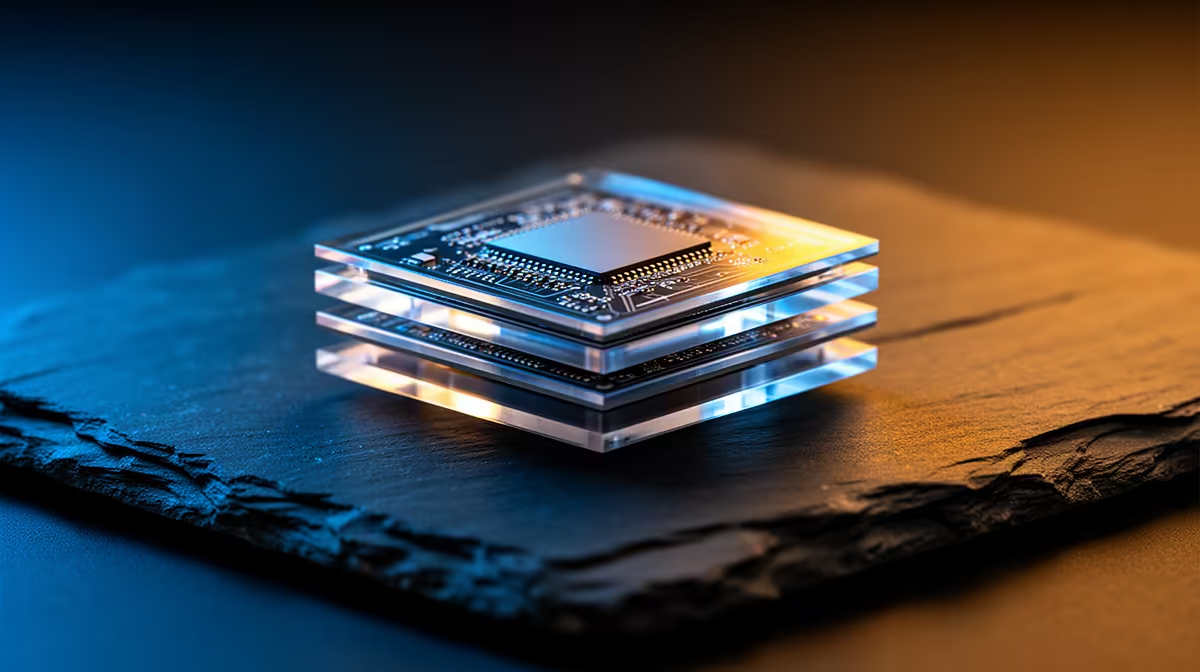
3D NAND stacks cells vertically. More cells in the same footprint can improve performance consistency and, in many product lines, endurance characteristics.
Important: “Endurance” isn’t just about the NAND type. Controller quality, wear levelling, over-provisioning, and firmware maturity matter too. So treat NAND type as a strong signal, not a magic guarantee. ✅
3D NAND vs Traditional NAND: Reliability and Endurance in Real Buying Terms
When you’re choosing an SSD for gaming, consider your workload:
- Heavy installs + frequent updates (new AAA titles, texture packs, shader caches)
- Recording and streaming (writes can spike during scene changes)
- OS + game library on one drive (your “home base”)
A drive designed for endurance is less likely to degrade quickly under constant small writes.
What to look for on the box (and in the listing)
Before you buy, check:
- Form factor (M.2 vs 2.5-inch)
- Interface generation (Gen 4 vs Gen 5)
- Manufacturer warranty and the drive’s intended use class
If you’re building or upgrading in 2026, don’t ignore platform compatibility. That’s where most “it’s not working” stories start.
Productivity Pro Tip ✨
It's worth matching your SSD form factor to your motherboard before you buy. If you’re using an M.2 slot, check whether it supports the exact key type (like M-key) and whether your BIOS is set up for the NVMe interface. A quick compatibility check saves you from returning a drive and losing time.
3D NAND vs Traditional NAND: Reliability and Endurance for Gaming Storage Picks (Evetech)
Want to browse drives without second-guessing every spec? Evetech makes it easy to compare solid-state drives by brand, interface generation, and form factor. 🚀
Start broad with this solid-state drive selection: Buy solid-state drives
Prefer a known brand? Try: Browse ADATA solid-state drives
Or if you’re loyal to another lineup: Browse Kingston solid-state drives
If your build uses an M.2 slot: Filter by M.2 2280
And if you’re chasing maximum throughput for newer rigs: Filter by Gen 5 (NVM…)
Ready to choose with confidence (not guesswork)
Here’s the practical rule most South African buyers will feel:
- If you want a drive that’s more likely to hold up under frequent writes, 3D NAND vs Traditional NAND: Reliability and Endurance usually points you toward newer 3D designs.
- If you’re mostly gaming with typical OS use, you can focus on warranty, controller quality, and capacity balance too.
If you’re upgrading this month, don’t rush. Pick your form factor first, then narrow by interface, then decide on the endurance profile.
Ready to Find Your Perfect Match? The Mac vs Windows debate is complex, but for maximum power, choice, and value in South Africa, Windows is hard to beat. Explore our massive range of laptop specials and find the perfect machine to conquer your world.











