4000Hz polling rate: Do you need it for 240Hz monitors?
4000Hz polling rate explained for 240Hz monitors: learn real-world benefits, input lag impact, and whether higher polling helps gamers and pros 🎯🖱️
The Truth About Polling Rates and Refresh Rates
Every millisecond counts when you're holding a site in CS2 or Valorant. You might have a beastly rig, but does upgrading to a 4000Hz polling rate mouse actually make a difference if you’re "only" rocking a 240Hz screen? The short answer is yes… but there’s a catch involving your CPU and battery life. Let’s cut through the marketing hype and look at the data. 🚀
What is 4000Hz Polling, Anyway?
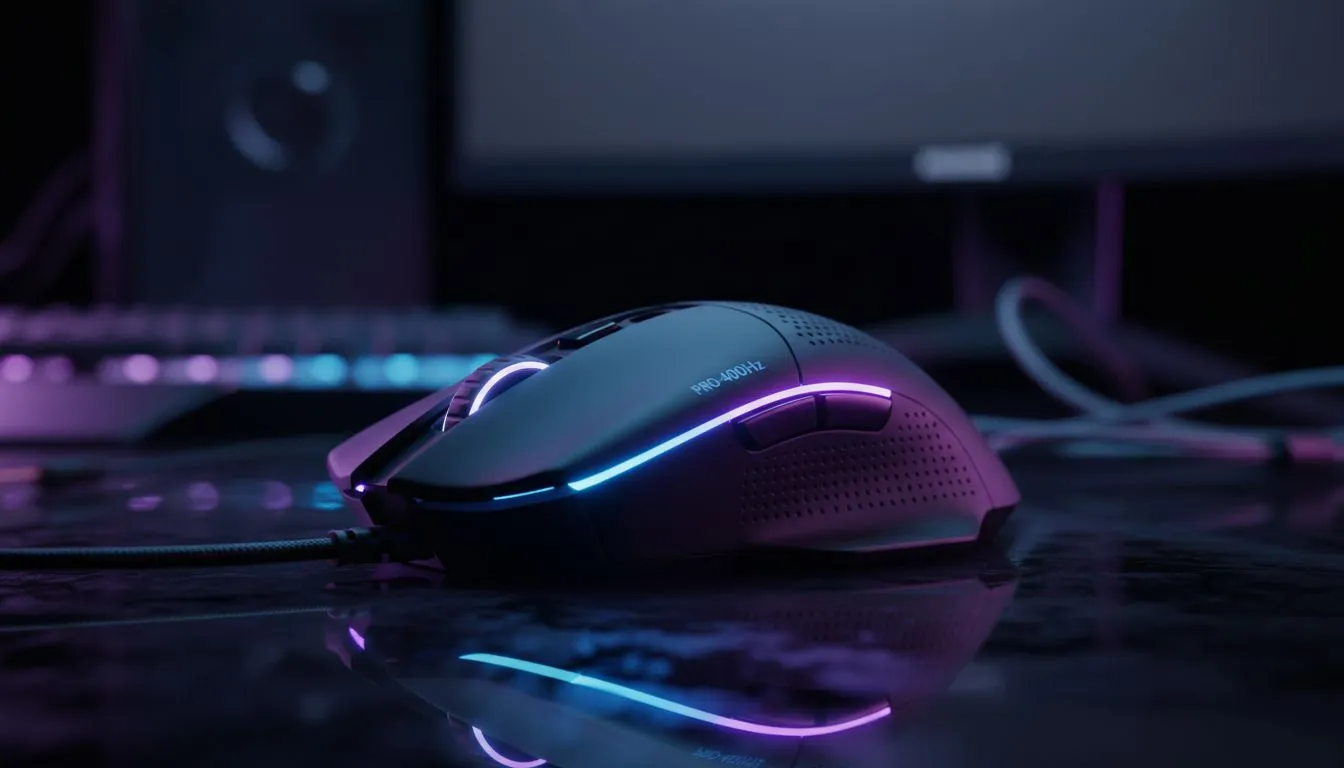
In simple terms, polling rate is how often your mouse reports its position to your computer. The industry standard has been 1000Hz (1ms) for years. A 4000Hz polling rate sends data every 0.25ms. That is four times faster.
When you are browsing for a new gaming mouse, you will see these high-spec sensors touted as the ultimate competitive edge. But does that speed translate to the screen if your monitor isn't refreshing that fast?
The Sync Between Mouse and Monitor
Here is where the confusion sets in. If you have one of the high-end PC monitors running at 240Hz, your screen refreshes a new image roughly every 4.17ms.
Even though the monitor is "slower" than the mouse, a higher polling rate reduces the age of the input data the monitor receives. When the screen is ready to draw a frame, a 4000Hz mouse provides cursor data that is, at most, 0.25ms old. A standard mouse could be providing data up to 1ms old.
This results in:
- Smoother micro-adjustments: Tracking feels more "liquid."
- Reduced click latency: Your shots register slightly faster.
- Less jitter: High polling averages out sensor noise better.
The Hidden Costs: CPU and Battery
Before you rush out to upgrade, remember that processing 4,000 reports per second takes a toll. It hits your CPU harder. If you are playing on an older processor, you might actually lose FPS, which defeats the purpose.
Furthermore, high polling rates drain mouse batteries rapidly. While you might be hunting for the cheapest gaming keyboard in South Africa to save cash, don't skimp on your mouse budget if you want 4K tech; you need a model with a robust battery and a top-tier sensor to handle the workload.
TIP FOR YOU
Optimisation Alert ⚡
If you switch to a 4000Hz mouse, ensure your Windows power plan is set to 'High Performance'. Additionally, some games require you to enable 'Raw Input' in the settings to handle the influx of data without causing stuttering.
The Ecosystem Effect
Competitive gaming isn't just about the mouse. It is about the total system latency.
- Storage: Fast load times from NVMe solid state drives ensure assets are ready instantly, preventing system hitches that feel like lag.
- Audio: Visuals are half the battle. High-quality headphone headsets allow you to hear footsteps before you see the enemy, compensating for any visual delay.
- Comms: If you are playing ranked, clear communication via dedicated microphones often wins more rounds than raw reflex speed.
Who is this really for?
If you are a casual gamer who prefers gaming controllers for titles like FIFA or Elden Ring, a 4000Hz mouse is overkill. You won't feel the benefit.
However, if you are building a setup with streaming essentials to broadcast high-level gameplay, that extra responsiveness can make your aim look snappier on stream. Just ensure your streaming PC can handle the encoding load alongside the high polling input.
Final Verdict
Do you need it for 240Hz? No. Will it feel better? Yes. ✨
If you have the budget and a modern CPU, 4000Hz offers a tangible improvement in smoothness and motion clarity, even on 240Hz panels. It is the cherry on top of a high-performance build.
Ready to Dominate the Leaderboard? Whether you need the precision of a 4K polling mouse or the raw speed of a 240Hz monitor, we have the gear to elevate your game. Explore our massive range of gaming peripherals and build your ultimate loadout today.
A 4000Hz polling rate can cut sampling latency, but perceptible gains on a 240Hz monitor are small for most users; pro players may notice subtle improvements.
Not usually. Most competitive players gain more from frame stability, sensor quality, and frame rates than from switching to 4000Hz on a 240Hz monitor.
Yes, 4000Hz lowers the sampling interval versus 1000Hz, producing millisecond-level gains. Real-world impact depends on FPS, game, and system.
If your GPU can't sustain near-240 FPS, extra polling yields little. Monitor refresh and frame timing typically limit perceived benefit on a 240Hz monitor.
Only some mice and firmwares support 4000Hz. It's safe if supported, but may raise CPU/USB interrupts and affect wireless battery life.
Run high-FPS benchmarks, compare 1000Hz vs 4000Hz, measure input lag with tools, and monitor CPU/USB load and in-game feel for stability.
Higher polling can increase CPU usage, USB bandwidth, and instability on older systems. Wireless mice may see reduced battery life at 4000Hz.
Related Articles