

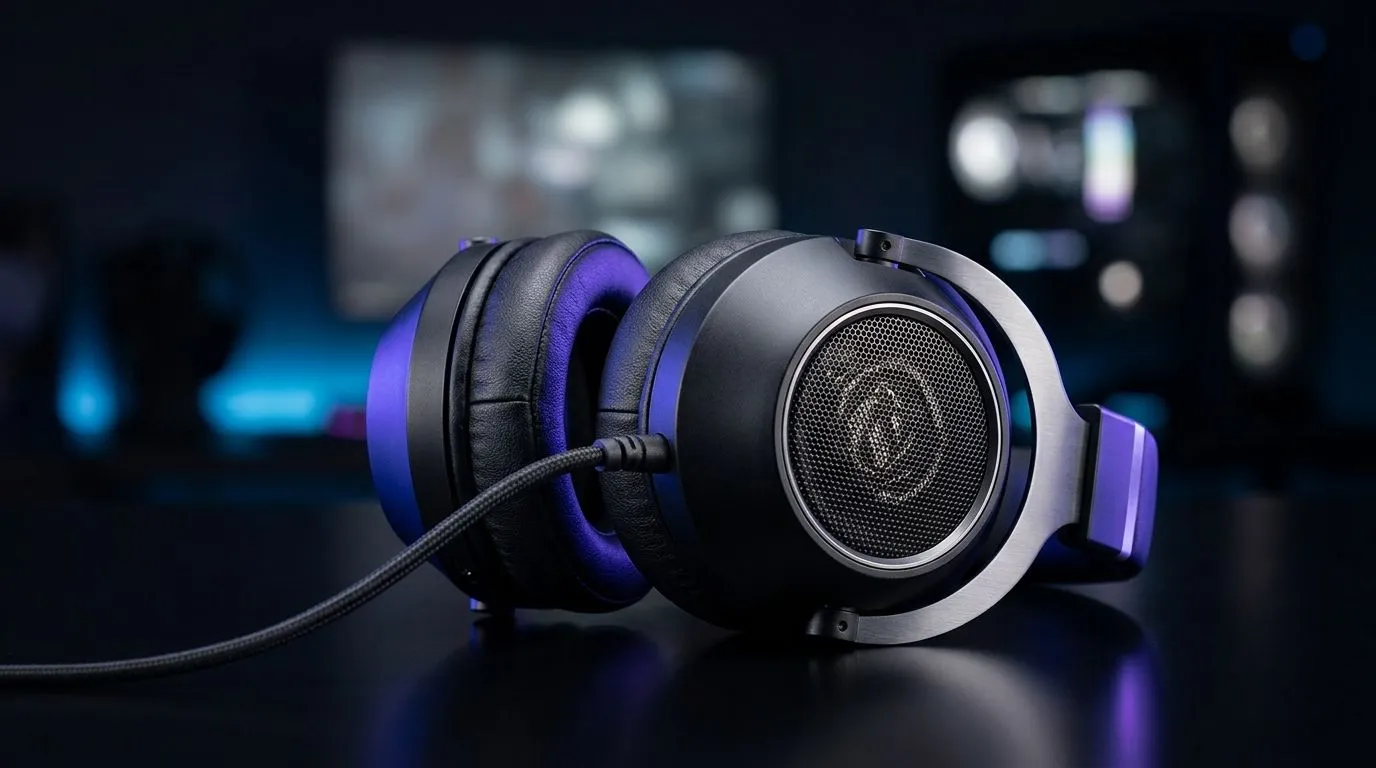
Understanding 40mm Directional Drivers for Gaming Audio
Gamers in South Africa know that crisp, clear audio can be the difference between a clutch win and a frustrating loss. That’s why mastering your 40mm directional drivers EQ settings for gaming audio is essential. These drivers shape how you hear footsteps, gunfire, and environmental cues in-game, giving you that edge without breaking your budget or mixing up your sound. 🎧
Directional drivers essentially focus audio in a way that enhances spatial awareness — crucial for competitive PC and console players alike.
Why EQ Settings Matter for 40mm Directional Drivers
Adjusting the equaliser (EQ) settings fine-tunes your gaming audio to prioritise sounds that matter most. With 40mm drivers, you want to boost mid to high frequencies to catch footsteps and reload sounds more clearly while keeping bass balanced—not overpowering. This stops explosions drowning out subtle cues.
South African gamers often overlook how these tweaks impact clarity and immersion. For example: A subtle increase around 3–5 kHz can highlight enemy movements, making it easier to react fast in titles like Rainbow Six Siege or Call of Duty. 🚀 Studies show tailored EQ can improve reaction times by sharpening auditory focus.
Because your headset’s hardware limits what sound it can produce, optimal software EQ settings complement drivers perfectly, ensuring sounds don't blur together, even in sound-heavy scenes.
Practical EQ Settings to Optimise Your 40mm Directional Drivers
Start with a flat profile, then:
- Raise frequencies around 3,500 Hz by 3–4 dB to amplify footsteps.
- Slightly reduce 100–300 Hz to avoid bass bleeding.
- Boost 8,000 Hz subtly for clearer gunfire crackle.
If your audio software allows presets, save these settings for quick adjustments between games. Remember — results vary depending on headphones and game sound design.
Need a new gaming mouse to match your audio precision? Check out the sleek collection of wired gaming mice at Evetech to complete your setup with pinpoint control. ⚡
Pairing Audio with Responsive Hardware for a Full Experience
Sound is only one half of the equation; responsive gear completes the immersive loop. South African gamers often combine audio tweaks with hardware upgrades that improve reaction speed — like wireless options to cut cable drag or high-DPI mice for precise aiming.
Explore our top wireless mouse deals and upgrade your arsenal without breaking the Rand ceiling. The right mouse can amplify your performance, just like perfecting your EQ setup. ✨
For those who prefer tactile feedback and zero input lag, check out Evetech’s mouse accessories to customise buttons and grips tailored to your playstyle.
Expert Insights on EQ and Gaming Gear in South Africa
We chatted with South African esports players who swear by carefully crafted EQ profiles for 40mm drivers. Their secret? Iterative testing across different titles, matched with hardware that feels like an extension of their hands.
Beyond settings, consistent audio calibration prevents ear fatigue, keeps soundstage clarity on point, and makes long sessions enjoyable. Mixing these EQ settings with ergonomic gaming mice, such as those from our gaming mouse components range, ensures your rig is as balanced as your in-game audio.
Pro Tip for Audio Precision
When adjusting EQ, keep volume moderate and switch between stereo and surround modes in your game for the best directional feedback. It’s small changes like these that turn good audio into tactical advantage.
Upgrade Your Gaming Setup Today Enhance every shot and sound with finely tuned gear and perfect EQ settings. Shop now at Evetech for performance that leaves lag in the dust.











