

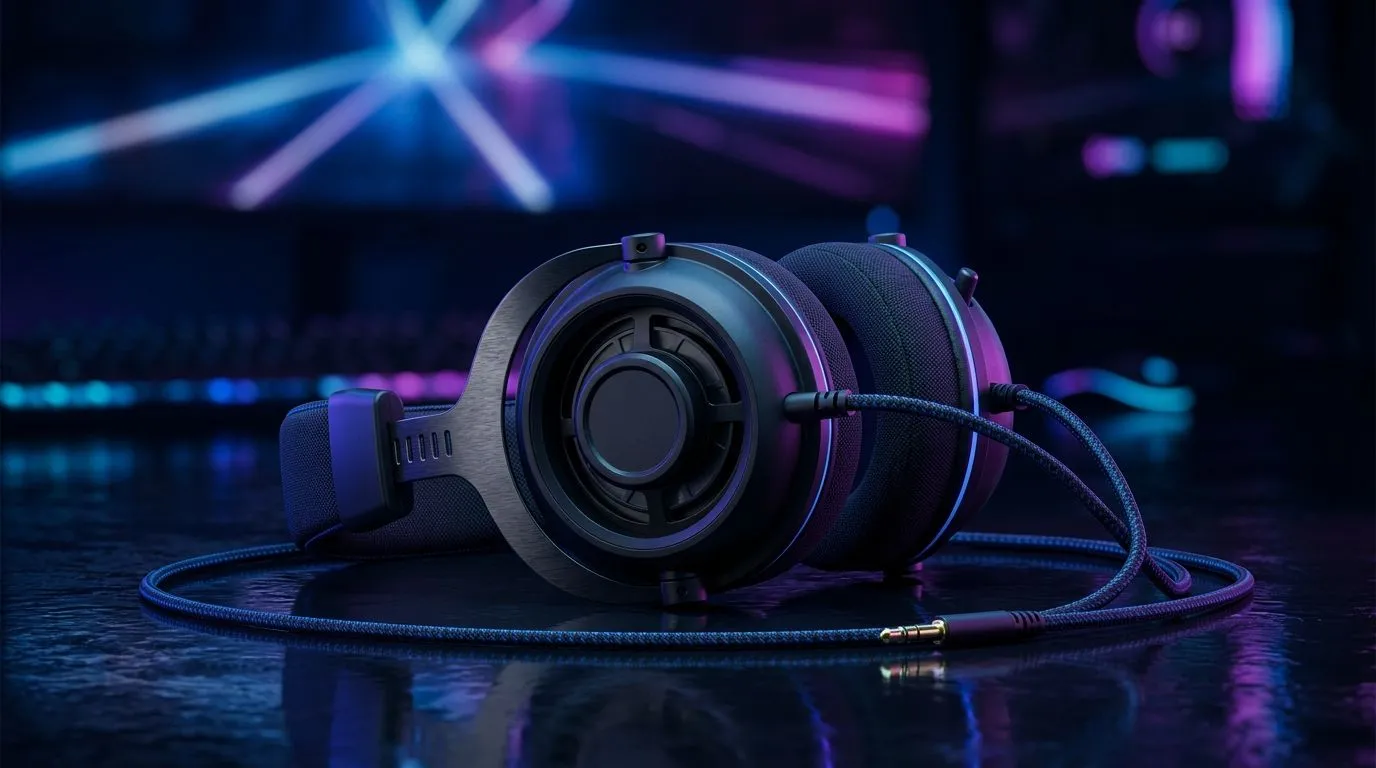
40mm Driver Audio Settings for Competitive Gaming: Get Clarity, Not Just Volume
South African gamers know the feeling… you crank the headset, but footsteps still blur into the mix. Competitive shooters reward precision: where the enemy is, what weapon they’re using, and whether that “almost” sound is a reload or a slide. With 40mm driver headphones, small EQ changes can make a big difference. 🔧
In this Deep Dives guide, we’ll dial in practical 40mm Driver Audio Settings for Competitive Gaming using easy, repeatable steps. You’ll also learn what to avoid so you don’t accidentally kill the cues you need.
40mm Driver Audio Settings for Competitive Gaming: Start With Room + Volume Discipline
Before EQ, set your baseline. Your ears adapt fast, and loud settings make detail disappear. Keep volume at a level where you can hear gunfire clearly without strain.
Set a “match” volume
- Play one familiar track and one in-game sound (like footsteps).
- Adjust volume until speech-like mids are comfortable.
- Only then touch EQ. ⚡
Why this matters: most 40mm driver headsets have different tuning curves. EQ works best when you’re not already clipping or overemphasising bass.
40mm Driver Audio Settings for Competitive Gaming: EQ Curves That Help Footsteps and TTK Clarity
Here’s a reliable starting point for many 40mm driver models. Use a 3-band or parametric EQ if your software supports it, otherwise use an EQ preset.
Suggested EQ targets (starting template)
- 60–100 Hz: -2 to -4 dB (reduce mud)
- 250–500 Hz: -1 to -2 dB (clean voices/footstep body)
- 1.5–3 kHz: +2 to +4 dB (improve presence and attack)
- 6–9 kHz: +1 to +3 dB (extra detail, helps detect direction)
- 10–16 kHz: 0 to +2 dB (optional air, don’t overdo)
If your headset software includes “Bass Boost” or “Loudness”, turn them off first. They often compress the mix and smear transient detail.
Pro Tip for Competitive Sound 🎯
you test EQ, don’t use a single sound. Use a repeatable loop: 10 seconds of footsteps, 10 seconds of reloads, then one burst of gunfire. After each EQ change, compare quickly and stop. Your brain learns patterns faster than you think, and quick A B tests prevent “wishful hearing” from tricking you.
40mm Driver Audio Settings for Competitive Gaming: Smart Mic Monitoring and Spatial Modes
Some headsets mix “spatial” audio with EQ. Spatial can help in titles that support it, but it can also exaggerate highs. If directional cues get harsh or fatiguing, reduce the “spatial” intensity or disable it for ranked games.
If you’re shopping for tuning that’s easy to control, start by choosing a headset with solid EQ software support. The Evetech range includes models built for gamers, like the Razer Barracuda X Chroma Wireless line. Check current options here:
- https://www.evetech.co.za/razer-barracuda-x-chroma-wireless-headset-phantom-white/best-deal/24367 And browse the wider headset selection:
- https://www.evetech.co.za/components/headphone-headsets-100 If you want more variety, use this category page too:
- https://www.evetech.co.za/PC-Components/razer-headphones-headsets-105
40mm Driver Audio Settings for Competitive Gaming: Match Your EQ to Your Game
Not all games reward the same curve. Try these quick adjustments:
- Arena shooters (fast footsteps): keep 1.5–3 kHz slightly up, reduce 60–100 Hz.
- Tac shooters (long gunfights): reduce 6–9 kHz if you get harshness, keep presence stable.
- Chat heavy games: don’t overboost highs. You want mids to stay readable.
Also remember: your audio chain matters. If your PC runs other enhancements (like Windows audio effects), disable them one-by-one while you tune.
40mm Driver Audio Settings for Competitive Gaming: What to Change First (When You Feel “Off”)
If your mix feels wrong, follow this order:
- Lower bass/mud (60–100 Hz)
- Raise presence (1.5–3 kHz)
- Adjust highs only after step 2
- Re-check volume discipline
Do that, and your 40mm drivers will stop “hiding” the important details.
Ready to Find Your Perfect Match? The Mac vs Windows debate is complex, but for maximum power, choice, and value in South Africa, Windows is hard to beat. Explore our massive range of laptop specials and find the perfect machine to conquer your world.











