

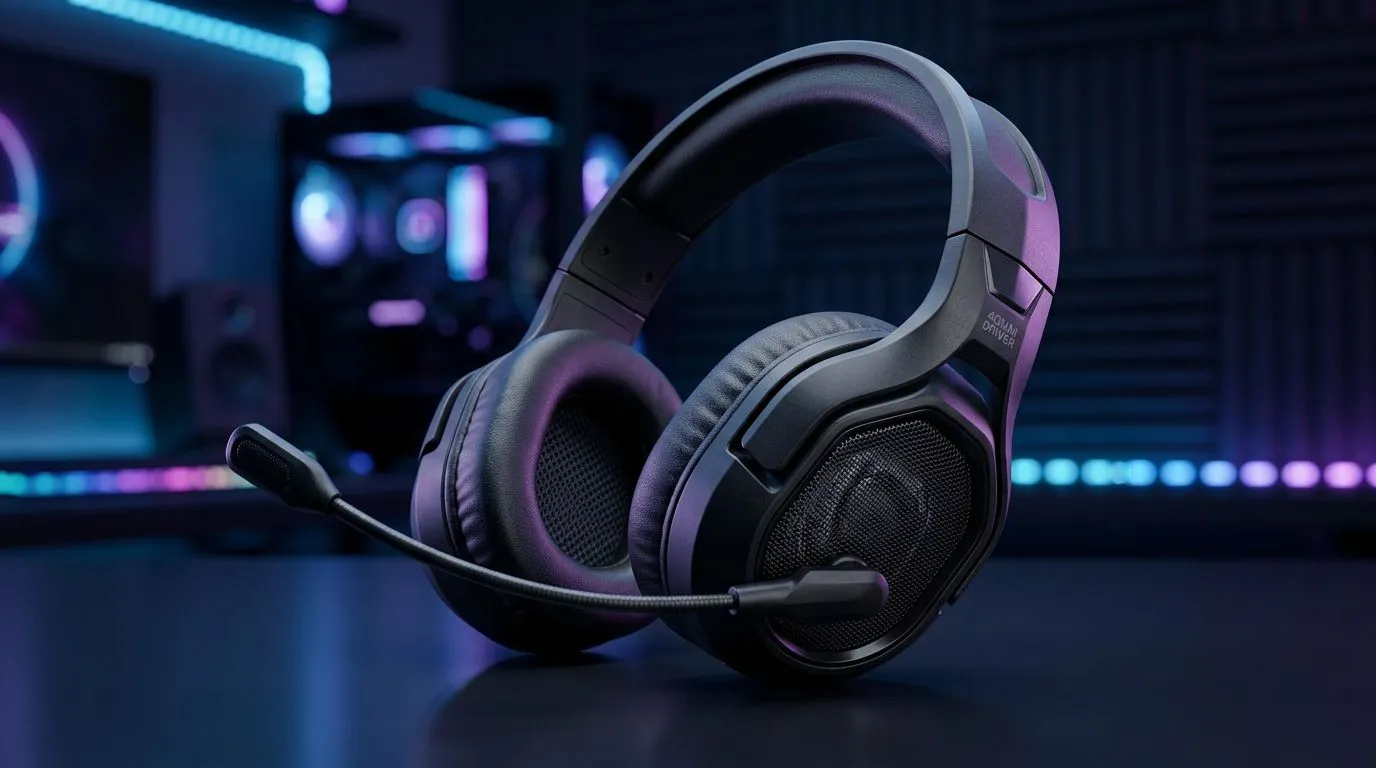
40mm Drivers EQ Settings for Better Budget Gaming Audio: Start with what you’re hearing
South African gamers know the struggle… you want clear footsteps and punchy explosions, but you don’t want to spend R5k+ every time audio gear goes “meh”. If your headset sounds muddy or harsh on a budget, the fix is often already inside your audio settings. With the right EQ on 40mm drivers, you can stretch detail, tighten bass, and make comms easier on voice chat. 🎧
Let’s dial this in properly, without turning your ears into a science experiment.
40mm Drivers EQ Settings for Better Budget Gaming Audio: The practical 5-band EQ that works
Most 40mm driver budget headsets suffer from the same pattern: boomy low-end, slightly recessed mids, and sometimes sharp treble. The goal is balance, not “more bass”. 🔧
Use these starting points (then adjust by 1–2 steps):
- 31 Hz (sub-bass): -2 to -4
- 62 Hz (bass body): -1 to -3
- 125 Hz (warmth): -1
- 250 Hz (mud zone): -2
- 500 Hz to 1 kHz (mids): +1 to +2
- 2 kHz (presence): +1
- 4 kHz (clarity): +1
- 8 kHz (air/treble): -1 to +1 (only if it’s not sibilant)
Why this helps: footsteps and weapon detail usually live in the presence region (roughly 2 kHz to 6 kHz). Cutting mud (around 250 Hz to 500 Hz) cleans up the soundstage without killing impact.
If your headset comes with software EQ presets, pick one close to “FPS” or “Headphones” and then apply the band tweaks above.
40mm Drivers EQ Settings for Better Budget Gaming Audio: Quick tune for popular games
- Valorant / CS2: reduce 250–500 Hz by another -1; add +1 at 4 kHz.
- Apex Legends: keep bass slightly negative; add presence +1 for hearing pings and movement.
- Fortnite: small treble boost helps build sounds, but avoid +2 at 8 kHz if it gets sharp.
If you’re unsure, do this: change one slider at a time, test 30 seconds, then stop. Your ears adjust quickly when you don’t chase perfection.
Productivity Pro Tip ⚡
On Windows, use the built-in Equalizer (or your headset’s companion app) and save separate audio profiles for “FPS”, “Music”, and “Voice Chat”. This stops you from gaming with the EQ you tuned for Spotify… and it helps your brain switch faster between tasks.
40mm Drivers EQ Settings for Better Budget Gaming Audio: Match EQ to your headset (and budget)
Not all 40mm drivers sound the same. Even within the same price class, tuning differs based on the earcup design and driver tuning. That’s why your EQ should react to your headset’s default character.
If you want a clean place to start, browse Evetech’s 40mm-focused headphone line-up and compare what’s available in your range:
- Razer Barracuda X Chroma Wireless (Phantom White): Razer Barracuda X Chroma Wireless deal
- Full Razer headphones and headsets range: Razer headphones headsets category
- Broader headphone and headset options (pick your budget): Headphone and headset range
Here’s the micro-story most South Africans relate to: you finally get a decent headset, load up a match, and the audio is… loud, but not helpful. The EQ fix is usually less dramatic than buying new gear. You just need the mud gone and the presence up.
40mm Drivers EQ Settings for Better Budget Gaming Audio: Final checklist before you commit
- Test at low-to-medium volume first. If it sounds bad quietly, it’ll sound worse loud.
- Avoid boosting both bass and treble heavily. That’s when distortion and fatigue kick in.
- For voice chat: slightly reduce 250–500 Hz and boost 2 kHz by +1.
- If sibilance (harsh “s” sounds): lower 8 kHz by -1.
Ready to tune? Do it in one session. Your best EQ is the one you can repeat.
Ready to Find Your Perfect Match? Your audio deserves the right hardware to back up your EQ tweaks. Browse Evetech’s gaming headset and headphone options, compare deals, and build a setup that fits your budget in South Africa. Explore our massive range of laptop specials and find the perfect machine to pair with your next upgrade.











