

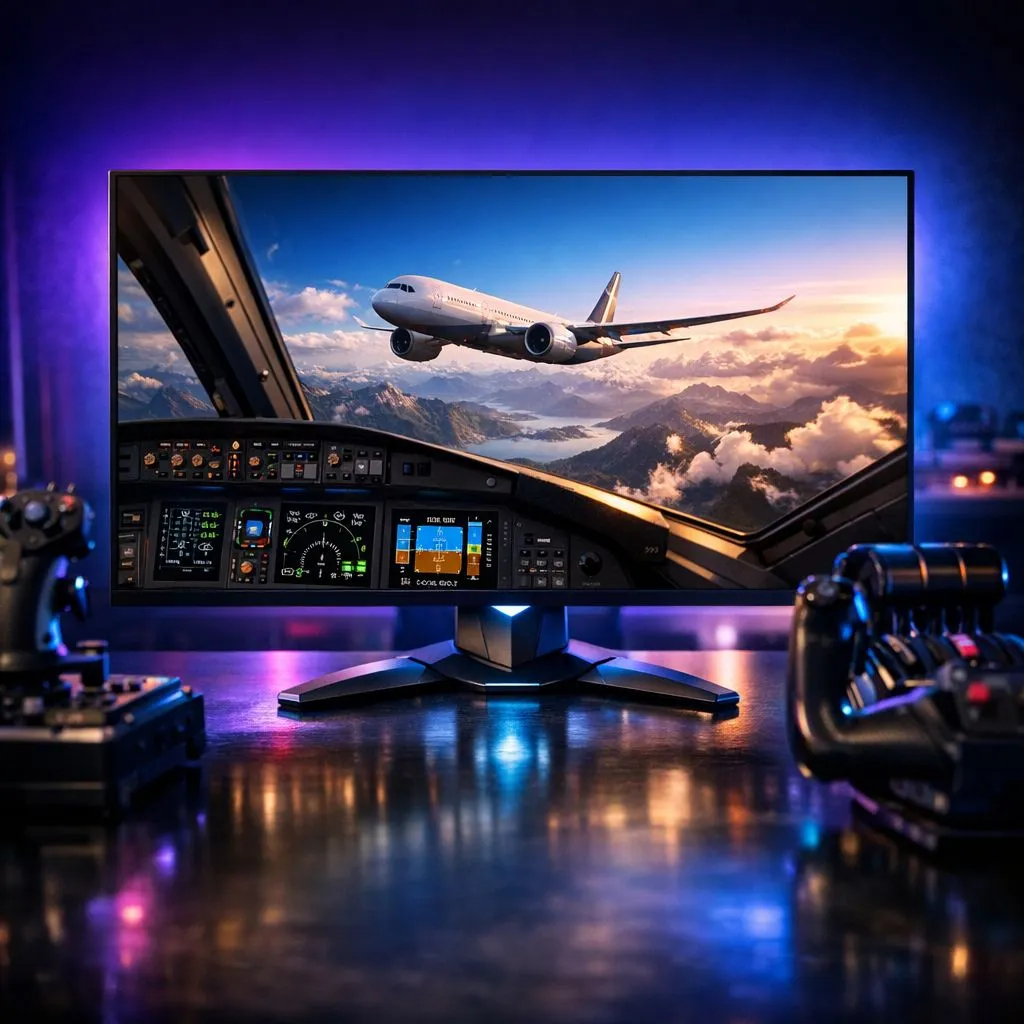
Ever banked a Cessna over Table Mountain in Microsoft Flight Simulator and felt like the textures were just a bit... soft? If you are chasing that "as real as it gets" feeling, upgrading to a 4K 120Hz monitor might be the single biggest leap you can take. It is about more than just pixels; it is about the clarity of your instruments and the smoothness of the horizon. ✈️
The Visual Fidelity of a 4K 120Hz Monitor in MSFS
When you are cruising at 30,000 feet, the difference between 1440p and 4K is night and day. In a flight simulator, you spend a lot of time looking at small dials and digital readouts. On standard displays, these can become a blurry mess, forcing you to zoom in constantly. By browsing the latest 5K and 4K monitors, you gain the pixel density required to read your altimeter and GPS without leaning into your desk.
But why the 120Hz? While MSFS is notoriously heavy on the CPU, having a high refresh rate ensures that when your hardware does push those frames, the transition is buttery smooth. If you look at all gaming monitors currently available, the shift toward 120Hz and 144Hz at 4K resolution has become the gold standard for enthusiasts who refuse to compromise on visual fluidity.
Enhancing Immersion with the Right Screen Shape
Immersion is the name of the game in flight simulation. A flat screen is great, but the way the human eye perceives peripheral vision often makes curved monitors a superior choice for pilots. The gentle arc wraps the cockpit around you, making those landing approaches in Cape Town feel much more atmospheric.
Flight Sim Clarity Tip ✈️
To get the most out of your 4K setup, ensure you enable DLSS or FSR in the MSFS settings. This allows you to render the game at a slightly lower resolution while using AI to upscale it to 4K, giving you that crisp 120Hz feel without needing a NASA-grade supercomputer. It is the best way to keep your frame times consistent during heavy weather or busy airport traffic.
Practical Gear for the Virtual Cockpit
Setting up a proper flight rig in South Africa can be an investment, so finding the best PC monitor deals is essential for staying within budget. Often, gamers focus solely on the primary screen, but many pro flyers use a portable monitor as a dedicated instrument panel or for displaying navigation charts from Navigraph.
Standard PC monitors are excellent for general use, but for MSFS, you want something with high peak brightness to make the sunlight reflecting off the wing look genuine. To keep your desk tidy and your screens at eye level, investing in quality monitor accessories like gas-spring arms can make a massive difference in ergonomic comfort during those long-haul flights from OR Tambo to London. 🔧
Is it worth it? If you value seeing the world in its full glory and want your cockpit to feel like a physical space rather than a flat image... the answer is a resounding yes. 🚀
Ready to Find Your Perfect Match? The 4K 120Hz debate is over... for the ultimate MSFS immersion, the extra pixels and speed are essential. Explore our massive range of monitor specials and find the perfect machine to conquer your world.











