

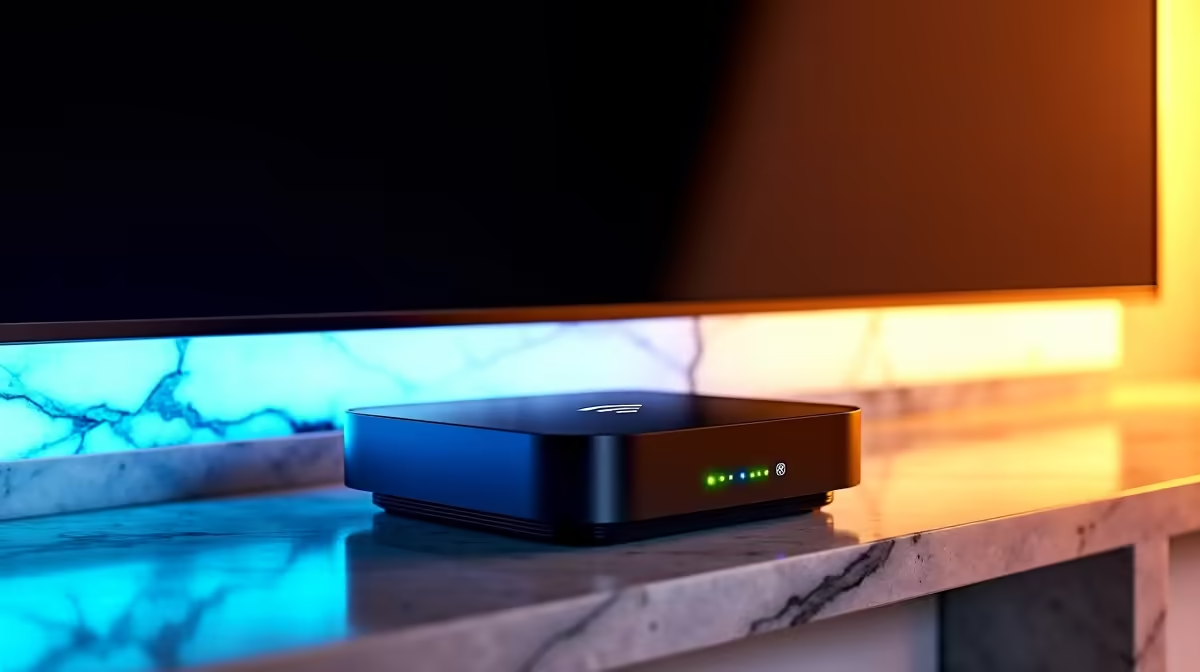
There's nothing more frustrating. You've settled into bed, ready to binge the latest season of The Boys or a Showmax Original, and then it hits you… the dreaded buffering wheel. 📺 Your Wi-Fi signal, strong in the lounge, just can't handle the distance. Before you start rearranging your entire house, know this: a simple, well-placed Wi-Fi extender can solve this for good, delivering smooth 4K streams directly to your chill zone.
Why Your Wi-Fi Dies Before the Bedroom
Ever wonder why your connection drops off a cliff the further you get from your router? It's not just you; it's physics. Wi-Fi signals are radio waves, and they get weaker as they travel through walls, floors, and even furniture. Thick brick walls, common in many South African homes, are notorious signal killers. Add interference from other electronics like microwaves or your neighbour's network, and you've got a recipe for a digital dead zone.
Understanding these basics is the first step to optimising your home network. Sometimes, a small adjustment can make a big difference, but for stubborn dead spots, you need a dedicated solution. For a complete overview of what's possible, you can explore our full range of wireless networking gear.
Finding the Best Wi-Fi Boosters for 4K Streaming
Not all Wi-Fi boosters are created equal, especially when crisp 4K video is your goal. Streaming Ultra HD content demands a stable and fast connection, so you need to look for specific features. Forget old, slow extenders; you need modern 4K streaming Wi-Fi extenders built for the job.
Here’s what to look for:
- Wi-Fi Standard: Aim for at least Wi-Fi 5 (802.11ac) or, for future-proofing, Wi-Fi 6 (802.11ax). These standards are designed to handle more data efficiently, which is crucial for 4K.
- Dual-Band Support: A dual-band extender operates on both 2.4GHz and 5GHz frequencies. This allows it to receive data from your router on one band and broadcast a new signal on the other, cutting down on lag and maintaining speed.
- Throughput Speed: Look at the Mbps (megabits per second) rating. For smooth 4K, you'll want something that can comfortably handle speeds well above the 25-50 Mbps typically recommended by streaming services.
A reliable booster for bedroom streaming doesn't have to cost a fortune, but investing in one with these features ensures a buffer-free experience. 🚀
Pro Placement Tip
Don't place your Wi-Fi extender in the dead zone itself! It needs to receive a decent signal to extend it. For best results, position the extender roughly halfway between your main router and the area with weak Wi-Fi. This gives it a strong signal to amplify and rebroadcast.
Is a Wi-Fi Extender Always the Right Move?
While 4K streaming Wi-Fi extenders are fantastic for solving specific dead zones, they aren't the only tool in the box. It’s worth considering your home's unique layout and your main online activities.
For example, if your entire home suffers from poor coverage, upgrading to a powerful, new wireless router might be a more effective central solution. These modern routers offer better range and technology like beamforming, which directs the signal towards your devices.
Alternatively, if your primary concern is a desktop gaming PC in another room, a high-gain wireless adapter can pull in a much stronger signal than the PC's built-in Wi-Fi, often providing a more stable connection for competitive gaming where every millisecond counts. Assess your main problem first, then choose the right hardware for the job. ✨
End Buffering for Good Stop letting weak Wi-Fi ruin your downtime. Find the perfect wireless range extender at Evetech and get the powerful, reliable signal you need for flawless 4K streaming in any room.











