

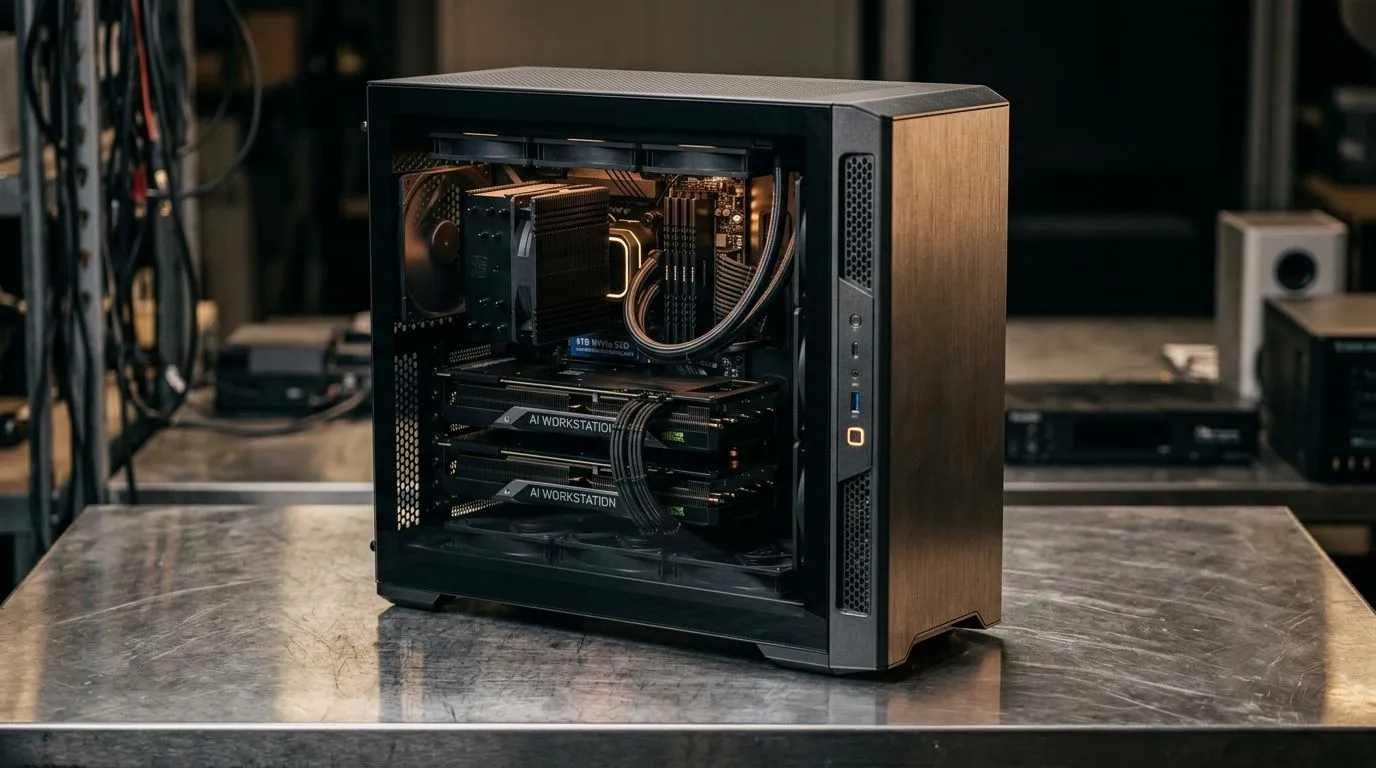
4TB NVMe AI Workstation Uses for South African Developers: why it matters in 2026
If you’re building apps, training models, or shipping game tools in South Africa, waiting on storage is a real tax. You feel it every time a project reloads… and every time your dataset won’t fit. A 4TB NVMe AI workstation is how developers cut those delays, keep more assets local, and move faster even when bandwidth is expensive or unreliable. 🔧
In this Deep Dives guide, we’ll cover 4TB NVMe AI workstation uses that actually show up in daily work, plus how to design a workstation around them.
1) Faster local AI experiments with datasets that stay on your NVMe
Most AI workflows aren’t limited by “compute” alone. They’re limited by how quickly you can read and write data. With a 4TB NVMe drive, you can keep datasets, vector databases, and training caches on a local SSD instead of repeatedly pulling from slower storage.
A practical example: you might download a dataset once, then run multiple experiments over a week. If your cache and preprocessing outputs stay on NVMe, each run starts quicker and wastes less time re-generating files.
2) Huge code and asset libraries for game dev pipelines
South African game dev teams often juggle source control, texture packs, audio libraries, build artifacts, and tool outputs. That’s a lot of read/write activity.
A 4TB NVMe helps when you:
- Keep your game workspace on fast storage
- Store build caches
- Run multiple engines or toolchains from the same machine
If you’re also using AI tools for texture upscaling, asset tagging, or documentation drafts, keeping those model outputs local reduces friction.
3) Using 4TB NVMe to speed up video, logs, and training outputs
Training runs and post-processing can dump massive files. Logs, checkpoints, exported datasets, and intermediate results add up fast. With 4TB NVMe, you can avoid the “drive is full so I must slow down” loop.
This is especially useful for:
- Experiment iterations (where outputs are temporary)
- Evaluation and benchmarking runs
- Re-training when a dataset needs cleaning
Productivity Pro Tip ⚡
Productivity Pro Tip ⚡
On Windows, use the PowerToys FancyZones utility to create custom snap layouts for your windows. It's a lifesaver for managing multiple apps on an ultrawide monitor, letting you organise your timeline, preview window, and asset folders perfectly for video editing.
4) Choosing the right mini workstation setup for your NVMe capacity needs
Not everyone needs a full tower. Many developers in SA prefer compact workstations for clean desks and easy transport to LAN nights or client sites.
If you’re comparing mini PC options that can support high-performance setups, it helps to browse what’s available locally:
- Explore the range of capable mini PCs here: Evetech mini PCs
- Compare broader mini PC options before you decide on storage capacity: More mini PCs at Evetech
- If you’re looking at Minisforum specifically, check this selection: Minisforum mini PCs
And if your workflow favours different builders or form factors:
- Consider Ninkear options for workstation-style builds: Ninkear mini PCs
- Or take a look at MSI for performance-focused configs: MSI mini PCs
What to prioritise when you’re buying your 4TB NVMe AI workstation
Before you click “add to cart”, make sure you’re not just buying storage. Think in terms of bottlenecks:
- NVMe capacity (4TB+) for datasets, caches, and exports
- Sufficient RAM for your workload (so the system doesn’t swap)
- Cooling and power stability, especially for sustained workloads
- Upgrade paths, because AI workloads evolve quickly
If you’re planning to run heavier local models or larger batches, a 4TB NVMe gives you breathing room to keep everything close to the CPU and GPU. 🚀
CALLTOACTION: lock in your workstation now
Ready to Find Your Perfect Match? The Mac vs Windows debate is complex, but for maximum power, choice, and value in South Africa, Windows is hard to beat. Explore our massive range of laptop specials and find the perfect machine to conquer your world.











