

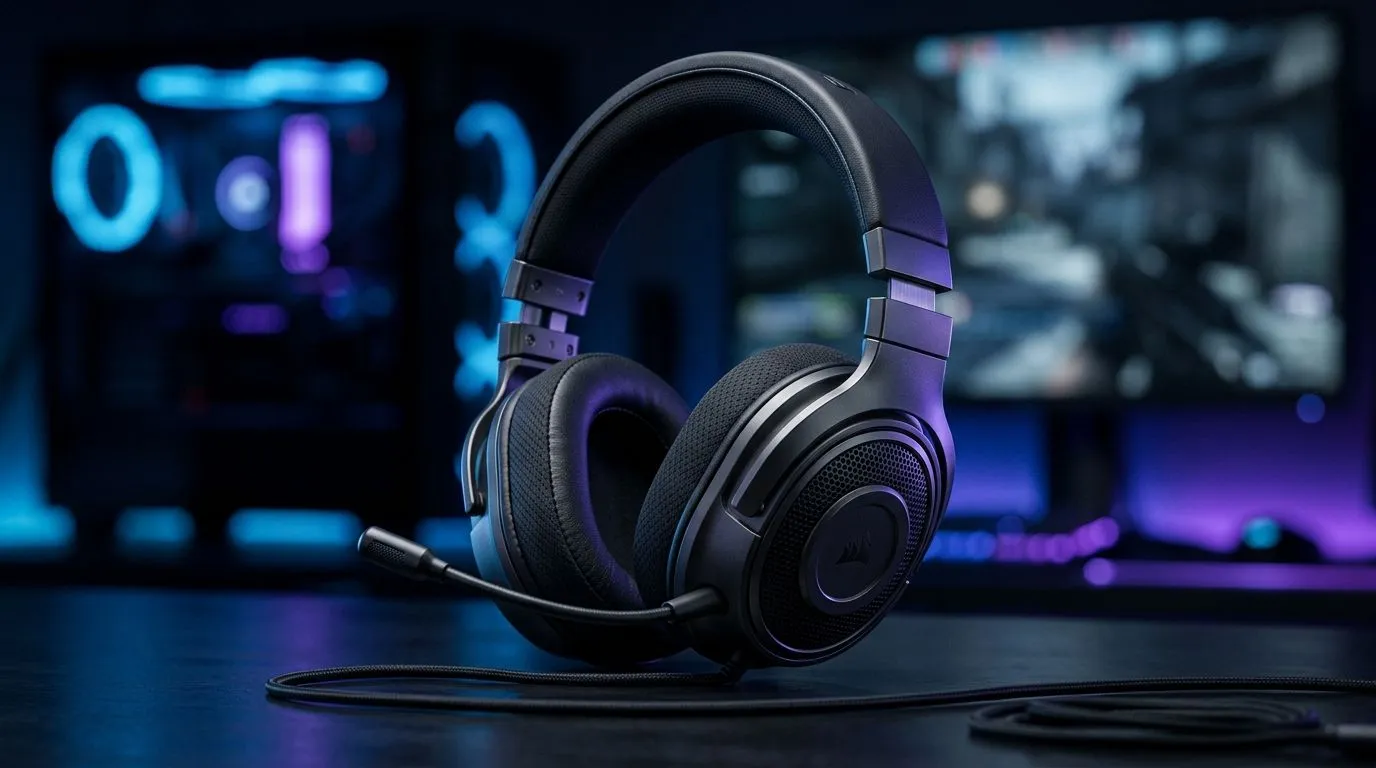
7.1 Surround Sound Headsets for Accurate Positional Audio in FPS: Why South African players notice the difference
If you’ve ever been one step late to the corner, you know positional audio can feel like an unfair advantage. In Tarkov, Warzone, Valorant, and CS2, sound cues help you aim, peek, and react... fast. The tricky part? Not all “surround” claims translate to accurate in-game direction. That’s where 7.1 surround sound headsets for accurate positional audio in FPS come in. Here’s how to pick the right one without burning money. 🎧
7.1 Surround Sound Headsets for Accurate Positional Audio in FPS: What “positional” actually means
Positional audio is all about direction and timing. You should be able to tell whether footsteps are left, right, behind you, or above you, quickly. Real-world factors matter, including driver quality, software processing, and how the headset seals around your ears.
In practice, many “7.1” headsets use virtual surround processing. The better systems improve channel separation and reduce muddiness, so cues stay distinct at higher volumes. If you mainly play competitively, you’ll benefit most from clarity rather than exaggerated bass. 🔧
Wired vs wireless: latency and stability
Wireless is convenient, but latency and packet stability can affect fast reactions. Some players still prefer wired for zero surprises during tense rounds. If you go wireless, make sure the headset supports low-latency modes and reliable connection behaviour (and test it).
7.1 Surround Sound Headsets for Accurate Positional Audio in FPS: Buying checklist that prevents regret
Before you add a headset to cart, scan these quick points:
- Audio mode options: stereo and surround modes should be easy to switch.
- Comfort for long sessions: clamp force and ear padding affect focus.
- Mic quality: ranked comms are half the teamplay.
- Software control: EQ and surround profiles help you tune for your game.
A good way to start is choosing a headset that offers both surround and stereo behaviour, so you can compare in a match. ⚡
A few solid Evetech options to compare
If you want to begin with a trusted, mainstream pick, check out the Razer Barracuda X Chroma Wireless listing here: Explore the Razer Barracuda X Chroma Wireless headset (Phantom White)
For broader selection across models and price points, browse this category page: Shop Razer headphones and headsets at Evetech
Want to narrow it by audio mode and budget? Start with these Evetech category filters: View all headphone headsets (100% audio selection)
If you specifically want devices tagged for 7.1: Shop 7.1 audio headsets at Evetech
And if you’re curious whether stereo might suit you better (cleaner footstep cues for some players): Compare stereo headsets at Evetech
7.1 Surround Sound Headsets for Accurate Positional Audio in FPS: Setup tips that actually improve aim
Even the best headset won’t fix a bad setup. Try this routine after you plug in or connect:
- Set Windows audio correctly: make the headset your default output device.
- Pick one mode per test: don’t mix settings mid-round.
- Use an EQ that doesn’t destroy footsteps: reduce extreme bass if sounds smear.
- Train your ears for 10 minutes: run one custom round and focus only on direction.
Productivity Pro Tip ⚡
On Windows, open the Sound settings and confirm your headset is the default output. Then, run a quick test in-game by switching between Stereo and 7.1 during the same map segment so you can judge direction accuracy, not just volume.
Micro-story: “That one corner” moment
I’ve watched friends buy a flashy headset for “surround”, then struggle because footsteps sounded close, but not pinpoint. The fix was simpler than they expected: turning off over-bassy profiles and comparing Stereo versus 7.1 in the same spots. Suddenly, “left” stopped sounding like “everywhere”. ✨
7.1 Surround Sound Headsets for Accurate Positional Audio in FPS: When to spend more (and when not to)
Spend more if you consistently play competitive FPS and need comfort for long sessions. Don’t overspend if you’re casual, because the biggest gains often come from correct audio mode and EQ.
If you’re building a full setup, remember: the headset is just one piece. A stable system, good mouse control, and calm aim matter too.
CALLTOACTION
Ready to Find Your Perfect Match? If you’re serious about ranked, matching the right headset to your FPS needs can be the difference between guessing and reacting. Browse Evetech’s selection and compare 7.1 vs stereo with confidence. Explore our massive range of laptop specials and pair the right audio gear with a system that keeps your games smooth.











