

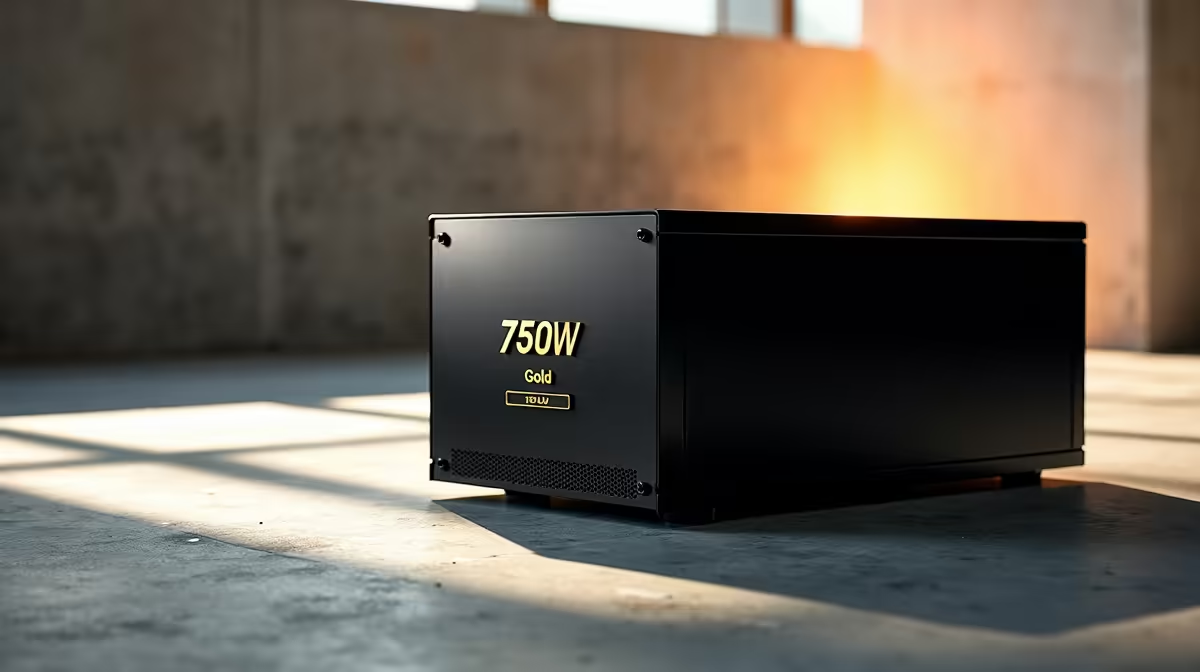
Why 750W Gold is the Sweet Spot ⚡
Building a rig in South Africa means dealing with unpredictable power... A reliable unit is your first line of defence against grid spikes. If you just scored a high-end GPU, a 750W Gold setup and configuration is the sweet spot. This complete tutorial will guide you through installing your new PSU safely. We will help you protect your components while keeping your cable management pristine.
The 80 Plus Gold rating guarantees at least 87% efficiency under a typical load. This translates to less wasted electricity and much lower system temperatures. When you buy latest graphics cards like the RTX 4070, a 750W unit gives you plenty of overhead. You avoid stressing the internal capacitors. This extends the lifespan of your unit and keeps your system perfectly stable during intense competitive gaming sessions. Investing around R2,500 in a quality power supply is the best insurance policy for your expensive hardware.
Pre-Installation Checklist
Before opening your chassis, completely unplug the main power cable from the wall. Press your case power button a few times to drain any residual electrical charge. This step is non-negotiable for your personal safety. Desktop maintenance requires patience and care... unlike the simple plug-and-play nature of notebooks for sale in South Africa. Gather your modular cables, a magnetic Phillips-head screwdriver, and several zip ties. Clear a large workspace on a non-conductive surface to optimise your building environment.
Step-by-Step 750W Gold Setup and Configuration 🔧
Start by sliding the power supply into the bottom shroud of your PC case. Ensure the cooling fan faces downwards if your case features bottom ventilation grills. This allows the unit to pull in fresh, cool air. Secure the unit tightly with the four provided chassis screws.
Next, select and connect your modular cables. Only plug in exactly what your system requires. You will definitely need the thick 24-pin motherboard cable and the 8-pin EPS CPU power cable. If you prefer to skip this manual labour entirely, you can always explore our premium pre-built PC deals where our technicians handle all the complex wiring for you.
Cable Management Pro Tip ✨
Route your 8-pin CPU cable before installing your motherboard if your case is small. Trying to squeeze your fingers into the top-left corner of a cramped case later is an absolute nightmare. Tie down your cables in stages rather than all at once.
Final Routing and System Checks 🚀
Route your PCIe power cables directly to your graphics card. Use two separate cables instead of daisy-chaining them if your GPU requires dual 8-pin connectors. This ensures stable power delivery without melting any wires. Once everything is plugged in, firmly double-check all connections. A slightly loose 24-pin cable can prevent your system from booting entirely.
Building your own machine is incredibly rewarding. However, if you want top-tier performance without the DIY stress, checking out the best gaming PC deals is a highly recommended alternative. You get perfectly balanced components right out of the box. Always keep a close eye on our weekly specials to save some hard-earned ZAR on your next major hardware upgrade.
Ready to Power Up Your Setup? A reliable power supply is the beating heart of any great rig. Whether you are building from scratch or upgrading your current machine, Evetech has the perfect components at the best prices in South Africa. Explore our massive range of PC components and find the perfect hardware to fuel your next gaming adventure.











