

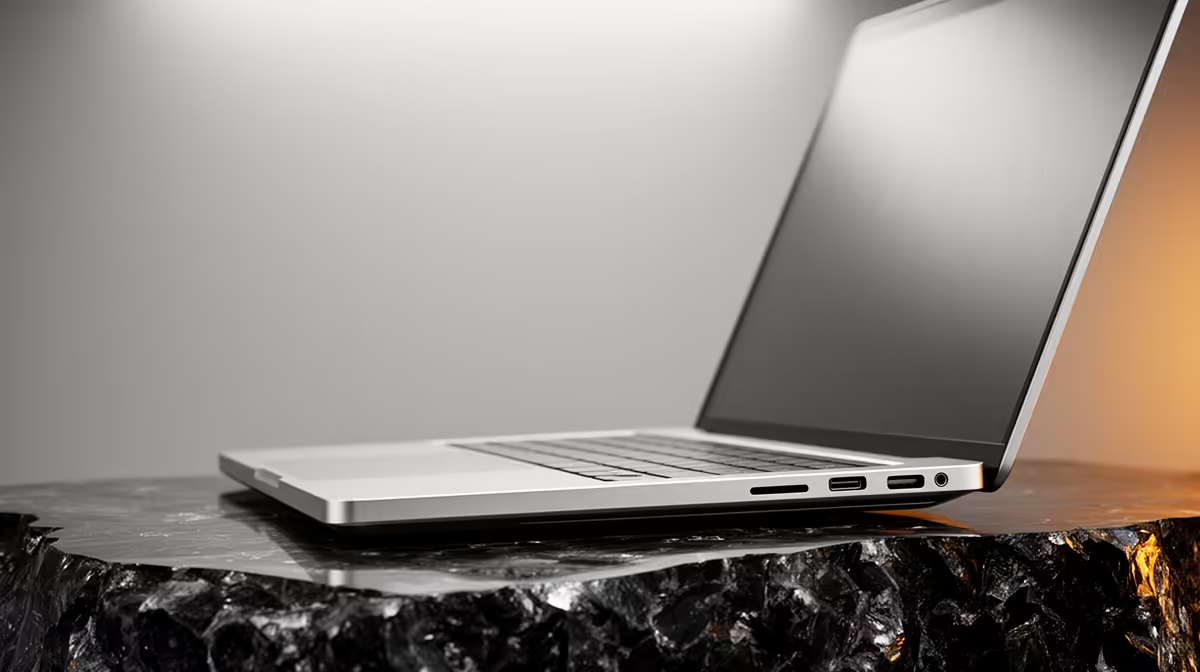
Keep Your Business Laptop Kicking: The 80% Charging Sweet Spot ✨
Ever felt that familiar pang as your trusty business laptop battery starts fading too fast? In South Africa's dynamic work environment, a reliable laptop isn't just a tool; it's your mobile office, your presentation powerhouse, your connection to the world. But let's be honest, constant charging can take its toll. What if we told you there’s a simple trick to dramatically extend your laptop's battery lifespan and ensure robust battery cell protection? It’s all about the magic of an 80% charging limit.
Why Your Laptop Battery Needs a Little TLC
Modern laptops primarily use Lithium-Ion (Li-ion) batteries, known for their energy density and relatively low self-discharge. However, these batteries have a finite number of charge cycles. The truth is, keeping your laptop perpetually at 100% charge, especially when plugged in for extended periods, isn't doing it any favours. This constant "trickle charging" can stress the battery's chemical components, leading to faster degradation and a noticeable drop in capacity over time. Think of it like constantly revving a car engine at its redline – eventually, it wears out quicker. For business laptops, where reliability and longevity are key, this wear and tear can be a real headache.
The Power of the 80% Charging Limit for Battery Cell Protection
This is where the concept of 80% charging business laptops comes into play. Many manufacturers, including leading brands available at Evetech, now offer software features that allow you to set a charging threshold, often at 80%. When enabled, your laptop will stop charging once it hits this level, even if it remains plugged into the wall. This isn't just some arbitrary number; it’s a scientifically backed sweet spot for battery cell protection.
By avoiding the very top and bottom ends of the charge cycle (0-20% and 80-100%), you significantly reduce the chemical stress on the battery. This gentle approach slows down the natural degradation process, helping your battery maintain a higher percentage of its original capacity for much longer. For professionals relying on their devices, this means more consistent performance, fewer unexpected power-downs, and a healthier investment in their tech. Imagine not having to worry about your battery dying mid-presentation or during a crucial client call!
How to Optimise Your Laptop's Battery Life
Enabling this feature is usually straightforward. Most major laptop brands integrate battery health management tools directly into their operating systems or provide dedicated utilities. Look for settings like "Battery Health Manager," "Custom Charge Limit," or "Adaptive Battery" in your system's power options or manufacturer-specific software. Setting your 80% charging limit is a small change that yields big results for the longevity of your device.
Looking for a new machine that prioritises battery health and performance? Evetech offers a wide range of laptops with advanced battery management features. Whether you're eyeing the latest laptop specials for sale in South Africa or need a robust machine for demanding tasks, we’ve got you covered. Consider an AMD laptop on special for excellent power efficiency, or perhaps an Intel laptop on special known for their reliable performance and integrated battery tools.
Pro Tip for Power Users
Even if your laptop doesn't have a built-in 80% limit, try unplugging it once it reaches around 85-90% and only plug it back in when it drops to 20-30%. This manual approach mimics the benefits of automated battery cell protection.
Even for gamers who often keep their rigs plugged in for maximum performance, adopting an 80% charging habit when not gaming can significantly extend the overall lifespan of their battery. While you might want that full charge for an intense session on the go, for everyday use, especially when tethered to a power source, this limit is your battery's best friend. Check out our best gaming laptop deals – many of these high-performance machines also feature advanced battery management.
Beyond the 80% Rule: Other Battery Care Essentials 🔧
While the 80% charging limit is a cornerstone of good battery care, a few other habits can further boost your laptop's longevity:
- Avoid Extreme Temperatures: Don't leave your laptop in a hot car or direct sunlight. High temperatures accelerate battery degradation.
- Keep it Cool: Ensure proper ventilation. Overheating isn't just bad for your CPU; it stresses the battery too.
- Calibrate Occasionally: Some older batteries benefit from a full discharge and recharge cycle every few months to recalibrate the battery gauge. Modern Li-ion batteries are less prone to this, but it can still help.
- Store Properly: If storing your laptop for an extended period, charge it to about 50-60% first.
By integrating these simple practices, especially the 80% charging limit for business laptops, you’re not just buying a device; you’re investing in its long-term health and your uninterrupted productivity. Keep your battery happy, and it'll keep you powered up for years to come! 🚀
Upgrade Your Productivity, Protect Your Investment Ready to experience the difference a well-maintained laptop makes? Explore Evetech's extensive range of quality laptops featuring advanced battery management for unmatched performance and longevity. Shop now at Evetech for performance that leaves lag in the dust.











