

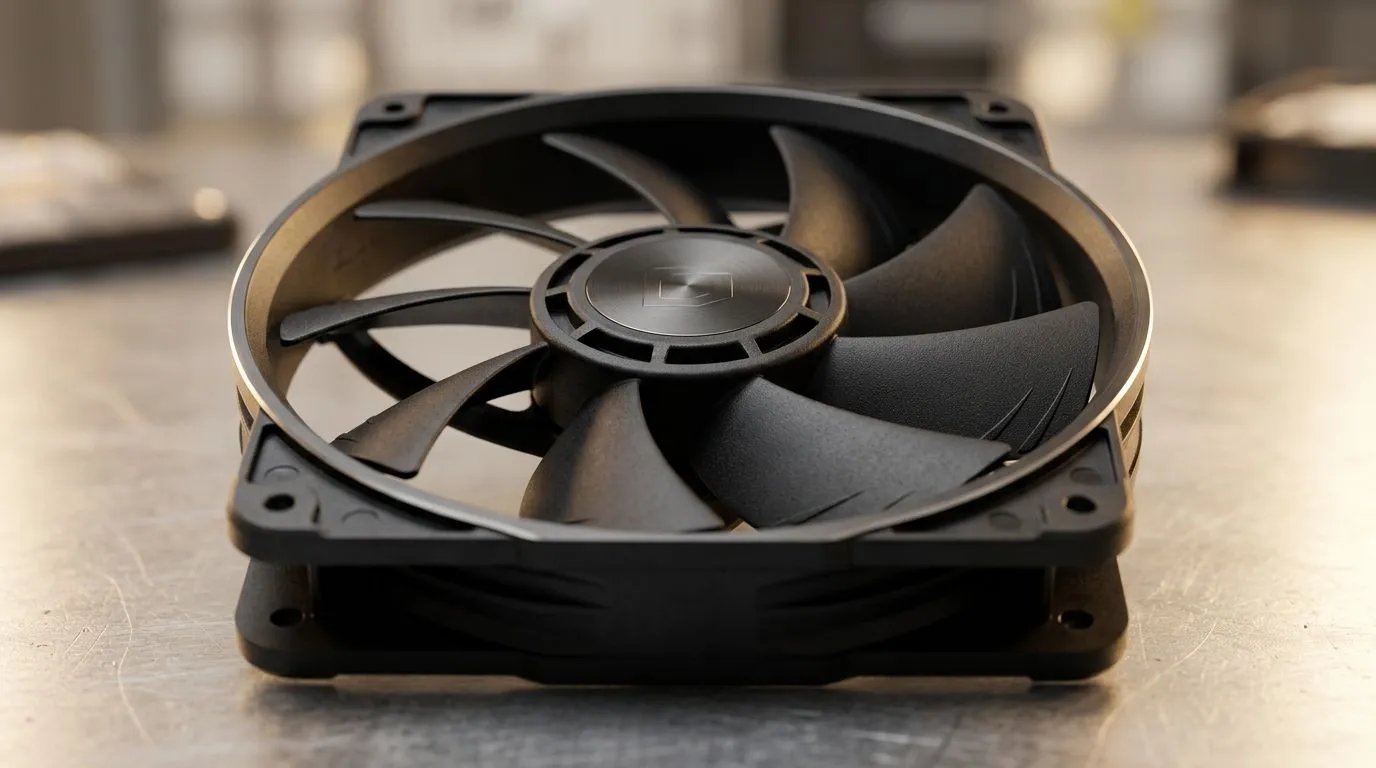
9-Blade Anti-Resonance Fan Design: How It Cuts High RPM Noise (and why you’ll feel it)
If your PC sounds like a small vacuum at 3 000 RPM, you’re not imagining it. South African gamers chase smooth frames, but noise is the sneaky trade-off… especially when GPU boost clocks and CPU coolers push fans harder. The good news? Fan engineering can reduce annoying high-frequency whine without killing airflow.
One design people ask about is the 9-Blade Anti-Resonance Fan Design: How It Cuts High RPM Noise. It’s built for the moment fans spin up in-game, so your rig stays more “cooled” than “loud”.
What “anti-resonance” actually means for fan noise
Noise at high RPM is often not just “fan volume”. It’s resonance: certain blade frequencies and airflow pulses line up with the fan frame or mounting hardware. When that happens, you hear a sharper tone, not just steady airflow.
A 9-blade approach can help by changing blade pass frequency and how pressure waves interact. Combine that with anti-resonance geometry (blade shaping and spacing) and you get less of that irritating whine. Translation: fans may run at similar speeds, but the pitch is less aggressive.
For buyers, that matters because high RPM is common during:
- Heat spikes in AAA titles
- Benchmark stress tests
- Hot South African rooms in summer… yes, even with good airflow
Evetech stocks multiple case fan options, including sizes and RGB variants, so you can tune the setup around your tolerance for noise.
Build choices that amplify (or reduce) high-RPM whine
Even the best fan can get louder if the rest of the build is fighting it. Consider these practical factors 🔧:
Fan size and airflow tuning
Larger fans often move more air at lower RPM. That can mean less high-frequency noise. If your case supports it, 140mm fans are a popular sweet spot. If space is tight, 120mm is usually the safe default.
Check Evetech’s case fan options here:
- 120mm: 120mm case fans on Evetech
- 140mm: 140mm case fans on Evetech
Blade and blade-count reality check
More blades does not automatically mean quieter. The benefit comes from the way blade pressure pulses behave at speed. Anti-resonance designs are specifically aimed at reducing audible tonal peaks, not just “adding blades”.
RGB fans vs quieter acoustics
RGB usually adds a bit of complexity and weight at the hub, but the bigger noise driver is still the fan’s speed curve and acoustics. If you want aesthetics, fine… just pair it with a smart fan profile.
You can browse RGB-focused options: RGB case fans on Evetech
Prefer a stealth build? Non-RGB (no lighting effects) case fans
Setup tips gamers in SA can use today ⚡
Here’s what typically makes the biggest difference in real rooms and real setups.
Dial in the fan curve, not just the fan model
Use a temperature-based curve and let fans ramp smoothly instead of jumping quickly. If your motherboard allows it, base curves on CPU or GPU hotspot temperatures, not just “CPU package”.
Productivity Pro Tip ⚡
On Windows, if you’re capturing gameplay or streaming, use MSI Afterburner’s on-screen display to watch CPU GPU temperatures while you stress-test fan behaviour. Then adjust your fan curve in BIOS so the RPM rise starts earlier and stays gentler, which often reduces high-RPM tonal whine without sacrificing cooling.
Choose the right fan category for your build
If you’re shopping broadly, start with the full selection and then narrow by size and lighting preferences.
Want brand options? Evetech lists popular lines worth comparing:
Quick buying checklist before you click “add to cart” 🚀
When you’re hunting for quieter high-RPM performance, look for:
- Your supported fan size (120mm vs 140mm)
- A fan that fits your case layout and mounting points
- Your tolerance for RGB (or whether you prefer none)
- A motherboard fan header setup that lets you control RPM properly
That’s how you make the most of a 9-blade anti-resonance fan design… and keep your PC sounding more like “ready to play” and less like “incoming jet”. ✨
Ready to Find Your Perfect Match? The Mac vs Windows debate is complex, but for maximum power, choice, and value in South Africa, Windows is hard to beat. Explore our massive range of laptop specials and find the perfect machine to conquer your world.











