

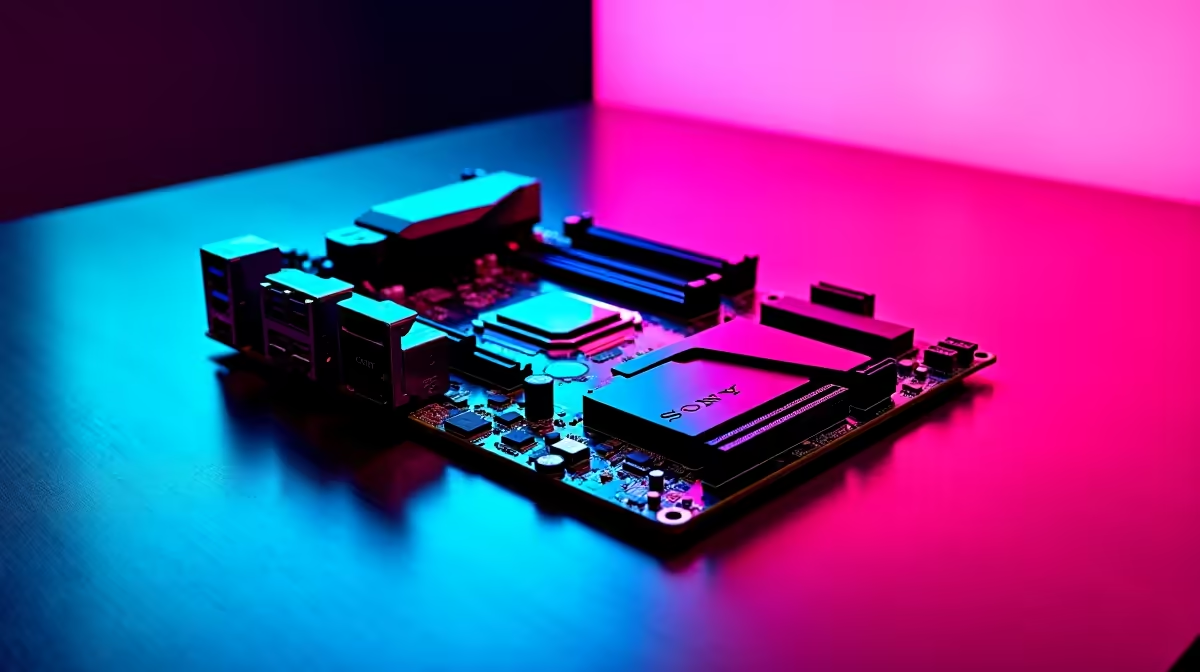
You finally upgraded your local fibre line. You are ready to dominate the local servers... but your ping is still hovering in the red. The culprit might be sitting right inside your PC case. If you are building a new rig, understanding the networking specs on modern gaming motherboards is crucial. Let us dive into why 2.5 Gb Ethernet and Wi-Fi 6E are essential for South African gamers.
Why 2.5 Gb Ethernet is Essential 🚀
For years, standard Gigabit LAN was more than enough. Today, file sizes for modern AAA games easily top 100GB. With local fibre providers offering increasingly faster packages, standard Gigabit LAN just doesn't cut it anymore. Upgrading means you can properly utilise every megabit you pay for.
A 2.5 Gb Ethernet port gives you 2.5 times the bandwidth of older standards. That means significantly faster downloads and much lower latency. Every single millisecond counts in competitive shooters.
If you are looking at premium ASUS Intel motherboards, you will notice this standard is now incredibly common. It provides a massive data pipe for your local network. This is absolutely perfect for streaming your gameplay to Twitch... or moving large video files between your local drives.
Cutting the Cord with Wi-Fi 6E ⚡
Not everyone can easily run a network cable through their house. That is exactly where Wi-Fi 6E steps in to save the day. Unlike standard Wi-Fi 6, the newer 6E standard opens up a brand new 6GHz band.
If you live in a dense complex, the standard 2.4GHz and 5GHz bands are likely congested. Moving to the 6GHz spectrum is like driving on an empty highway... you get maximum speed with zero traffic.
This means much less interference from your neighbours' routers in busy South African suburbs. You get a cleaner signal and vastly improved stability. Many top-tier ASUS AMD motherboards feature built-in Wi-Fi 6E antennas right out of the box. It is the closest you can get to a wired connection without the messy cable clutter.
Networking Pro Tip 🔧
To actually experience true 2.5 Gbps speeds, your router and your network switch must also support 2.5G. Always use at least a Cat5e or Cat6 Ethernet cable to ensure you are not bottlenecking your shiny new hardware.
Matching Speed with System Performance
Fast internet is truly only half the battle. Your processor needs to unpack those massive downloaded game files quickly. To properly optimise your rig, pair your upgraded network speeds with high-speed memory kits.
Faster RAM ensures your system processes incoming data just as fast as it downloads. If you want a complete setup without the hassle of building, check out the best gaming PC deals. They can easily save you thousands of Rands. A balanced system ultimately means smoother overall gameplay and much faster load times.
Making the Right Choice for Your Rig ✨
Upgrading your network capabilities is a smart investment in your gaming future. South African gamers know the pain of high ping on European servers. While we cannot change geography, we can optimise our local hardware to shave off precious milliseconds.
With load-shedding sometimes affecting local network nodes, having an ultra-stable connection from your PC to your router is non-negotiable. You might prefer the raw speed of a wired 2.5 Gb connection. Or perhaps you want the wireless freedom of Wi-Fi 6E... modern tech has you covered. Ensure your next big upgrade includes these vital networking specs.
Ready to Eliminate Lag for Good? Upgrading your network hardware is the secret to lower ping and faster downloads in South Africa. Explore our massive range of motherboards and find the perfect foundation to conquer your favourite online worlds.











