

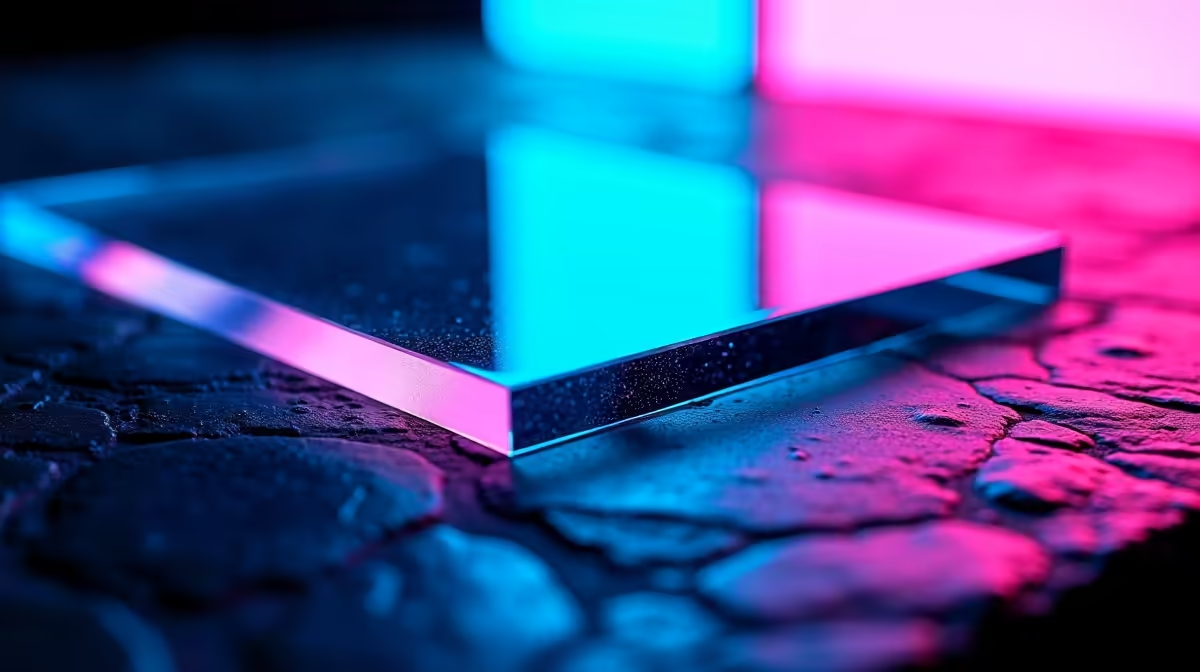
You’ve spent weeks… maybe months… planning the perfect PC build. The RGB fans spin up, casting a vibrant glow through your rig’s crystal-clear acrylic panel. It’s a masterpiece. But then you see it… a faint scratch, catching the light just wrong. Suddenly, it’s all you can see.
Keeping your build looking flawless is crucial, and this guide to acrylic RGB diffusers scratch resistance will show you how to protect that pristine aesthetic.
Why Your Acrylic Panel Scratches So Easily
That beautiful, clear side panel or RGB diffuser on your PC case is most likely made from acrylic (also known as PMMA or Plexiglas). It’s chosen for its clarity, light weight, and how well it diffuses light. The downside? It’s relatively soft. Much softer than glass.
This means everyday dust, the wrong cleaning cloth, or an accidental bump can leave behind ugly micro-scratches. While no acrylic is truly scratch-proof, understanding its weakness is the first step. Improving the scratch resistance for acrylic diffusers is less about making the material harder and more about using the right techniques to care for it.
A pristine case deserves peripherals that match its quality. A responsive, stylish gaming mouse can be the centrepiece of your desk, tying the whole look together.
Your Guide to Preventing Scratches on Acrylic ✨
Prevention is always better than cure. A little bit of care goes a long way in keeping your rig looking like it just came out of the box.
The Right Cleaning Method
This is where most people go wrong. Never, ever grab a paper towel or your t-shirt to wipe down an acrylic panel.
- Use Microfibre Only: Always use a clean, high-quality microfibre cloth. These cloths are designed to trap dust particles instead of dragging them across the surface.
- Use the Right Solution: Avoid window cleaners containing ammonia or alcohol, as they can damage the acrylic over time. A simple solution of mild dish soap and water is effective. For a professional finish, dedicated plastic cleaning sprays are best.
- Blot, Don't Scrub: Gently blot the surface or wipe in straight lines. Avoid aggressive circular motions which can create swirl marks.
Pro Cleaning Tip 🔧
Before wiping, use a can of compressed air or a camera lens blower to remove any loose dust and grit. This removes the abrasive particles that cause the most scratches during cleaning. Less grit means less risk!
Protecting your investment doesn't stop at your case. Smart gamers know where to find the best gaming mouse deals, ensuring they get top-tier performance without emptying their wallets.
What to Do When Scratches Happen Anyway
Don't panic! If you’ve got a few light surface scratches, you might be able to fix them. Specialised acrylic scratch removers and polishing compounds can work wonders.
The process usually involves:
- Thoroughly cleaning the area.
- Applying a small amount of the polishing compound to a microfibre cloth.
- Buffing the scratch gently with firm, consistent pressure.
- Wiping away the excess to reveal a clearer, restored surface.
Keep in mind this works best for minor blemishes. Deep gouges are likely there to stay, which is why prevention is so important.
A Cohesive, Scratch-Free Setup 🚀
A flawless PC case is the heart of your setup, but the aesthetic doesn't end there. A clean, organised desk enhances the entire experience. For that ultra-clean look with seamless RGB effects, nothing beats cutting the cord with a high-performance wireless mouse. It eliminates cable drag and visual clutter.
Of course, for competitive players who demand zero-latency and unwavering reliability, the classic wired mouse remains the undisputed champion, ensuring every single click counts when it matters most.
Ultimately, whether you're polishing a scratch or choosing a new peripheral, attention to detail is what separates a good setup from a great one.
Complete Your Perfect Setup A pristine rig is just the beginning. The right gear ties it all together, from high-performance mousepads to custom grips that fine-tune your aim. Explore our range of mouse accessories to perfect your performance and style.











