

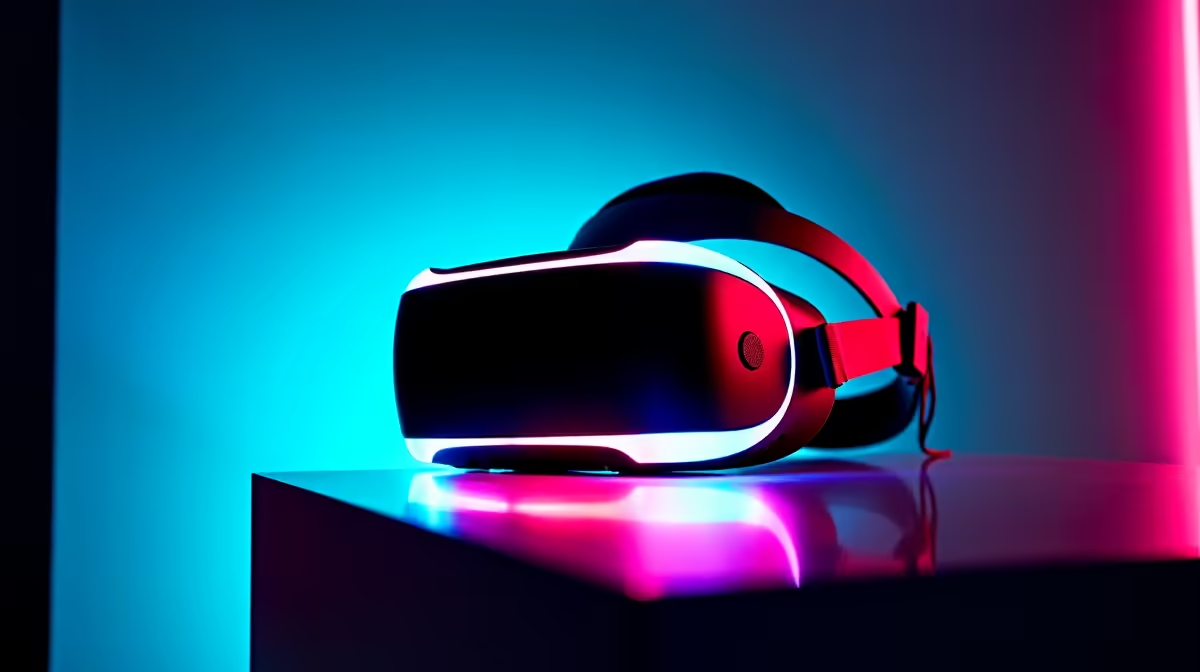
There's nothing quite like strapping on a VR headset and diving into another reality. But for South African gamers, that digital escape can quickly turn sour. When the world stutters, tears, and lags, it doesn't just break the immersion… it can bring on a nasty bout of motion sickness. The secret to a smooth, believable experience isn't just raw power; it's smarter tech. This is where Adaptive Sync VR becomes essential for flawless gameplay.
What is Adaptive Sync and Why is it Crucial for VR?
At its core, Adaptive Sync technology solves a fundamental problem: the mismatch between the frames your graphics card (GPU) produces and the rate at which your display refreshes. When they're out of sync, you get jarring visual artefacts like screen tearing and stuttering. On a standard desktop, this is annoying. In VR, where the screen is strapped to your face, it's a recipe for disaster. 🤢
Adaptive Sync VR works to synchronise your VR headset's refresh rate directly with your GPU's frame rate, in real-time. This dynamic alignment eliminates those immersion-breaking hiccups, resulting in buttery-smooth motion that feels natural and comfortable. The principles are the same as those that have revolutionised the world of traditional PC monitors, but the stakes are much higher in virtual reality.
The Tech Behind a Tear-Free Virtual World
While VR headsets have their own unique methods for motion smoothing (like Asynchronous Spacewarp), the foundational goal is identical to the G-SYNC and FreeSync technologies we see in desktop gaming. It's all about creating a seamless pipeline from the GPU to your eyes. A powerful PC is the engine, but a synchronised display is the key to a smooth ride.
This quest for perfect immersion is why so many gamers invest in hardware that supports these features. For instance, the wrap-around view of curved monitors aims to fill your peripheral vision, much like a VR headset does. Achieving smooth performance on these displays, especially the demanding 5K and 4K monitors that push pixels to the limit, requires the same harmony between hardware and software that makes Adaptive Sync VR so effective.
Check Your Performance ⚡
In SteamVR, you can enable the 'Advanced Frame Timing' graph in the settings. This powerful tool shows you exactly how your CPU and GPU are performing. If you see lots of red spikes, it's a clear sign that your system is struggling to maintain a consistent frame rate, and it might be time to lower some in-game settings.
Optimising Your Rig for Smooth VR 🔧
Getting the most out of Adaptive Sync VR requires a balanced setup. You can't just rely on the headset alone; your entire PC rig needs to be up to the task.
Key Optimisation Steps:
- GPU is King: VR is incredibly demanding. A modern, powerful graphics card from NVIDIA or AMD is non-negotiable for hitting the high frame rates needed for a smooth experience.
- Update Your Drivers: Always ensure your graphics drivers are up to date. Manufacturers frequently release updates that include specific performance optimisations for the latest VR titles.
- Tweak In-Game Settings: Don't be afraid to lower settings like shadows, anti-aliasing, or render resolution. A stable frame rate is far more important for comfortable VR than maxed-out graphics.
- Build a Solid Foundation: Your entire setup contributes to the experience. From a fast SSD to sufficient RAM, every component matters. Even your primary display is part of the ecosystem, with today's technology bringing high-refresh-rate performance to everything from massive ultrawides to compact portable monitors.
A truly great gaming station is more than just its core components; having the right monitor accessories like a quality VESA mount or calibration tool can make a world of difference to your comfort and visual fidelity, both in and out of VR.
Is Your Current Setup Ready for the Challenge?
Ultimately, a flawless VR session hinges on your PC's ability to consistently deliver high frame rates without faltering. Adaptive Sync VR is the final, crucial piece of the puzzle that smooths out any minor fluctuations, ensuring a comfortable and deeply immersive experience. ✨
If you find your system is struggling, it might be time to consider an upgrade. Often, the biggest bottleneck outside of your PC is a display that can't keep up. Thankfully, upgrading doesn't have to cost a fortune. Checking out the latest PC monitor deals can reveal just how affordable a high-refresh-rate, adaptive sync-enabled screen can be, laying the perfect foundation for all your gaming adventures.
Ready for Flawless Immersion? While VR is a unique beast, the principle of a high-quality, synchronised display is universal. A great gaming monitor is the foundation of any epic PC setup. Explore our massive range of gaming monitors and find the perfect screen to conquer your world.











