

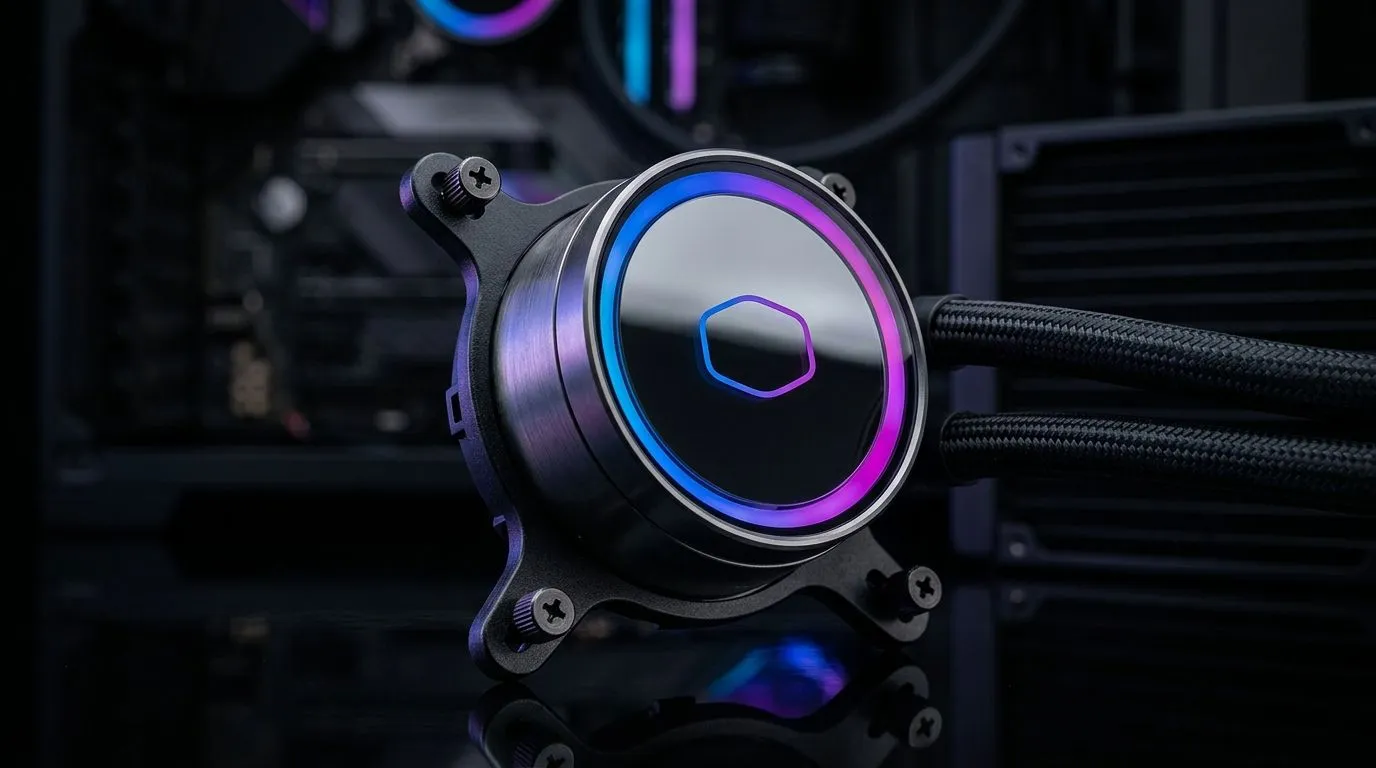
Why Your Addressable Gen 2 RGB AIO Pump Head Setup Matters
South African gamers who crave peak performance know the value of a cool, stylish PC. But syncing your Addressable Gen 2 RGB AIO pump head can feel tricky the first time—especially when every millisecond counts. Getting this setup perfect not only boosts your rig’s look but also ensures your cooling is efficient, keeping your CPU cool during those intense hours of play or work. 🔧
Understanding how to connect and control your RGB pump head colours can transform your build from basic to boldly unique. Let’s break down the setup process and share some expert tips that will help you nail that seamless lighting sync.
Setting Up Your RGB AIO Pump Head for Perfect Synchronisation
Connect with Compatible Motherboard Headers
Addressable Gen 2 RGB pump heads require a dedicated ARGB header on your motherboard. This ensures individual LEDs are addressable, giving you full customisation. The key phrase here is “perfect sync” — without the right connection, colours might flash out of order or jumble on your pump head. If your motherboard lacks an ARGB header… don’t despair. Many RGB controllers support Gen 2 devices, bridging compatibility.
For South Africans, choosing from the right CPU coolers means ensuring your cooler supports Gen 2 ARGB standards. This is crucial to avoid lighting conflicts or dim effects.
Software Tweaks: Customising Your Lighting
Use your motherboard's RGB control software—such as ASUS Aura Sync, MSI Mystic Light, or Gigabyte RGB Fusion—to map your pump head colours exactly. Sync your AIO pump lighting with your other components by assigning matching zones and setting smooth transitions or breathing effects.
Take Corsair AIO coolers for example—they feature intuitive iCUE software that lets you customise Addressable Gen 2 RGB elements effortlessly. Deepcool’s solutions also offer solid control if you prefer different branding; explore their liquid cooler collection.
Size & Compatibility: Picking the Perfect AIO Cooler
Your cooler’s radiator size influences pump head lighting placement and airflow efficiency. Many gamers prefer the improved thermal solution of a 360mm radiator AIO cooler for better temps in high-load situations. But a 240mm radiator suits smaller cases and still supports your RGB setup beautifully, giving that addressable Gen 2 pump head some breathing room.
Tips for Achieving Flawless Gen 2 RGB Pump Head Synchronisation
Expert Tip: Update your firmware regularly
Keeping your RGB controller and motherboard firmware up to date fixes bugs and improves lighting compatibility, ensuring your Addressable Gen 2 RGB AIO pump head works without hiccups.
Try custom profiles with subtle effects initially, then ramp up intensity once you confirm smooth colour transitions. Test your setup in various lighting conditions; sometimes, ARGB shines brightest in dimmer rooms.
Wrapping It Up – Sync Your Pump Head Like a Pro ⚡
A few clicks, the right hardware, and sharp software control let you highlight your rig’s heartbeat: your RGB AIO pump head. South African builders and gamers investing in this tech will appreciate both the aesthetic uplift and the reliable cooling performance. Just make sure you check compatibility with your chosen cooler. Evetech stocks a variety of liquid coolers—you’re covered no matter your rig’s size or style.
Let Your Rig Shine and Cool Like Never Before Ready for perfect RGB sync and thermals? Shop now at Evetech for top-tier AIO coolers built for South African gamers who demand both style and substance.











