

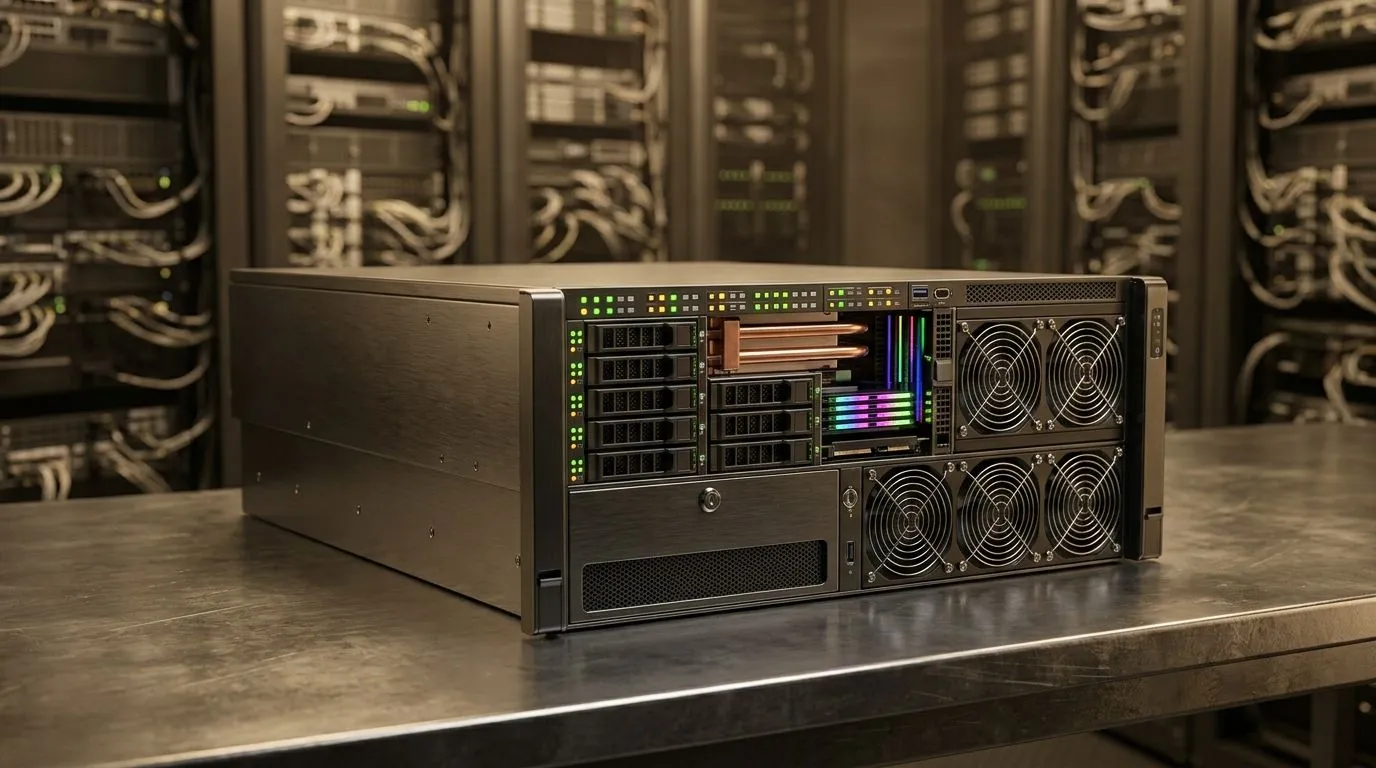
AI Model Bottlenecks… and why your machine stalls
South African gamers and builders feel it first: the “it should work” moment. You load an AI app, kick off a job, and suddenly… buffering. Sometimes it’s storage, sometimes it’s memory, and sometimes compute. If you’ve ever thought, “Why is this so slow on my PC?” this guide is for you. Let’s break down AI Model Bottlenecks: Storage, Memory, or Compute? in plain terms, then turn that into a smarter buying decision 🔧.
AI Model Bottlenecks: Storage vs Memory vs Compute (what’s actually happening)
An AI workload often has three pressure points:
Storage bottlenecks (SSD helps more than you think) ✨
Many AI pipelines stream model files from disk. If your storage is slow or nearly full, you’ll see long “loading” phases, stutters during inference, and slow context switching. On an HDD, the gap can be massive because random reads are painful. Even with SSDs, drives that are almost full can slow writes and housekeeping.
Memory bottlenecks (RAM decides whether you can run smoothly)
If the system can’t keep the working data in RAM, it swaps to disk. That shows up as slowdowns that feel “sticky”, where CPU and GPU utilisation look low or spiky. In practice, your RAM headroom matters if you run the model plus your browser, IDE, game clients, or recording software at the same time.
Compute bottlenecks (GPU or CPU limits your throughput) ⚡
If storage and memory are fine, but inference is still slow, you’re likely compute-bound. That’s where GPU matters most for many local workloads. But also watch CPU-only runs. They can work for smaller models, yet they often crawl for larger ones.
Practical checks to pinpoint your bottleneck (fast, no guessing) 🚀
Before you buy, test. These checks take minutes and save weeks of regret:
Step 1: Watch utilisation and wait times
- Long “loading” → storage likely.
- Frequent pauses while everything seems “alive” → memory pressure and swapping.
- Consistent low throughput even after the model is loaded → compute limitation.
Step 2: Confirm your storage health
If you’re running low on disk space, clear at least 20–30 GB. Also, if you’re using a boot/working SSD that’s older, its performance can degrade.
Step 3: Reduce concurrency
Run one workload first. Then add your browser or background tasks. If performance collapses with multiple apps, memory and I/O contention is the culprit.
Productivity Pro Tip ⚡
On a Windows mini PC, keep your model folder on the fastest SSD you have and avoid running heavy downloads to the same drive during inference. This reduces I O contention and can smooth those “pause” moments when swapping would otherwise kick in.
Choosing hardware for AI Model Bottlenecks: Storage, Memory, or Compute?
Let’s connect this to real buying options. Mini PCs are popular in SA because they fit desks and classrooms, and they’re easier to upgrade than full towers. But not all mini PCs balance the same bottleneck.
If you want an AI-ready small workstation, start with these questions:
- Do you need fast model loading? Prioritise SSD performance and free space.
- Will you run alongside games or creative apps? Prioritise RAM.
- Do you plan local inference at usable speed? Prioritise GPU-capable systems.
For options that can cover different needs, explore Evetech’s mini PC range here:
- Browse compact systems and configurations at https://www.evetech.co.za/PC-Components/mini-pcs-194.aspx
- Compare more mini PC choices at https://www.evetech.co.za/mini-pcs/x/015.aspx
- If you’re specifically considering Minisforum, check this selection: https://www.evetech.co.za/mini-pcs/x/015.aspx?brands=Minisforum
- For Ninkear-focused options, view: https://www.evetech.co.za/components/mini-pcs-192?brands=Ninkear
- And for MSI systems that may suit different AI workflows, see: https://www.evetech.co.za/components/mini-pcs-192?brands=MSI
What to do next (so your next AI run isn’t a mystery)
Now you can diagnose the problem instead of blaming “AI being slow”. If storage is your enemy, faster SSDs and more free space help. If memory is your enemy, more RAM and fewer background apps help. If compute is your enemy, you need the right GPU or a model size that matches your hardware.
When you shop, use the bottleneck logic above to pick the machine that fits your actual workload, not just the spec sheet.
Ready to Find Your Perfect Match? The Mac vs Windows debate is complex, but for maximum power, choice, and value in South Africa, Windows is hard to beat. Explore our massive range of laptop specials and find the perfect machine to conquer your world.











