

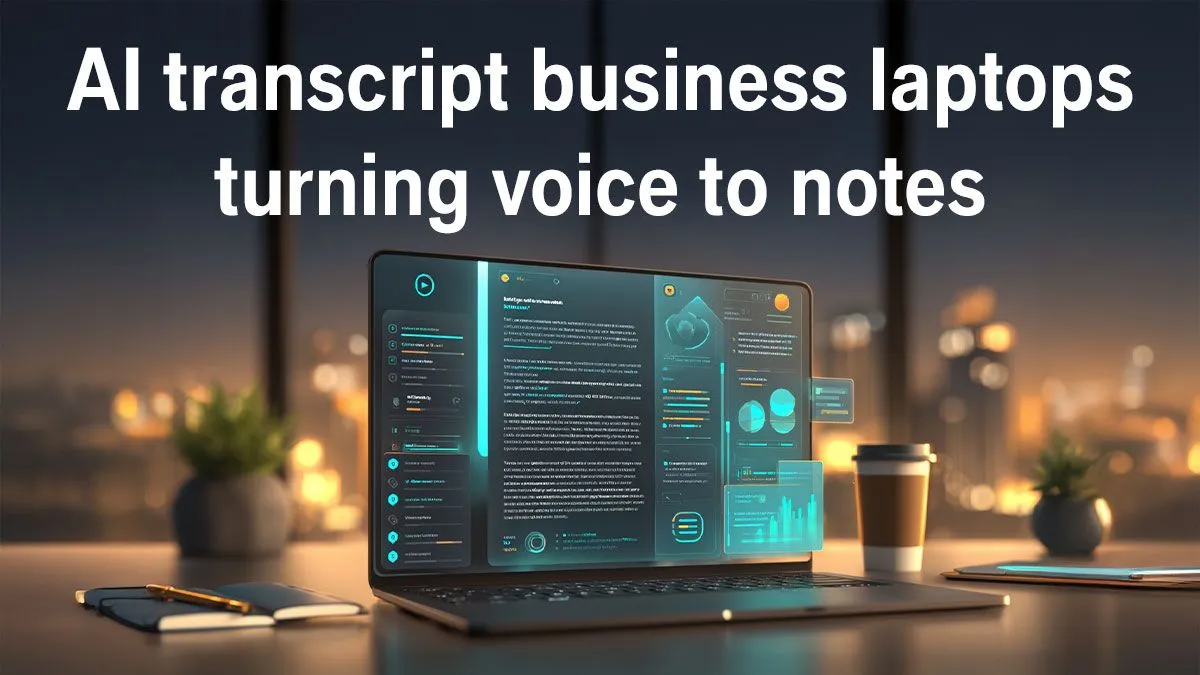
Master Your Workflow with AI Transcript Business Laptops
Ever found yourself drowning in hours of interview recordings, meeting minutes, or lecture audio, wishing for a magic wand to turn spoken words into perfect text? You're not alone, Mzansi! For professionals, students, and content creators across South Africa, the demand for efficient transcription is real. The good news? Artificial Intelligence (AI) is revolutionising this space, and having the right laptop makes all the difference.
The days of manual transcription or relying on sluggish software are fading. Today, cutting-edge AI transcript business laptops are stepping up, offering the processing power and intelligent features to convert audio into accurate text faster than ever. But what exactly should you look for when investing in one of these productivity powerhouses?
The AI Revolution in Transcription: Why Your Laptop Matters
From rapid meeting summaries to transcribing lengthy interviews, AI tools are revolutionising how we work. Imagine converting an hour-long podcast into a searchable text document in minutes, or quickly extracting key points from a client call. This isn't science fiction; it's the daily reality for professionals equipped with the right technology. AI transcription boosts accuracy, saves countless hours, and frees you up for more strategic tasks.
To truly harness this power, you need a machine built for the task – one that can handle complex algorithms without breaking a sweat. Explore a wide range of options, including excellent laptop specials for sale in South Africa, right here at Evetech.
What Makes an Ideal AI Transcript Business Laptop?
When selecting a laptop for AI transcription, it’s all about balanced performance. You need robust components that can manage intensive AI workloads efficiently.
Processor (CPU & NPU)
The CPU is the brain, and for AI, more cores and higher clock speeds are your friends. Look for modern Intel Core i5/i7/i9 (12th gen or newer) or AMD Ryzen 5/7/9 (6000 series or newer) processors. Crucially, many newer CPUs, especially Intel Core Ultra and AMD Ryzen AI, feature dedicated Neural Processing Units (NPUs). These NPUs are designed specifically to accelerate AI tasks, making transcription faster and more power-efficient. ⚡
RAM (Memory)
For smooth multitasking and handling large AI models, 16GB of RAM should be your minimum. If you're running multiple applications simultaneously or processing very large audio files, 32GB will provide an even smoother experience.
Storage (SSD)
Speed is key. An NVMe Solid State Drive (SSD) is non-negotiable. It ensures lightning-fast boot times, quick application loading, and rapid access to your audio and transcript files. Aim for at least 512GB, but 1TB is ideal for professionals with extensive archives.
Battery Life
Professionals are often on the move. A laptop with an all-day battery life means you can transcribe on site, in a coffee shop, or during your commute without constantly searching for a power outlet. Look for models offering 8+ hours of real-world usage.
Optimise for AI Efficiency
When comparing AI transcript business laptops, pay close attention to models with integrated NPUs. These dedicated AI accelerators offload tasks from your main CPU, leading to faster processing and better battery life for AI-driven applications like transcription.
Powering Your Productivity: Intel vs. AMD for AI Tasks ✨
Both Intel and AMD are at the forefront of processor innovation, each bringing powerful options to the table for AI workloads.
Intel’s latest Core Ultra processors, for example, boast a sophisticated architecture that includes a dedicated NPU, making them exceptionally adept at handling on-device AI tasks, including real-time transcription and voice processing. On the other side, AMD’s Ryzen AI engines in their newer chips offer similar benefits, providing significant acceleration for AI-driven applications.
Whether you lean towards the latest AMD laptops on special or prefer the robust performance of Intel laptops on special, Evetech offers a diverse selection to power your AI transcription needs. Both brands deliver the multi-core performance and AI acceleration needed to make your transcription workflow seamless.
Beyond the Specs: Optimising Your Transcription Experience
While raw power is essential, other factors contribute to an optimal transcription setup. A comfortable, backlit keyboard is crucial for long typing sessions when reviewing or editing transcripts. A high-resolution display (FHD or QHD) with good colour accuracy can reduce eye strain.
Consider connectivity: ample USB-C ports, a reliable Wi-Fi 6E or 7 module for fast cloud access, and Bluetooth for connecting external microphones are all beneficial. And while the focus is on business, don't overlook the raw power found in some high-performance machines. Many of the best gaming laptop deals feature top-tier CPUs and ample RAM that can easily handle intensive AI transcription tasks, providing a versatile solution for work and play.
Investing in a capable AI transcript business laptop isn't just about buying a new gadget; it's about investing in your productivity and efficiency. It’s about reclaiming hours in your day and delivering results with unparalleled accuracy. Choose wisely, and watch your workflow transform. 🚀
Elevate Your Efficiency Today Ready to transform your workflow and conquer your transcription tasks? Discover the ideal AI Transcript Business Laptops and more at Evetech.











