

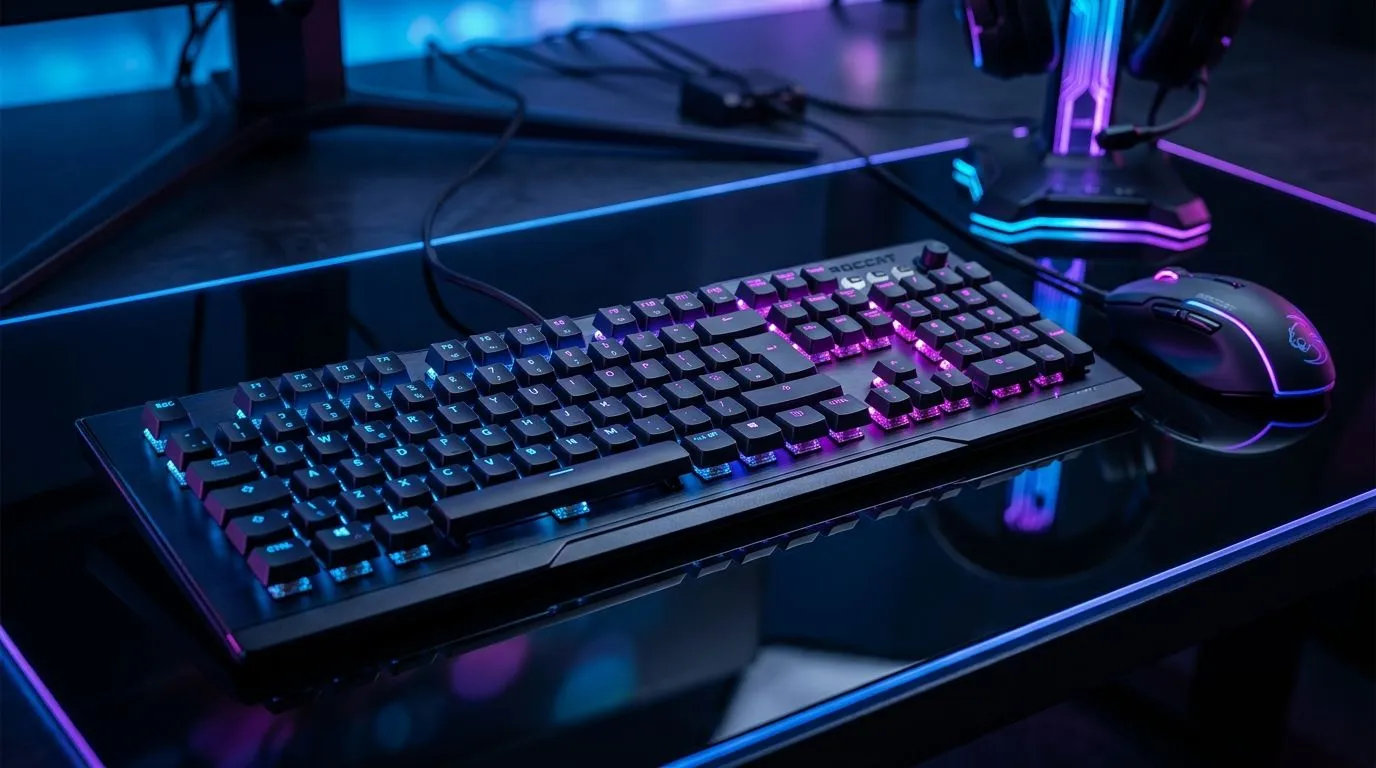
AIMO RGB Illumination Sync Across Multiple Gaming Peripherals: Why SA gamers notice instantly
If you’ve ever alt-tabbed mid-match just to adjust RGB… you already get it. In South Africa, where load shedding and long evenings are real, your setup should feel responsive and consistent. 🔧 AIMO-style illumination sync across your keyboard, mouse, and headset (where supported) makes your desk look intentional, not accidental. ⚡ Better still, it helps you read zones at a glance, so your peripherals “agree” when action ramps up.
What “AIMO sync” actually means for your desk
“AIMO” typically refers to an adaptive lighting system that can coordinate effects across multiple compatible peripherals. Instead of each device running its own animation, the lighting communicates timing and style so transitions line up. That means fewer mismatched colours and less manual tweaking.
But here’s the catch: syncing only works when the devices are designed to pair under the same lighting ecosystem. So before you buy, check three things:
- Does the keyboard support the same sync standard as the mouse?
- Do they share the same software app on Windows?
- Are you using wired or wireless, and will the lighting profile persist between sleep and wake?
The “real world” check before you spend ZAR
Most RGB buyers regret one of two things: buying mismatched brands or assuming wireless will behave identically to wired. Wireless can be totally fine, but power states can affect lighting persistence. Plan for that upfront.
Setup Pro Tip ✨
On Windows, install the manufacturer lighting software first, connect your peripherals, and then set one “baseline” profile. After that, create a second profile for gameplay. Test switching while a game is running, then confirm the lighting doesn’t reset after your PC sleeps or wakes.
Buying guidance for RGB harmony in South Africa
When you’re building a cohesive rig, start with the keyboard, then match the rest. Evetech makes it easy to browse combos and keyboard deals without digging across multiple stores.
If you want a straightforward way to build your AIMO RGB ecosystem, start here:
- Compare keyboard deals and choose a board that clearly supports sync with compatible peripherals: explore these best gaming keyboard deals
- If you’d rather focus on value right away, look at the cheapest gaming keyboard options in South Africa
Once your keyboard is locked in, decide your “desktop feel”:
- Prefer a clean, always-on setup? Use wired models: Wired keyboard options
- Prefer mobility and fewer cables? Check wireless options: Wireless keyboard options
And if you want fewer headaches, buying a tested pair can help you avoid compatibility surprises:
- Start with a pre-matched bundle: buy a keyboard and mouse combo
Tips to make AIMO RGB Illumination Sync Across Multiple Gaming Peripherals feel good mid-game
RGB should support play, not distract it. Try these practical tweaks:
- Choose a low-intensity “always on” profile for aim practice. Bright flashing can be fatiguing over long sessions.
- Use zone lighting for quick mental mapping. For example: map WASD areas to a steady colour, then let “events” (like notifications) show a different colour.
- Keep effects consistent with your monitor brightness. In SA evenings, your room lighting changes quickly. If the board looks washed out at night, reduce brightness in the software.
Finally, give yourself a 10-minute validation pass after buying:
- Confirm sync after launching the lighting app.
- Confirm it after reconnecting via USB or waking from sleep.
- Confirm the profile remains stable in your main game.
If all three pass, you’ll feel that “everything fits” effect every single match. 🚀
Ready to Find Your Perfect Match? The Mac vs Windows debate is complex, but for maximum power, choice, and value in South Africa, Windows is hard to beat. Explore our massive range of laptop specials and find the perfect machine to conquer your world.











