

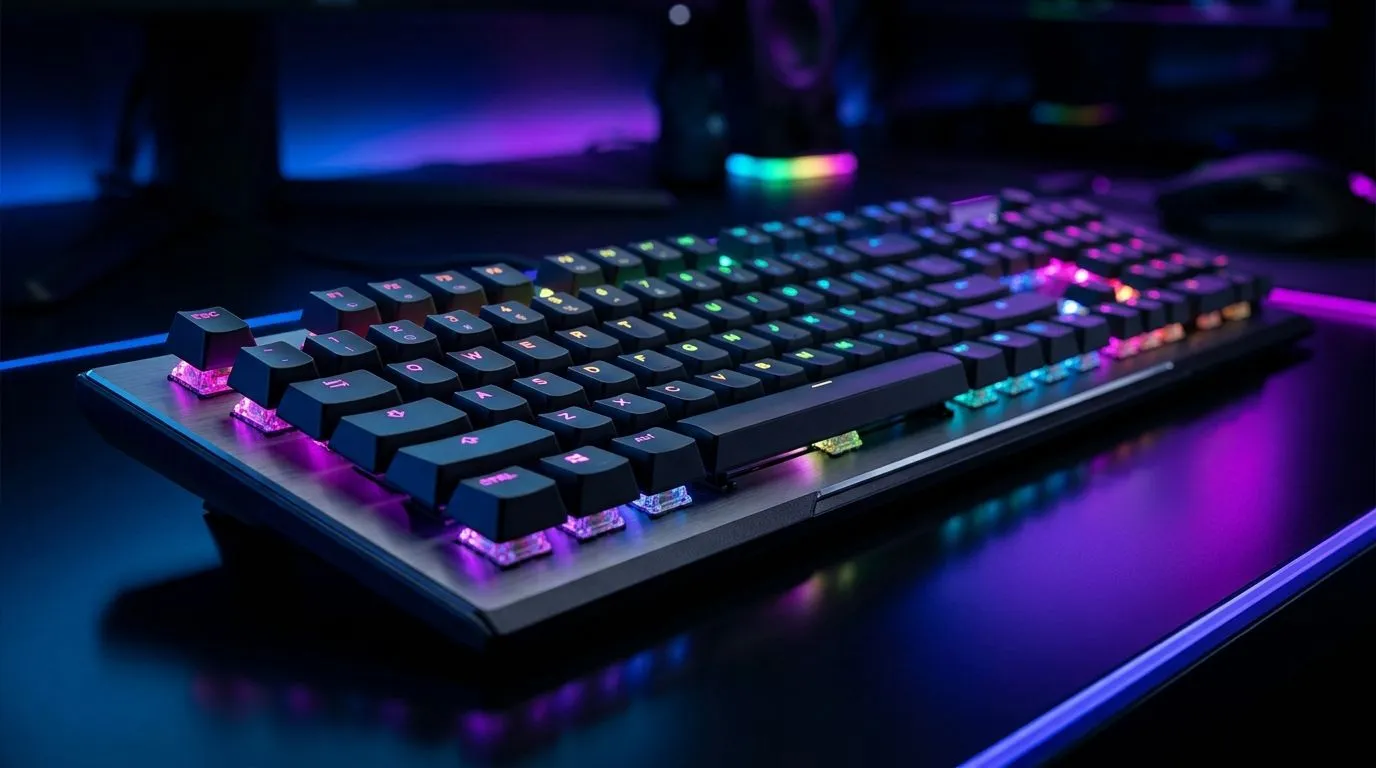
Unlocking AIMO RGB Lighting Customisation for Mechanical Keyboards ⚡
If you’re a South African gamer or tech enthusiast, you know that mechanical keyboards aren't just about typing—they’re about style and performance. The AIMO RGB lighting system offers dazzling colour effects tailored to your vibe and gameplay. Ready to make your setup truly yours? Understanding AIMO RGB lighting customisation will give your keyboard that unique spark, setting you apart in every battle and stream.
How AIMO RGB Lighting Elevates Your Mechanical Keyboard Experience
AIMO RGB lighting isn’t just flashy lights. It’s an intelligent system that reacts to your usage — adapting colours dynamically for a smooth, immersive feel. With AIMO, you can customise everything from wave patterns to breathing effects, syncing seamlessly with your gameplay rhythm and preferences.
South African gamers who prefer wired setups can find excellent deals on keyboards with integrated AIMO lighting at the cheapest wired gaming keyboards available in South Africa. These options balance responsiveness with vibrant lighting, ideal for those who value consistency and speed.
Step-by-Step Guide to Customising Your AIMO RGB Lighting
Starting your AIMO customisation journey isn’t complicated. First, download the proprietary software that controls AIMO lighting on your specific mechanical keyboard model. This software often includes presets, but the magic happens when you personalise each layer:
- Choose your base colour palette 🎨 — go for traditional gaming reds or try cooler blues and purples for a fresh look.
- Select reactive modes — for example, keys can pulse on press or follow ripple effects across the board.
- Synchronise your lighting with sound or system notifications.
- Save profiles for different gaming genres or productivity setups.
Remember, balancing brightness prevents eye strain during those long South African night gaming sessions.
If you’re after wireless convenience without losing the lighting magic, check out options on Evetech’s wireless gaming keyboards. Wireless doesn't mean you compromise on customisation.
Save Your Settings Often
Frequent saves prevent losing complex lighting profiles in case of software hiccups or updates. Also, export profiles as backups—great for sharing with friends or reapplying after reinstallations.
Expert Tips to Maximise Your AIMO RGB Setup
One pro tip? Use layering effectively. Combine static underglow with dynamic keypress effects for a subtle yet captivating contrast. This approach reduces distraction but still highlights your keyboard with flair.
When shopping, also consider paired deals. Get yourself a keyboard and mouse combo from Evetech’s keyboard mouse combo collection to complete your customised RGB setup. Many combos have syncing options that take your lighting coherence to the next level.
Where to Find the Best AIMO RGB Mechanical Keyboards in South Africa 🔧
Looking for top-tier AIMO RGB mechanical keyboards? Evetech’s best gaming keyboard deals page is the perfect place to start. These deals showcase leading brands with AIMO lighting, perfectly suited to South African gamers on a budget or those seeking premium gear.
With Evetech’s extensive catalogue, you can explore models tailored for every playing style and budget, knowing you’re getting genuine products supported by local service.
Ready to Light Up Your Gaming Setup? Dive into Evetech's range of customised AIMO RGB mechanical keyboards and elevate your game with precision and style. Shop now at Evetech for performance that leaves lag in the dust.











