

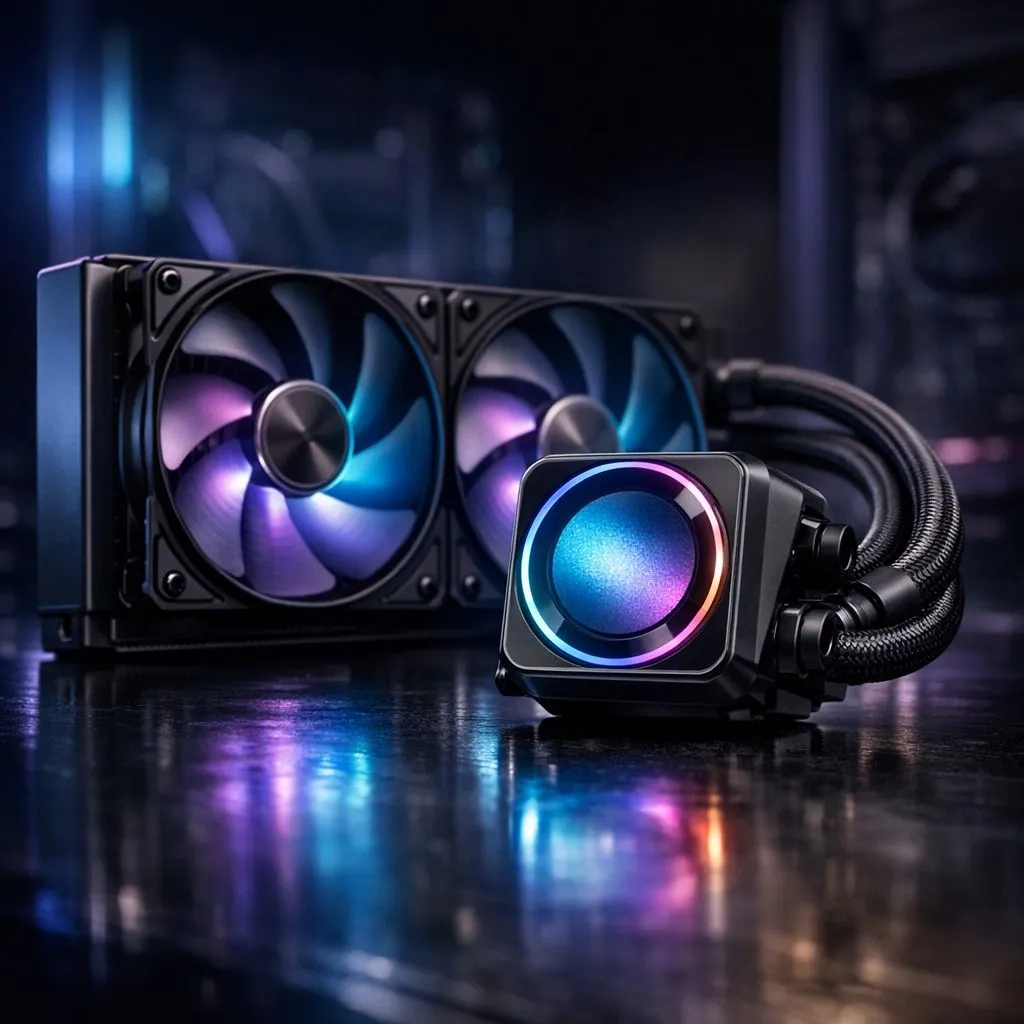
Why Your AIO Liquid Cooler Might Not Be Cooling Your CPU Properly ⚡
If you’ve invested in a sleek AIO liquid cooler but notice your CPU temperatures soaring, frustration is natural. South African gamers and tech enthusiasts rely on these coolers for silent, efficient heat management — so when they falter, performance and longevity suffer. Whether you’re running demanding new titles or streaming at high settings, fixing your AIO cooler’s issues promptly is key to keeping your rig stable.
Understanding why your AIO liquid cooler isn't cooling your CPU properly helps you avoid costly replacements and downtime.
Common Causes of Poor Cooling Performance with AIO Liquid Coolers
Air Bubbles and Pump Problems 🔧
A dominant reason for cooling failure is trapped air inside the cooler’s loop. This interrupts the liquid flow and leads to hotspots on your CPU. Listen carefully—if your pump emits unusual noises or your radiator fans hardly spin, it could signal pump failure.
Improper Mounting or Thermal Paste Application
Incorrect mounting pressure or aged thermal paste causes poor heat transfer, preventing your AIO liquid cooler from dissipating heat effectively. Check for even contact between the cooler’s cold plate and the CPU’s heat spreader. If unsure, reapply high-quality thermal paste for optimum conductivity.
Take a look at top-rated models on Evetech to understand how a well-engineered AIO cooler improves thermal performance: Shop AIO Liquid Coolers on Evetech.
Radiator Placement and Fan Orientation
Your cooler’s radiator placement affects airflow dynamics. Mounting the radiator so fans exhaust hot air properly prevents heat build-up inside your case. Also, check if your fans push or pull air correctly through the radiator fins to guarantee efficient cooling.
Radiators come in various sizes; for large South African gaming setups, a 360mm radiator AIO cooler can handle high thermal loads better than smaller options.
Pro Cooling Tip
Make sure your radiator isn’t mounted at the lowest case point to reduce air bubble traps. Angle your PC for a slight tilt—it helps maintain liquid circulation and boosts performance.
Expert Advice on Choosing and Fixing Your AIO Liquid Cooler
Quality Brands that South Africans Trust
If you plan to upgrade or replace your cooler, consider reputable brands proven for quality and reliability. Corsair’s liquid coolers are favoured for their robust pumps and RGB aesthetics that suit stylish builds: Explore Corsair AIO coolers here.
Deepcool also offers budget-friendly, efficient units popular among local gamers: Check Deepcool AIO coolers on Evetech.
Match Your Cooler to Your Gaming Rig’s Needs
For most midrange builds, a 240mm radiator liquid cooler strikes a perfect balance between price and performance. Bigger systems or overclocked CPUs in South Africa demand larger radiators and better airflow: 240mm radiator options here.
Final Checks Before You Decide to Replace
- Ensure your pump’s cable and fan headers are connected to the motherboard’s CPU fan and pump headers.
- Use hardware monitoring tools to track pump RPM and CPU temps under load.
- Clean radiator fins from dust to maintain airflow efficiency.
- Verify BIOS settings—sometimes fan curves or pump controls are misconfigured.
If all else fails, browsing through Evetech’s extensive CPU cooler range can help you pick a cooler that fits your needs and budget. Cooling your CPU properly ensures better gaming performance and longevity for your components.
Upgrade Your Cooling, Max Your Performance Don’t let poorly cooled CPUs throttle your gameplay. Shop now at Evetech for AIO liquid coolers that keep your rig frosty under pressure.











