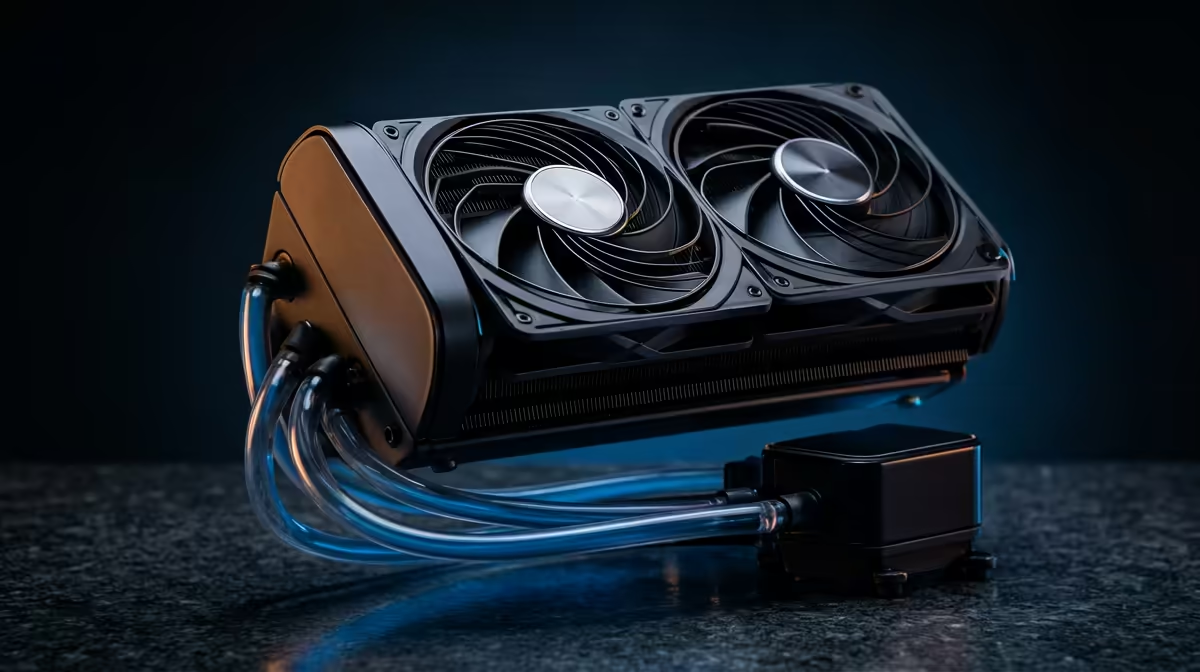
Is your gaming rig running hotter than a Durban summer? You've got a beastly graphics card, a top-tier CPU… but your frames are dropping mid-match. The culprit might not be what you think. It could be your AIO's unsung hero: the pump. Understanding AIO liquid cooler pump specs is the key to unlocking consistent performance and finally beating those frustrating thermal bottlenecks. Let's get your temps sorted. ⚡
Why Your AIO Pump Specs Are So Important
Think of your AIO liquid cooler as your PC’s circulatory system. The radiator and fans are the lungs, the coolant is the blood, and the pump… that’s the heart. If the heart is weak, nothing else works properly. A pump with poor specs can’t move coolant fast enough, causing heat to build up on your CPU. This leads to thermal throttling, where your processor intentionally slows down to avoid damage.
The result? Lower frame rates, stuttering gameplay, and slower performance in creative workloads. Getting the cooling right is crucial, especially since a powerful CPU is the brain of your gaming operation. Ignoring the AIO liquid cooler pump specs is like putting a scooter engine in a supercar.
Decoding the Key AIO Pump Specs 🔧
When you're browsing AIOs on Evetech, you'll see a bunch of numbers. Here’s what the most important ones mean for your rig's health.
Pump Speed (RPM)
Measured in Rotations Per Minute, this tells you how fast the pump's motor is spinning. A higher RPM generally means a higher flow rate and better cooling potential. Most modern AIOs have PWM (Pulse Width Modulation) pumps, allowing their speed to adjust based on CPU temperature. This gives you a great balance between quiet operation during idle times and maximum cooling power when you’re in the thick of a battle, especially if you're running a top-tier Intel CPU that boosts aggressively.
Flow Rate (L/h)
This spec measures how many litres of coolant the pump can move per hour. A higher flow rate means heat is wicked away from the CPU block and moved to the radiator more effectively. While a very high number looks impressive, it works in tandem with other factors like radiator fin density and fan performance. A balanced system is always the goal.
Noise Level (dBA)
Nobody wants a PC that sounds like a jet engine taking off. The pump's noise level, measured in decibels (dBA), is a huge quality-of-life factor. A well-engineered pump can deliver excellent performance without being distractingly loud. Anything under 25 dBA at load is considered very quiet.
Pro Tip: Use the Right Header!
Always plug your AIO pump's 3-pin or 4-pin connector into the dedicated AIO_PUMP or W_PUMP header on your motherboard. These headers are designed to run the pump at a constant 100% speed, which is critical for its performance and longevity. Plugging it into a standard CPU_FAN header might cause the pump speed to fluctuate, reducing cooling efficiency.
Matching Pump Specs to Your Build 🚀
So, how do you choose? It depends entirely on your processor and what you do with it.
A mid-range gaming build with a modern Core i5 or Ryzen 5 will be perfectly happy with a solid all-rounder AIO. You don't need the absolute highest-spec pump.
However, if you're building a high-performance machine for overclocking, streaming, or running demanding creative applications, the pump specs become non-negotiable. The latest AMD CPUs, like the Ryzen 9 series, generate significant heat under load and demand excellent cooling to hit their peak clock speeds consistently. For these builds, prioritise an AIO with a high-RPM, high-flow-rate pump from a reputable brand to ensure you never leave performance on the table.
Ultimately, understanding AIO pump specs empowers you to make a smarter choice, ensuring your PC runs cool, quiet, and lightning-fast when it matters most.
Ready for a Cooler, Faster CPU?
A great cooler needs a great processor to protect. Find the perfect heart for your gaming rig with our massive range of CPUs at unbeatable prices. Shop CPUs now at Evetech and leave thermal bottlenecks in the dust.