

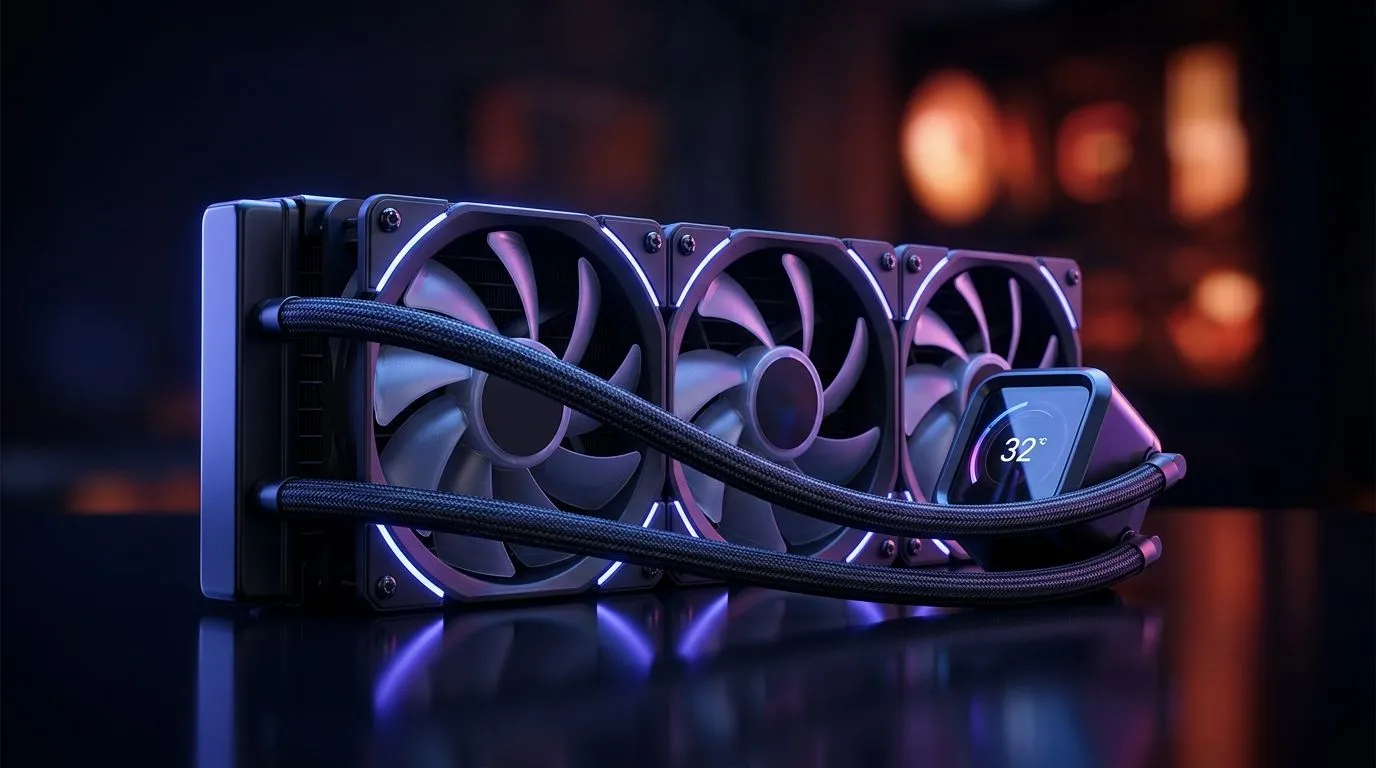
Why the Right AIO Liquid Cooler Radiator Size Matters in South Africa Heat
If your PC is idling at 70°C in a hot South African summer, it’s not always “just bad luck”… it’s often radiator sizing. Gamers push sustained loads during raids, ranked sessions, and shader-heavy titles. If your AIO Liquid Cooler Radiator Size for South Africa Heat is off, you can end up throttling, louder fans, and a CPU that never quite boosts properly. Let’s get this right before you spend again 🔧
How to Choose the AIO Liquid Cooler Radiator Size for South Africa Heat (Without Guessing)
AIO radiator size (120/240/360mm) affects two things: how much surface area the system has to dump heat, and how comfortably your fans can run. In general:
- 240mm radiators usually suit mid-range builds and mainstream CPUs.
- 360mm radiators tend to handle higher sustained loads better, especially in warmer rooms.
- Single 120mm is typically the smallest category and can struggle under heavy loads.
But radiator size is only part of the story. You also need to match:
- your CPU’s heat output (TDP),
- your case radiator support (front/top placement),
- and your fan setup (static pressure fans help with radiators).
Productivity Pro Tip ⚡
Windows, use Evetech’s recommended fan curves conceptually: keep your monitoring open with HWiNFO-style telemetry while you test. After installing your AIO, run a 10–15 minute CPU stress test and adjust fan curves so idle stays quiet, but load doesn’t spike. Watch CPU package temperature and note if clocks drop under sustained load.
AIO Radiator Sizes in Real South African Scenarios (120 vs 240 vs 360)
When a 240mm radiator is the sensible choice
In many South African homes, the “problem” isn’t your CPU. It’s that summer airflow is limited and bedrooms get warm. A 240mm AIO often balances cost and performance. It can be enough for gaming workloads like:
- longer sessions with no rest periods,
- boosted CPU behaviour that lasts more than a few seconds,
- and ambient temperatures that climb beyond what your coolers were tested in.
Why 360mm can feel calmer under sustained loads
A 360mm radiator gives more thermal headroom. That extra surface area means the same cooling “work” can be distributed across more fin area, so fans may need less aggression for the same temperature control. For gamers who run:
- heavy CPU games,
- streaming plus gameplay,
- or productivity bursts between matches… 360mm often pays off.
Where 120mm fits (and where it doesn’t) 🚀
120mm AIOs are usually best for compact builds with strict space. If you’re aiming for stable boost clocks in a hot room, 120mm can become a compromise. It may work… but you’ll more often fight higher temperatures and louder fans when the CPU ramps.
Case Compatibility Checklist (The Part Everyone Skips)
Before you buy, confirm your case supports your radiator size and mount location. Radiator mounting can be front, top, or in some cases, front+top. The best placement depends on your case and airflow layout.
Quick checklist:
- Radiator size supported: 240mm or 360mm
- Mount position: front/top restrictions
- Clearance: RAM height, motherboard components, and fan thickness
- Airflow direction: intake at the front, exhaust at the rear/top for most builds
- Fan orientation: use the manufacturer guidance for best radiator airflow
Fan and pump basics that affect heat (and noise) ✨
- If your fans are too low at load, the radiator can’t shed heat fast enough.
- If you run aggressive curves for silence at idle, you might still see temperature spikes during sustained gaming.
- Pump speed helps, but it can’t replace radiator size.
Shop Smart: Find the Correct AIO Liquid Cooler for Your Radiator Size
Start by browsing Evetech’s selection to match your CPU cooling needs. These pages let you filter quickly by cooler type and radiator size, so you don’t end up mismatching hardware.
- Explore general options in liquid coolers here: CPU Liquid Coolers at Evetech
- Looking specifically for AIO liquid cooling models: AIO Liquid Cooler options
- Prefer a specific brand? Here’s the CORSAIR filter: CORSAIR AIO Liquid Coolers
- Deepcool AIO options for radiator matching: Deepcool AIO Liquid Coolers
- For 360mm radiators (great for sustained loads): 360mm Radiator AIO Liquid Coolers
- For 240mm radiators (often a solid value path): 240mm Radiator AIO Liquid Coolers
What to Do After Installation (So Temps Actually Improve) 🔧
Once your AIO is installed, don’t just assume it’s fine. Do a quick sanity check:
- Check mounting pressure (follow the cooler instructions)
- Confirm pump power connection (to a proper header)
- Set a reasonable fan curve for sustained loads
- Test temperatures during a 10–15 minute CPU stress run
- Recheck after a short gaming session to see if thermals stabilise
If your CPU still spikes quickly, you may need to improve radiator placement, fan direction, or revisit radiator size.
Ready to Find Your Perfect Match? The AIO Liquid Cooler Radiator Size for South Africa Heat you choose can make a big difference to your boost clocks, noise levels, and overall stability. Jump into our cooling range and get the right fit for your case, your CPU, and your summer room temps. Explore Evetech’s CPU cooler options and lock in a build that stays cool when the game heats up.











