

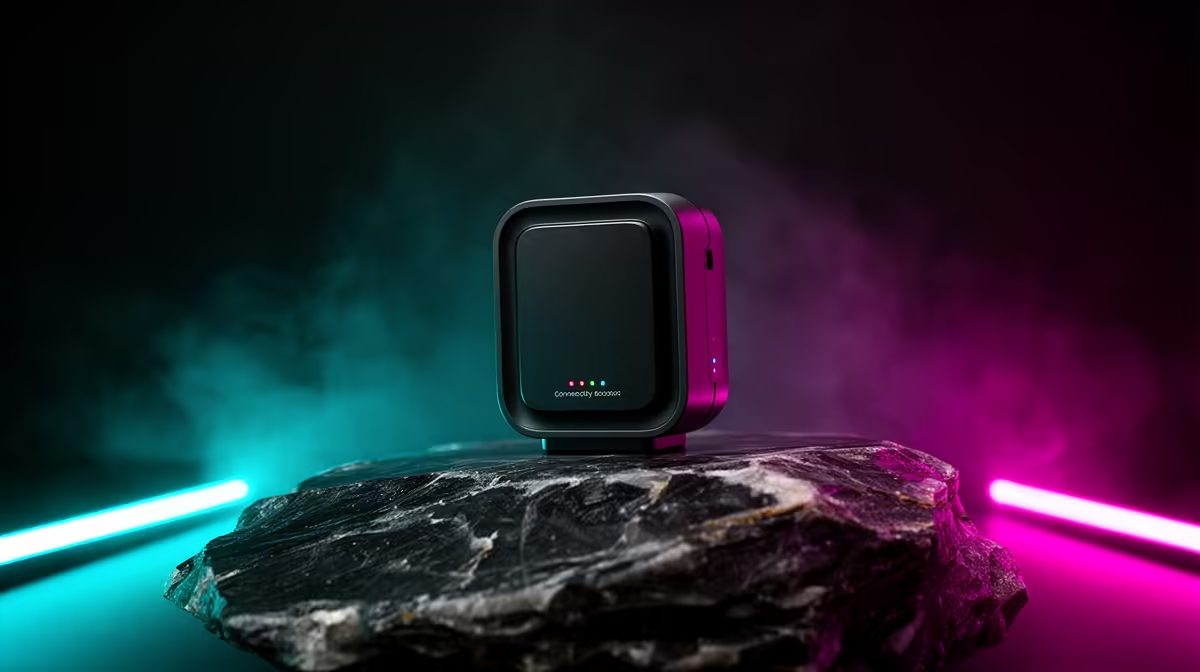
Tired of Alexa ignoring you from the other side of the house? "Sorry, I'm having trouble connecting." It's a phrase that can send any South African tech fan into a spiral of frustration. Your smart home feels… well, a bit dumb when the Wi-Fi can't keep up. The good news is you don't need a complete network overhaul. A strategically placed, powerful Alexa-compatible smart home booster can eliminate those dead spots for good. 🚀
Why Your Smart Home Signal is Dropping
Your router is the heart of your home network, but even the best ones have their limits. Brick walls, multiple floors, and even your microwave can weaken the signal. Add a gaming PC, a few smartphones, smart lights, and your Echo devices all demanding bandwidth, and you've got a recipe for lag and dropouts. Before you look at boosters, ensure your foundation is solid with a powerful wireless router capable of handling modern demands.
But if the signal just can't reach your patio lapa or the upstairs office, that's where a dedicated network booster for Alexa devices comes in. These gadgets pick up your existing Wi-Fi signal and rebroadcast it, effectively extending its reach to cover every corner of your property.
Finding the Best Alexa-Compatible Smart Home Boosters
When you're shopping for a solution, "Alexa-compatible" simply means the booster creates a stable and reliable network for your Echo speakers and other smart devices to connect to. The booster itself doesn't need special voice commands; its job is to provide a seamless signal. 📶
Here’s what to look for:
- Wi-Fi Standard: Look for Wi-Fi 5 (802.11ac) at a minimum, or Wi-Fi 6 (802.11ax) for better performance in device-dense homes. Wi-Fi 6 is specifically designed to handle multiple connections more efficiently.
- Ease of Setup: Most modern wireless range extenders feature a simple WPS (Wi-Fi Protected Setup) button. You press the button on your router, then on the extender, and they connect automatically. It’s a 2-minute job.
- Ethernet Port: A booster with an Ethernet port is a massive bonus. It lets you connect a device like a smart TV or gaming console directly with a cable, giving it a rock-solid connection while leaving the wireless bandwidth for your mobile and smart home devices.
Pro Placement Tip 💡
For best results, don't place your extender in the dead zone itself. Position it about halfway between your router and the area with a weak signal. This ensures it receives a strong signal to amplify and rebroadcast, optimising your network coverage.
Other Ways to Strengthen Your Connection
Sometimes, the problem isn't the network range but a specific device's ability to connect. An older PC or laptop in your home office might have an outdated internal Wi-Fi card that's slowing you down. In this case, a simple USB upgrade can make a world of difference. For just a few hundred ZAR, upgrading to a modern wireless adapter can often provide a faster, more stable connection than the built-in hardware.
Fixing your network isn't just about convenience; it's about unlocking the full potential of the tech you've invested in. A reliable signal means smoother 4K streaming, lag-free gaming sessions, and an Alexa that's always ready to respond.
Banish Buffering & Boost Your Signal Stop letting weak Wi-Fi dictate where you can work and play. Explore our full range of wireless networking gear and build a smart home that just works.











