

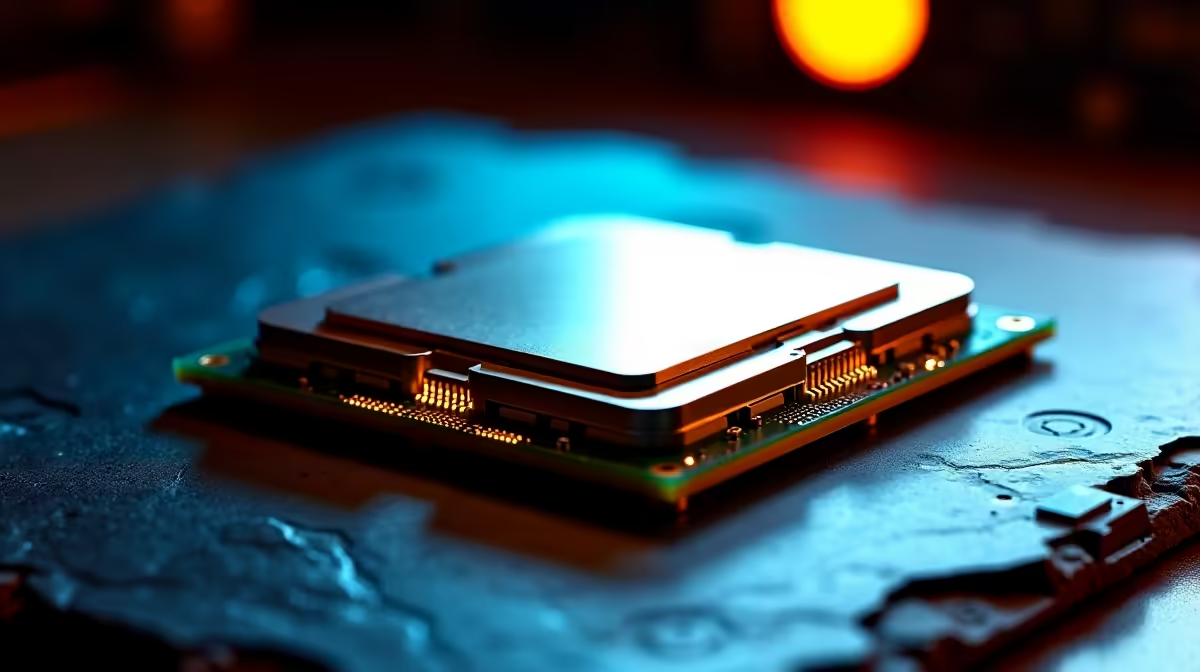
Staring at your PC, wondering how to get more FPS without emptying your wallet? We get it. For South African gamers, finding that perfect balance between price and performance is the ultimate quest. Enter the AMD Ryzen 5 5500. This CPU isn't just a component; it's your ticket to high-performance 1080p gaming that respects your budget. This AMD Ryzen 5 5500 gaming upgrade guide is here to show you how. 🚀
Why Consider an AMD Ryzen 5 5500 Gaming Upgrade?
Let's cut to the chase… the Ryzen 5 5500 hits the sweet spot. With 6 cores and 12 threads, it has enough muscle to run the latest titles like Apex Legends and Warzone smoothly while handling Discord in the background. Because it's built on the mature AM4 platform, it often serves as a simple drop-in upgrade for older systems, saving you the cost of a new motherboard and RAM.
This makes it a cornerstone of many excellent budget gaming PCs, offering a performance uplift that you can genuinely feel. For gamers looking for maximum bang-for-buck, a complete AMD Ryzen 5 5500 gaming upgrade is one of the smartest moves you can make in today's market. You can explore a wide variety of builds in our complete AMD Ryzen PC deals section.
Pairing Your Ryzen 5 5500 for Maximum Performance
A great CPU needs a solid team of components supporting it. A balanced rig is a happy rig, so let's look at what pairs best with your new processor to avoid performance bottlenecks.
Choosing the Right Graphics Card
The GPU is your CPU's most important partner in crime. For a Ryzen 5 5500, you want a graphics card that delivers stellar 1080p performance without being overkill.
- Team Green: Cards like the NVIDIA GeForce RTX 3060 or even the RTX 4060 are fantastic matches, giving you access to DLSS technology for a smart FPS boost. Check out our range of NVIDIA GeForce gaming PCs to see these pairings in action.
- Team Red: AMD's own Radeon RX 6600 or RX 7600 offer incredible value and raw performance, making them a natural fit. These cards are perfect for high-refresh-rate monitors. Explore our powerful AMD Radeon gaming PCs for some inspiration.
="Quick BIOS Tweak for Free Performance 🔧" , Once your PC is built, jump into the BIOS and enable the XMP (for Intel) or DOCP EXPO (for AMD) profile for your RAM. This one-click setting ensures your memory runs at its advertised speed, often giving you a 5-10% performance boost in games for zero extra cost.
RAM and Motherboard Considerations
The Ryzen 5 5500 uses DDR4 memory, which is brilliant for budget-conscious builders as it's more affordable than its newer counterpart. 16GB of DDR4 at 3200MHz or 3600MHz is the perfect capacity and speed for this CPU. While the future is certainly DDR5, sticking with a robust DDR4 platform allows you to allocate more of your budget towards the GPU... where it counts most for gaming. If you are planning a more future-proof build from scratch, you might want to look at our DDR5 gaming PCs instead.
What to Expect from Your Ryzen 5 5500 Gaming PC
So, what does this all mean for your gameplay? With a balanced AMD Ryzen 5 5500 gaming upgrade, you can expect to comfortably play most modern esports and AAA titles at 1080p with high settings, pushing well over 60 FPS. It’s the perfect engine for a competitive edge.
This CPU is the heart of many of our best-selling PCs under R20,000, proving that you don't need to spend a fortune for a fantastic experience. Of course, if you're aiming for 4K visuals or streaming professionally, you might want to explore our more powerful PCs above R20,000. And for heavy-duty video editing or 3D rendering, dedicated Workstation PCs would be a more suitable choice.
The Pre-Built vs. DIY Decision ✨
Building a PC is a rewarding experience, but not everyone has the time or desire to assemble it themselves. That's where a pre-built system shines. You get a professionally assembled, cable-managed, and tested machine with a full warranty, ready to plug in and play.
Our pre-built PC deals often feature the Ryzen 5 5500 and are configured by experts to ensure balanced performance from day one. While we're focusing on an AMD upgrade path here, it's always wise to see what the competition offers; you can compare them against our Intel PC deals to make the most informed decision for your needs.
Ready for Your Ryzen 5 5500 Upgrade? Stop dreaming about smoother frame rates and start experiencing them. Explore our curated selection of the best gaming PC deals in South Africa for performance that leaves lag in the dust.











