

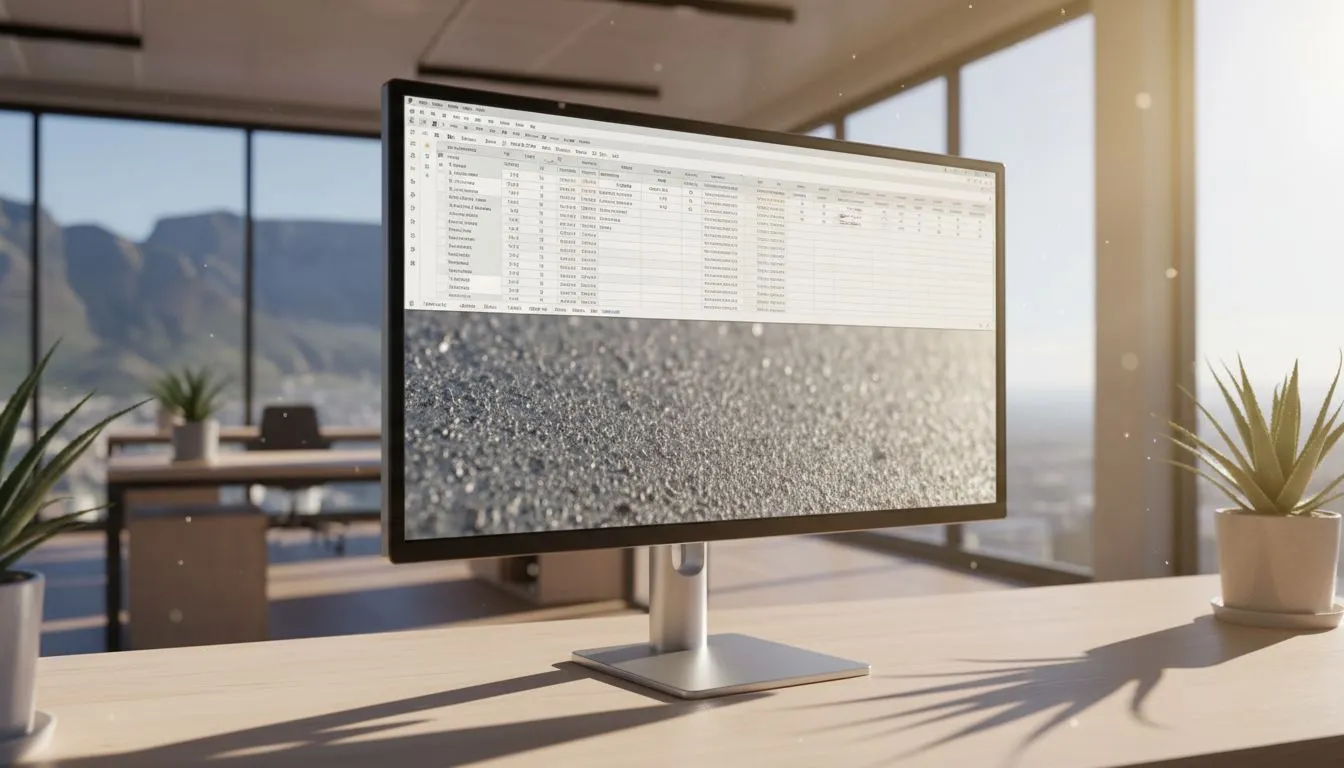
Anti-Glare Technology for Offices: Essential in Sun-Lit South Africa
South Africa's bright days are brilliant for beaches, less brilliant for your monitor. Gamers, streamers and office buyers: if you battle reflections by the window, you need anti-glare tech that actually works. This guide explains why anti-glare technology for offices matters here, which monitor features to prioritise, and how to test models before you buy. 🚀✨
Anti-glare technology for offices — how it helps performance and comfort
Reflections cause eye strain, slow reactions and lost productivity. Anti-glare coatings and matte panel finishes scatter harsh sunlight, reducing hotspots without crushing contrast. For competitive players or spreadsheet warriors, that means clearer visuals and fewer squints. When we talk about anti-glare technology for offices, we’re usually referring to screen coatings plus panel choices like IPS for wider viewing angles and consistent colour; learn more about IPS panels here: IPS panels.
Anti-glare technology for offices — pick the right panel and shape
Not all monitors fight glare the same. Flat screens minimise angled reflections for direct desks; check our flat options: flat screens. Curved monitors wrap light differently and can reduce edge reflections in some setups; browse curved monitors if you use an ultrawide. For gaming or mixed use, adaptive refresh features pair nicely with anti-glare finishes: compare Adaptive Sync models and see which suits your GPU.
Anti-glare technology for offices — adaptive sync, FreeSync and G‑Sync considerations
If you game and work on the same screen, adaptive sync reduces tearing and makes motion look smoother. AMD and Nvidia ecosystems differ; you can find dedicated FreeSync monitors as well as G-Sync compatible displays. Pairing adaptive sync with an anti-glare surface yields fewer visual distractions during fast movement.
Productivity Pro Tip ⚡
On Windows, use the PowerToys FancyZones utility to create custom snap layouts for your windows. It's a lifesaver for managing multiple apps on an ultrawide monitor, letting you organise your timeline, preview window, and asset folders perfectly for video editing.
Anti-glare technology for offices — real-world testing and setup
Try this quick checklist in-store or during delivery: angle the monitor toward your typical seating position and check for hotspot reflections at different times of day. Open high-contrast images and movie clips to confirm how the anti-glare coating affects shadow detail and colours. If you need a starting catalog, explore our full monitor range to compare options and filter by features.
Anti-glare technology for offices — maintenance and simple tweaks
Keep screens clean using a microfiber cloth and monitor-safe cleaner; fingerprints defeat anti-glare coatings faster than dust. Adjust blinds or a light diffuser before you upgrade hardware — sometimes a small physical change fixes most glare issues. If you prefer a glossy-to-matte trade-off, compare models side-by-side; specs and compatibility notes are listed on each product page.
Anti-glare technology for offices — final recommendation for South African buyers
In sun-lit South Africa, a monitor with a proven matte finish and an IPS panel is a versatile choice for offices and gaming. Match that to your GPU with either FreeSync or G-Sync compatibility, depending on brand preference. When ready, consider shop filters for panel type, curvature and adaptive sync to narrow choices quickly.
Ready to Find Your Perfect Match? The Mac vs Windows debate is complex, but for maximum power, choice, and value in South Africa, Windows is hard to beat. Explore our massive range of laptop specials and find the perfect machine to conquer your world.











