

Unlocking Apex Legends Max Settings on RTX 4090 for South African Gamers 🔧
If you’re in South Africa and serious about Apex Legends, running max settings on the RTX 4090 is where you want to be. This GPU practically screams speed and smoothness, handling Apex Legends with ultra-high frame rates and stunning visuals. But how do you squeeze every bit of performance out of this beast? Let’s dive into a complete guide to mastering Apex Legends max settings on RTX 4090 and get you fragging with style.
Why the RTX 4090 is Perfect for Apex Legends Max Settings ⚡
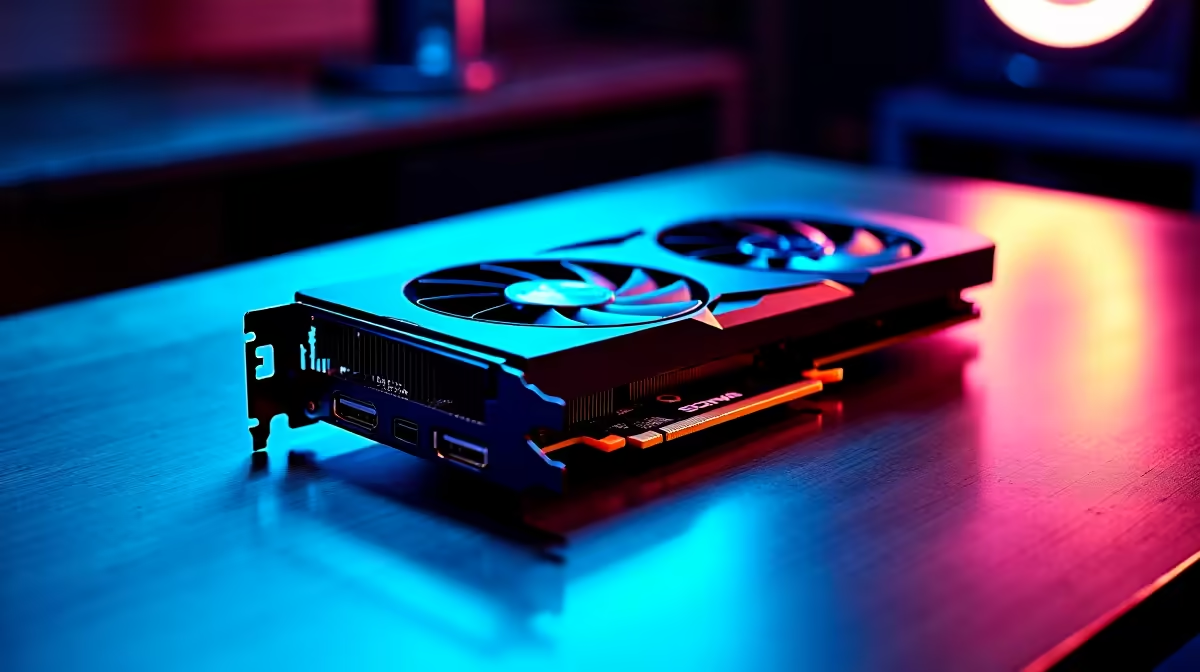
NVIDIA’s RTX 4090 is the current titan of gaming GPUs. It boasts insane ray tracing performance and AI-powered DLSS that balance visual fidelity with legendary frame rates. Apex Legends max settings can be demanding, but the 4090’s architecture ensures zero compromise on detail or speed. From ultra textures to max anti-aliasing, every setting pushes your rig to the max without bottlenecking your FPS.
South African gamers often ask if the RTX 4090’s power is worth the investment compared to more affordable cards. The real value shows when you pair the 4090 with a well-balanced PC build, like those offered in Evetech’s best gaming PC deals, designed to match performance with pricing in ZAR.
Setting Apex Legends to Max on RTX 4090: Step-by-Step 🎮
To unlock pure graphical excellence, tweak the settings to extract the RTX 4090’s full potential:
- Display Mode: Full-screen for lowest latency.
- V-Sync: Off to reduce input lag — your reflexes matter.
- Texture Streaming Budget: Set to ‘high’ or ‘maximum’.
- Anti-Aliasing: Use “TSAA” for smooth edges without performance loss.
- Ambient Occlusion Quality: Max for more realistic shadows and depth.
- Sun Shadow Detail: Maximum, for clear visuals in dynamic lighting.
- Model Detail: High or apex setting.
- Effects Detail: High for rich visual effects.
- Impact Marks and Ragdolls: Enabled for full immersion.
Couple these with DLSS set to ‘Performance’ or ‘Balanced’ to keep your frame rates above 144 FPS — especially important for monitors with high refresh rates common among competitive South African gamers.
Cooling and Power Essentials for Sustained RTX 4090 Performance
Running max settings demands good cooling to prevent thermal throttling. The RTX 4090 can run hot, so ensure your PC has optimal airflow. Custom PC builds with efficient fans or liquid cooling from Evetech’s pre-built PC deals help maintain stable temps during marathon sessions.
Power supply is another key factor. The RTX 4090 requires a solid 850W+ PSU. Skimping here can cause crashes or performance dips. When shopping for GPUs, check out Evetech’s broad range of graphics cards to pair with your ideal PSU wattage.
Keep Your RTX 4090 Cool
your fan curve by 5% to shave off 2 °C — quieter rig, same FPS. Monitor temps with tools like MSI Afterburner to avoid surprises during gaming marathons.
Should You Consider Laptops for Apex Legends Max Settings?
Gaming laptops here in South Africa can pack RTX 4090 power too. Brands featured on Evetech’s laptops for sale come equipped with powerful mobile RTX GPUs, letting you enjoy Apex Legends max settings on the go.
These laptops optimise for power efficiency and thermal management, making them ideal if you want the ultimate fps and portability combo. Just remember, desktop RTX 4090 setups will always edge out laptops on raw performance.
Max Setting Tweaks for South African Gamers: Tips & Advice 🇿🇦
Lag can still bite if your internet or fibre speed is slow. Apex Legends benefits massively from fibre connections with low ping. Combine max graphics with a stable connection. Also, regularly check for updated graphics drivers and Apex Legends patches.
Don’t miss out on Evetech’s specials to grab cutting-edge gear and accessories at discounts that fit your budget — perfect for building or upgrading your Apex Legends rig without breaking the bank.
Max Your Apex Legends Setup Today Ready to elevate your gameplay? Shop now at Evetech for GPUs, rigs, and deals that deliver flawless Apex Legends max settings performance.











