

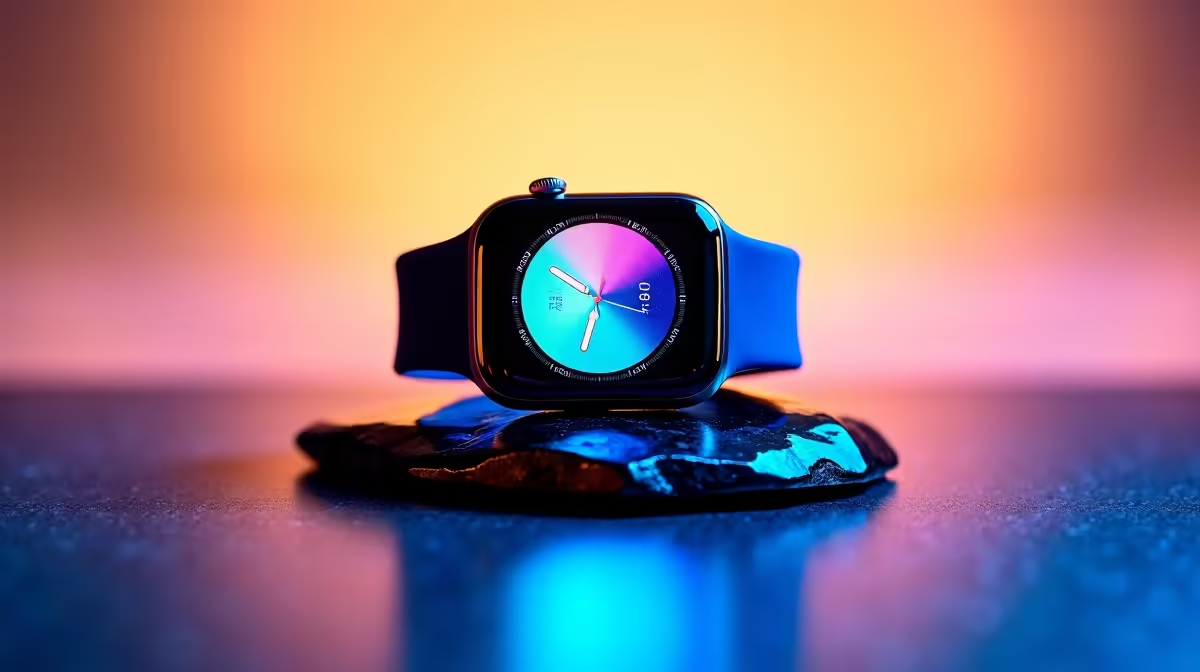
Just got a new smartwatch and feeling a bit overwhelmed? You are not alone. Whether you are stepping away from your desk or tracking your heart rate during a tense Warzone match... smartwatches are essential tech. This Apple Watch for beginners complete setup and tips guide will help you get started. Let us optimise your wrist tech so you can get back to what matters most. ⌚
Pairing and Initial Setup
First things first. Turn on your watch and bring it close to your iPhone. The Apple ecosystem is smooth... much like booting up a fresh rig. Follow the on-screen prompts to pair the devices. If you are a hardcore gamer, you know the value of a seamless setup. It is just like finding the best gaming PC deals that work straight out of the box. Choose your wrist preference, set a passcode, and let it sync.
Customising Your Watch Face
Your watch face is your digital dashboard. You want it to reflect your style and give you quick access to crucial info. Press firmly on the screen to swipe through different designs. You can add complications... little widgets that show the weather or your activity rings. A clean layout is vital. It is similar to how you would organise your desktop when browsing laptops for sale for work or study.
Battery Saving Pro Tip ⚡
Turn off the Always-On display if you want to stretch your battery life. This simple tweak can save you hours of juice... ensuring your watch survives from your morning run to your late-night gaming sessions.
Essential Settings and Notifications
Nobody likes constant buzzing. Open the Watch app on your phone to tweak your notifications. Only allow alerts from apps you actually care about. Getting spammed on your wrist is distracting... especially when you are hunting for pre-built PC deals online. Keep it minimal. Focus on calls, messages, and calendar reminders.
Tracking Your Health and Activity
The real power of this wearable is health tracking. Set up your Activity rings to monitor your daily movement. It is easy to sit for hours when you are upgrading your rig with the latest graphics cards. The watch will gently remind you to stand up and stretch. Closing those rings feels incredibly rewarding. 🚀
Maximising Value Every Day
Learning the ropes takes a little time. But once you master the basics, your daily routine becomes much more efficient. You can control your music, pay for coffee with Apple Pay, and even unlock your Mac automatically. It is all about getting the most out of your tech investment. Just like keeping an eye out for weekly tech specials to save those precious ZAR... optimising your watch saves you time and effort.
Ready to Upgrade Your Entire Setup? Now that your wrist tech is sorted, it might be time to look at your main rig. Whether you need more frames for competitive play or a reliable machine for heavy workloads, we have you covered. Explore our massive range of laptop specials and find the perfect machine to conquer your world.











