

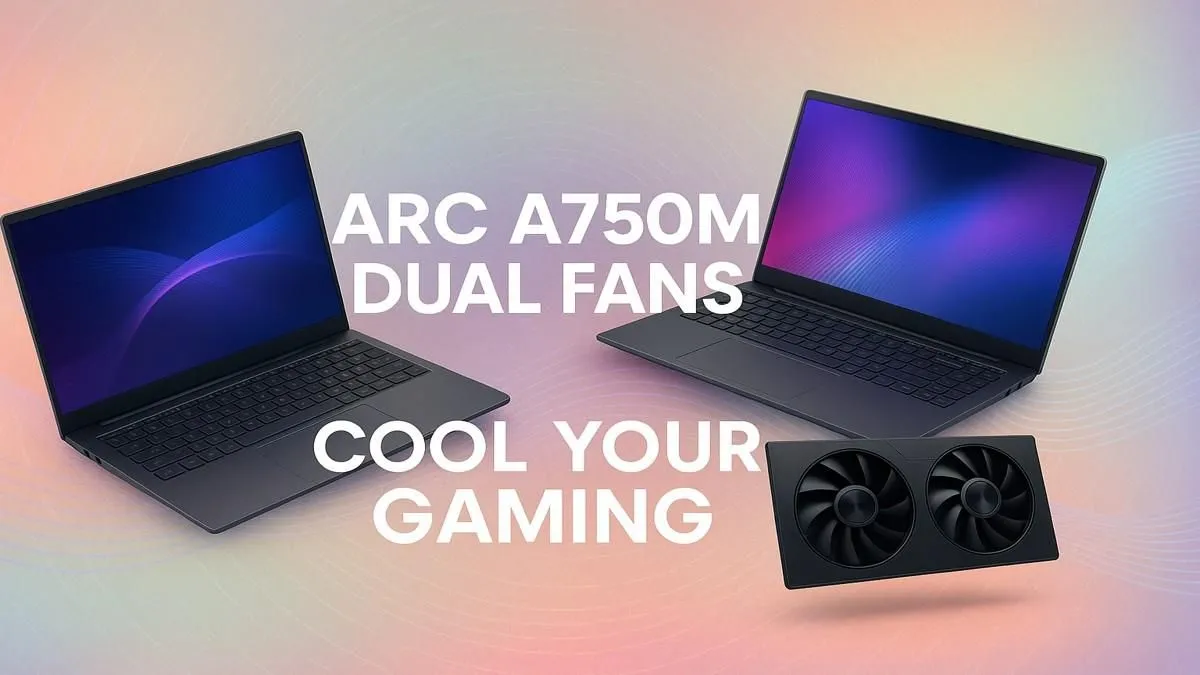
Struggling with laptop heat during a South African summer? We've all been there. A hot rig means throttled performance, right when you need it most. That's why the cooling system on a graphics card is so crucial. The Arc A750M dual fan graphics card cooling setup is designed specifically to tackle this, keeping your gameplay smooth and your temps in check, even when the pressure is on. Let's dive into how it keeps its cool. 🚀
How the Arc A750M's Dual Fan Cooling Works
At its core, the concept is simple but effective: two fans are better than one. In a compact laptop chassis, heat is the enemy of performance. A single fan has to work overtime, often getting loud and still struggling to expel all the hot air generated by the GPU and CPU.
The dual fan design in laptops featuring the Arc A750M creates a more efficient airflow channel. One fan typically pulls cool air in, while the other aggressively pushes hot air out through the vents. This continuous cycle means the heatsinks connected to the graphics card stay cooler, allowing the GPU to maintain its boost clocks for longer. This sophisticated thermal management is a key feature you'll find in many of today's laptop specials, ensuring you get the performance you paid for.
Why Effective Cooling Matters for SA Gamers ❄️
Imagine you're in the final circle in Warzone on a blistering hot day in Pretoria. The last thing you need is for your frame rate to suddenly drop because your laptop is overheating. This phenomenon, called thermal throttling, is your PC's self-defence mechanism to prevent damage... but it's a real passion killer.
An effective Arc A750M dual fan graphics card cooling system directly combats this. By efficiently managing temperatures, it ensures your GPU delivers stable performance, frame after frame. You get a smoother, more reliable gaming experience without the frustrating stutters caused by overheating. This means more consistent performance during long gaming sessions, whether you're raiding in WoW or climbing the ranks in Valorant.
The Elevation Advantage
Simply propping up the back of your laptop with a book can improve airflow significantly. For a more permanent solution, a dedicated cooling stand is a small investment in ZAR for a big thermal win, often dropping temps by a few crucial degrees.
Pro Tips to Maximise Your Cooling Performance 🔧
Even the best built-in cooling system can use a little help. To get the absolute most out of your hardware, a few simple habits can make a world of difference. Keeping your laptop on a hard, flat surface (not a duvet!) is rule number one, as it prevents vents from being blocked.
Regularly cleaning the vents with compressed air can also prevent dust build-up, which insulates components and traps heat. These simple maintenance tips apply whether you're running one of the latest AMD laptops or rocking one of the many powerful Intel-powered machines. A clean machine is a cool machine, and a cool machine is a fast machine.
Find Your Perfect Cool-Running Rig Don't let thermal throttling ruin your next match. A laptop with superior cooling is your ticket to consistent, high-FPS gaming. Explore our best gaming laptop deals at Evetech for performance that leaves the heat behind.











