

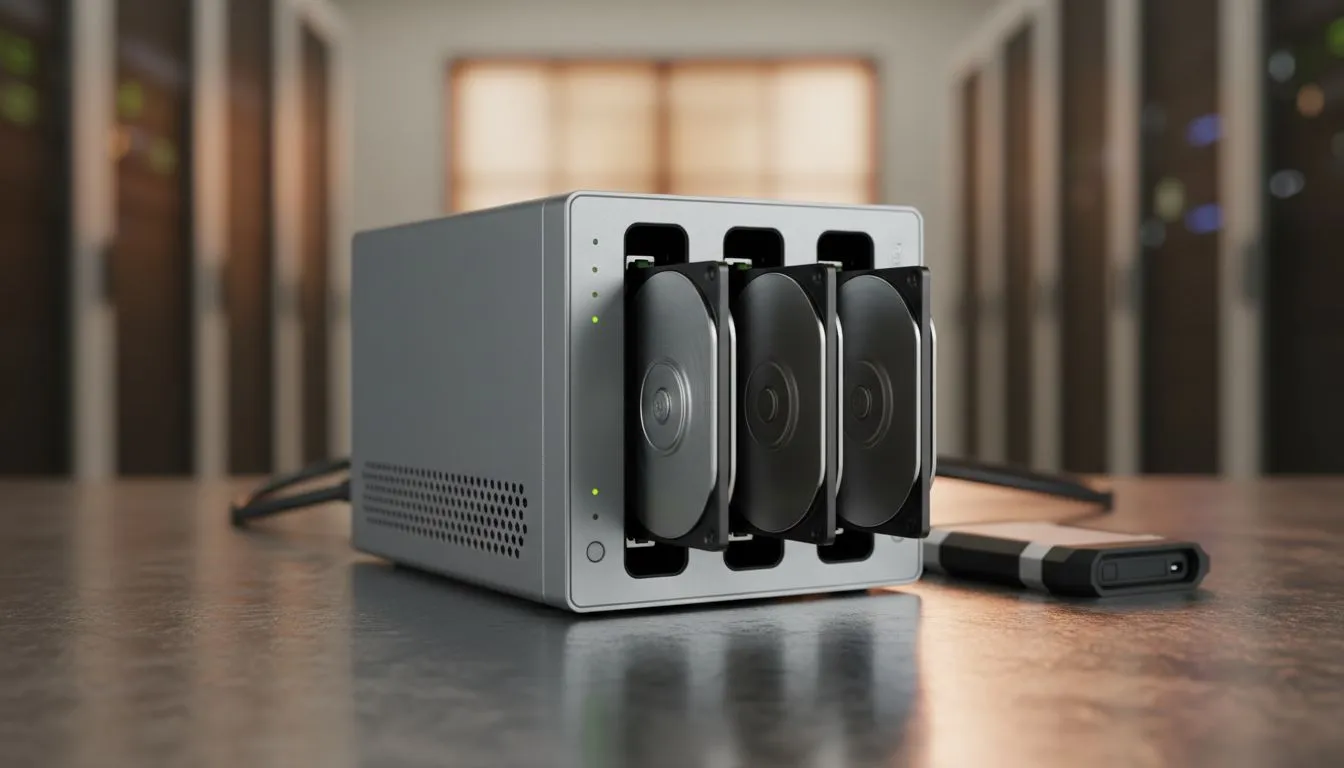
Your 512GB SSD is screaming for mercy. Between massive game patches and 4K clips, there is zero room left. It is time to archive old files to external drive: clean digital clutter before your PC slows to a crawl. In South Africa, where high-speed data is a luxury, keeping your system lean is the best way to stay in the game. 🚀
The Performance Cost of a Full Drive
When your primary storage hits that dreaded red bar in Windows Explorer, your whole system suffers. Windows needs "breathing room" for temporary files and page files. If you do not buy solid state drives with enough overhead, you will notice stuttering in games and slower boot times. Archiving is not just about deleting... it is about moving what matters to a safe, secondary location.
Why You Should Archive Old Files to External Drive: Clean Digital Clutter
South African gamers often hoard years of gameplay clips and installers. These files are heavy. By deciding to archive old files to external drive: clean digital clutter, you free up your lightning-fast internal storage for what matters most: your current library. If you buy an external SSD, you get the benefit of portability without sacrificing the transfer speeds you are used to. ⚡
Selecting Your External Storage Companion
Not all drives are built the same. If you are looking for something rugged to throw in your laptop bag for a LAN at a mate’s house, look for external form factor drives that offer shock resistance.
For those who value reliability and long-term warranties, we highly recommend looking at ADATA storage solutions or the industry-standard Western Digital drives. These brands offer excellent ZAR-to-GB value, ensuring you do not break the bank while cleaning up your digital life. 🔧
Speeding Up Your Workflow
If your work involves heavy video editing or massive database management, even standard external drives might feel sluggish. In these cases, you might want to upgrade your internal primary drive to the latest Gen 5 (NVME) options and move your older NVMe drive into an external enclosure. This "upcycle" method is a brilliant way to keep your tech current while expanding your archive capacity. ✨
Storage Pro Tip ⚡
Use a "Cold Storage" folder structure. Create a folder on your external drive named by year and month (e.g., 2023-10_Archive). Move everything you haven't opened in six months into it. It keeps your desktop clean and makes finding old files a breeze.
Ready to Find Your Perfect Match? Digital clutter slows you down, but the right hardware sets you free. Whether you need a rugged portable drive or a lightning-fast internal upgrade, we have you covered. Explore our massive range of external SSD specials and find the perfect machine to conquer your world.











