

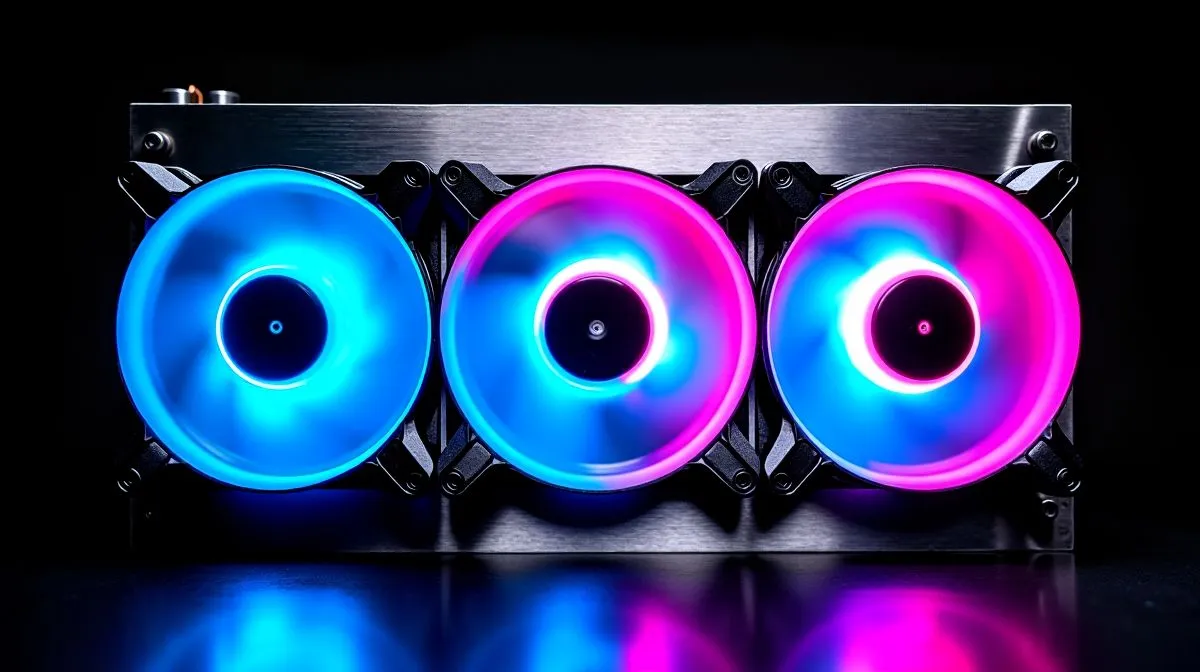
ARGB Fan Configurations: Cooling Efficiency Guide
South African gamers know the pain of a warm rig on a summer afternoon… or during loadshedding recovery when the power comes back and every component wakes up at once ⚡. If your PC lights up like a Braai Day showcase but still runs hot, the answer is not always “more fans”. Smarter cooling setups often beat brute force, and that matters when you want quieter gameplay, steadier clocks, and less dust drama.
ARGB Fan Configurations for Better Airflow
ARGB looks great, but colour should never bully airflow. The best setup starts with balance. Front fans usually pull cool air in. Rear and top fans push hot air out. That creates a clean path across the GPU, motherboard, and CPU cooler. If intake and exhaust are mismatched, you get dead spots, turbulence, and extra noise.
A practical rule is simple. Use more intake than exhaust, then let case vents do the rest. This often helps keep a slight positive pressure inside the chassis, which can reduce dust entering through unfiltered gaps. That said, the exact result depends on your case design, fan size, and radiator placement. For a broader look at cooling options, Evetech’s CPU cooler range is a useful starting point.
Why fan direction matters more than raw RGB count
Some builders chase symmetry first. Two fans up top, two at the front, and a glowing rear fan. It looks neat. But if front intake is blocked by a solid panel or a thick radiator, temperatures can climb. Air needs a route, not just pretty blades spinning in the dark ✨.
For a premium build, many users compare air coolers with AIO liquid cooling. AIOs move heat away from the CPU socket, which can help with space around tall RAM or dense motherboard heatsinks. Still, they are not automatically better for every system. Case airflow and radiator placement remain crucial.
ARGB Fan Configurations for AIO and Case Balance
If you are using an AIO, think about where the radiator sits. Front-mounted radiators often bring in cooler air, which can slightly improve CPU temperatures. The trade-off is that the air reaching the GPU may be warmer. Top-mounted radiators often exhaust heat more efficiently, which can suit gaming rigs with powerful graphics cards.
For larger cases, a 360mm radiator can offer more surface area for heat dissipation. In smaller or mid-tower builds, a 240mm radiator may be the more sensible fit. The right choice depends on your case clearance, CPU heat output, and how much noise you are willing to hear during late-night raids.
Brand and build considerations
Not all AIOs feel the same in real-world use. Some buyers prefer Corsair liquid coolers for ecosystem features and software control. Others look at Deepcool liquid coolers for value-driven builds. The smartest move is to match the cooler to your case airflow, not just the spec sheet.
ARGB Setup Tip 🔧
If your fans and radiator are competing for the same airflow path, move the hottest component first. In most gaming rigs, that means optimising GPU and radiator clearance before you chase perfect lighting symmetry.
ARGB Fan Configurations That Actually Help Temps
If you want better cooling efficiency, start with this checklist:
1. Keep front intake unobstructed
Mesh fronts usually breathe better than solid panels.
2. Match exhaust to heat sources
Top exhaust works well when the CPU or GPU dumps a lot of heat upward.
3. Avoid over-speeding every fan
More RPM can mean more noise, not always more cooling.
4. Cable-manage properly
Loose cables disrupt airflow and trap heat near the rear of the case.
5. Watch the dust filters
Blocked filters reduce intake performance over time.
These basics sound simple because they are. Yet they solve more thermal issues than fancy software ever will. If your rig is already built, one afternoon of fan reorientation can sometimes produce better results than buying extra hardware.
ARGB Fan Configurations: Final Thoughts for SA Builders
A good cooling setup is about planning, not decoration. ARGB should complement airflow, not fight it. Whether you are building a budget esports PC or a high-end streaming machine, the best results come from sensible fan direction, suitable radiator sizing, and a case that can breathe.
If your current build is running louder than it should, it may be time to rethink the layout before temperatures become a problem. A few careful changes can protect performance, reduce noise, and keep your system looking sharp too 🚀.
Ready to Find Your Perfect Match? The Mac vs Windows debate is complex, but for maximum power, choice, and value in South Africa, Windows is hard to beat. Explore our massive range of laptop specials and find the perfect machine to conquer your world.











