

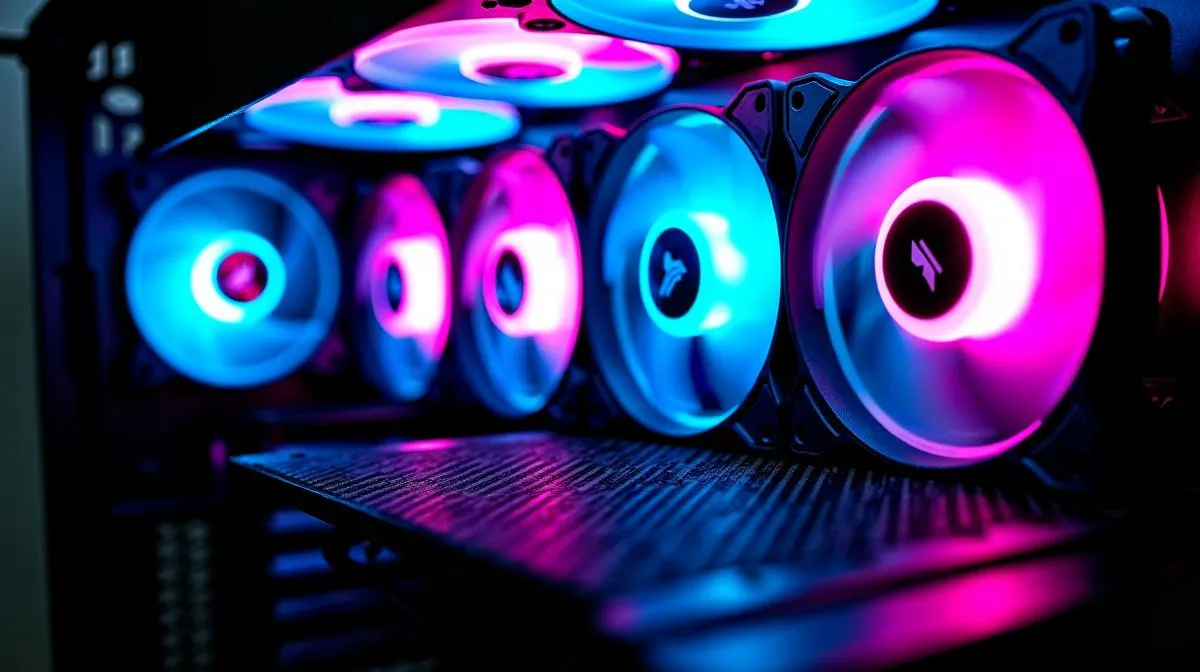
ARGB fan placement basics for balanced cooling and lighting 🔧
South African builders know it is not just about RGB bling; proper airflow keeps temps down during long sessions. This quick ARGB fan placement guide helps gamers and system buyers in SA choose intake, exhaust and top placements that balance thermal performance and lighting effects. Read fast, tweak easy, and get stable FPS without sacrificing style. Learn where to mount intake fans, exhaust fans, fans near the GPU, and how to sync colours.
Strategic intake and exhaust placement for cooling
Start with the airflow triangle: front or bottom intake, rear and top exhaust. Aim for a slight positive pressure... more intake area than exhaust to reduce dust. For compact builds, place high-static-pressure fans as intake behind front panels. If you’re shopping cases, check options at Evetech; premium airflow designs like Fractal models help keep dust down and maintain silencing. https://www.evetech.co.za/PC-Components/fractal-design-pc-cases-346
Place a radiator with fans configured as intake if you want lower CPU temps in closed-loop setups, or as exhaust to expel hot air quickly when you prioritise case airflow. Front fans often form your primary visual layer for ARGB lighting, so align fan rings and diffusers to avoid hot spots and glare on components.
GPU, top fans and lighting balance ✨
Position a rear fan as exhaust directly aligned with the GPU to pull hot air away from the card. Top fans should usually be exhaust unless your case has filtered top intake and strong front intake to keep dust controlled. Avoid turning top fans into intake in dusty environments.
If the front panel has limited clearance, consider slim fans or move some lighting to the top or CPU cooler. Browse compact, airflow-focused case selections to find the right fit for cable routing and fan depth: https://www.evetech.co.za/components/computer-cases-70
ARGB Alignment Tip ⚡
Ensure intake fans draw cool air across the GPU. If lighting is a priority, orient fan cables and ARGB headers so the diffuser faces outwards for even illumination.
For budget builds under R1,500, choose mid-tower cases with front mesh for the best balance between cooling and lighting. The right case gives you space for intake, radiator, and a clean ARGB layout. See budget Gamdias options and filter by price on Evetech to compare models and features. https://www.evetech.co.za/PC-Components/gamdias-gaming-cases-293?max-price=1500
Fan control, syncing and practical setup 🚀
Use a dedicated ARGB controller or motherboard ARGB headers to sync effects without loading unnecessary software. Balance fan curves: quiet RPMs at idle, progressive ramp during gaming or rendering. Keep cables tidy; routed cables improve airflow and reveal your lighting, not obstruct it.
If you plan a full case upgrade for better placement and lighting, compare layouts and fan compatibility first. Evetech’s case category helps you compare features and pricing to pick the right platform for your goals. https://www.evetech.co.za/PC-Components/gamdias-gaming-cases-293
A short micro‑story: I moved two intakes slightly higher in a compact rig, improved front-facing illumination and saw lower sustained GPU temps on long play sessions. Small placement changes often deliver quiet, lasting gains.
Good ARGB placement is both engineering and style. Prioritise airflow, control dust, and place lighting where it complements components. With the right intake, exhaust and syncing strategy you get performance and visuals that last.
Ready to Find Your Perfect Match? The Mac vs Windows debate is complex, but for maximum power, choice, and value in South Africa, Windows is hard to beat. Explore our massive range of laptop specials and find the perfect machine to conquer your world.











