


MacBook Pro 16-Inch M5 Max: Complete Specs, Features and SA Pricing Guide
MacBook Pro 16-Inch M5 Max: Complete Specs,. Everything you need to know with SA pricing, step-by-step instructions & expert recommendations.
Read moreGet better temps and stunning ARGB fan lighting with the right ARGB fan placement. Learn intake vs exhaust positioning, spacing, and cable tips for quieter, cooler gaming PCs 🎮✨
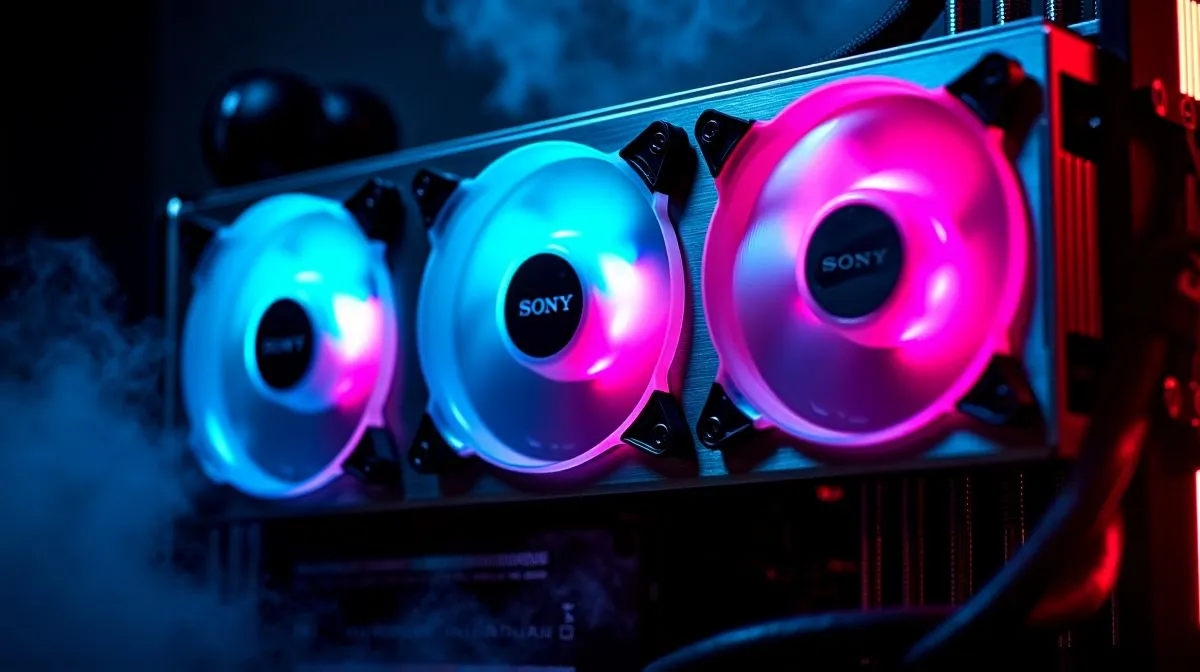
South African gamers know the struggle. It is hot, the load-shedding timer is looming, and your PC is doing its best impression of a space heater. The good news? Smart fan placement can keep temperatures down and make your build look properly premium. With a little planning, ARGB fan placement for better airflow and looks can turn a noisy, messy case into something cool, clean, and easy on the eyes ✨
The first rule is simple. Air should move in one direction. Front and bottom fans usually pull cool air in. Rear and top fans push warm air out. That basic layout helps create a steady flow through the case instead of random turbulence.
If your case supports multiple fan mounts, start by checking the chassis design first. Evetech’s computer cases range makes it easier to compare airflow-friendly layouts before you buy. A good case does half the work for you, especially if it has mesh panels and sensible fan positions.
In everyday use, airflow affects more than temperature. It can also influence fan noise and dust build-up. When fans are fighting each other, they spin harder. That usually means more noise and less comfort during long gaming sessions.
A balanced setup is usually best. For example, two or three intake fans at the front and one exhaust fan at the rear is a solid starting point for many mid-tower builds. If you have a hotter GPU, adding top exhaust fans can help remove heat rising inside the case. Simple. Effective. No drama 🔧
Looks matter too. ARGB fans are popular because they let you add colour without making the build feel cluttered. But here is the trick... don’t mount fans just because they glow nicely from one angle. Place them where they improve both visibility and cooling.
A clean front intake row can look great through a tempered-glass side panel. Rear and top exhaust fans are usually less visible, so they should prioritise function first. If you want a more refined aesthetic, choose matching fan sizes and keep cable routing tidy. That small effort pays off every time you glance at the system.
For builders who like a cleaner, design-led case, Evetech’s Fractal Design PC cases are worth a look. If you want a more budget-conscious route, the Gamdias gaming cases selection offers plenty of flair too.
When testing fan direction, hold a small piece of tissue near the fan. If it pulls in, that fan is an intake. If it blows the tissue away, it is exhaust. It is a simple way to confirm airflow before you close the case.
You do not need a premium loop or expensive cooling to get this right. Many mid-range cases with decent fan support can deliver strong results. If your budget is tight, focus on airflow first, then lighting. A well-placed set of affordable fans beats a flashy but badly arranged setup every time.
Evetech’s Gamdias gaming cases under R1500 are a practical starting point if you want value and style in one package. Just make sure the case supports enough mounts for your chosen fan layout. That is the detail that keeps the system cool when the session gets intense 🚀
Before you button everything up, check three things:
If the build looks good and runs cool, you have nailed it. That is the sweet spot every gamer wants.
Ready to Find Your Perfect Match? The Mac vs Windows debate is complex, but for maximum power, choice, and value in South Africa, Windows is hard to beat. Explore our massive range of laptop specials and find the perfect machine to conquer your world.
Aim intakes at the front/bottom and exhaust at the rear/top. Proper ARGB fan placement improves case airflow and helps lower CPU and GPU temperatures.
Use more intake than exhaust for positive pressure, or balance them for neutral pressure. Intake vs exhaust fan placement directly impacts dust control and cooling.
Leave clearance for fan-to-case and fan-to-cable airflow paths. Adequate ARGB fan spacing reduces turbulence and helps maintain steady cooling under load.
It depends on your case and GPU heat. Many builds use radiator fans as intake or exhaust based on ARGB fan placement goals and airflow routes.
Use consistent fan orientation, avoid blocking intakes with cables, and keep mounting solid. These airflow optimization steps reduce whine and turbulence.
Yes. Fan direction for cooling determines whether air is pulled through components or pushed out. Correct ARGB fan placement improves temperature consistency.
Positive pressure means more intake airflow than exhaust. Proper ARGB fan placement can reduce dust buildup while keeping visuals and temps stable.
Route cables along edges and behind the motherboard tray. Good cable management supports airflow optimization and prevents cable drag that raises noise.
MacBook Pro 16-Inch M5 Max: Complete Specs,. Everything you need to know with SA pricing, step-by-step instructions & expert recommendations.
Read more
Travelling With a MacBook: Travellers. Everything you need to know with SA pricing, step-by-step instructions & expert recommendations.
Read more
Back-to-School Parent Guide: Laptops. Everything you need to know with SA pricing, step-by-step instructions & expert recommendations.
Read more
MacBook Air 13-Inch M5: Complete Specs, Features. Everything you need to know with SA pricing, step-by-step instructions & expert recommendations.
Read more
MacBook Neo Unboxing and First Setup Guide for. Clear setup instructions with SA-specific considerations, troubleshooting tips & recommended components.
Read more
MacBook Pro 16-Inch M5 Pro: Complete Specs,. Everything you need to know with SA pricing, step-by-step instructions & expert recommendations.
Read more
CS2 Low FPS: Monitor Bottleneck. Real-world benchmark data, FPS numbers & performance analysis. What SA gamers can actually expect.

Is AOC a Good Monitor Brand for Gaming in South Africa Detailed answer with SA data, expert analysis & practical recommendations for local buyers.

What Gaming Monitor Can You Get for R20,000. Full parts list, Rand pricing & expected performance. Build confidently with SA-available components.

What Gamers Actually Bought: November Report. Real purchase data from SA retailers revealing what local buyers are actually choosing and why.

Can the RX 7700 XT Handle 1440p 144Hz Gaming. Performance testing verdict with real data & practical recommendations for SA buyers.

Top Laptop with Core i7 + RX 7700S: Picks picks evaluated on performance, value & SA availability with current Rand pricing from Evetech.

RX 7700 XT Black Myth Wukong 2 FPS: Performance. Real-world benchmark data, FPS numbers & performance analysis. What SA gamers can actually expect.

RTX 6080 Gran Turismo 7 PC Performance: FPS Test. Real-world benchmark data, FPS numbers & performance analysis. What SA gamers can actually expect.

Eliminate background noise in gaming voice chat using cardioid microphones to focus on your voice and reject room sounds. Get cleaner comms fast with smart placement and settings—🎮🎧

Wondering how much to spend on a high-end gaming headset in South Africa? We break down budget vs performance, what you actually get, and smart upgrade steps 🎧⚡

Wondering about THX Spatial Audio vs 7.1 surround for positional awareness? We compare imaging, depth, and cueing so you can pick the best option for gaming. 🎧👣

50mm bio-cellulose drivers vs standard drivers: does material affect audio precision? Compare clarity, bass control, and imaging so you can choose the right headphones. 🎧🔍