

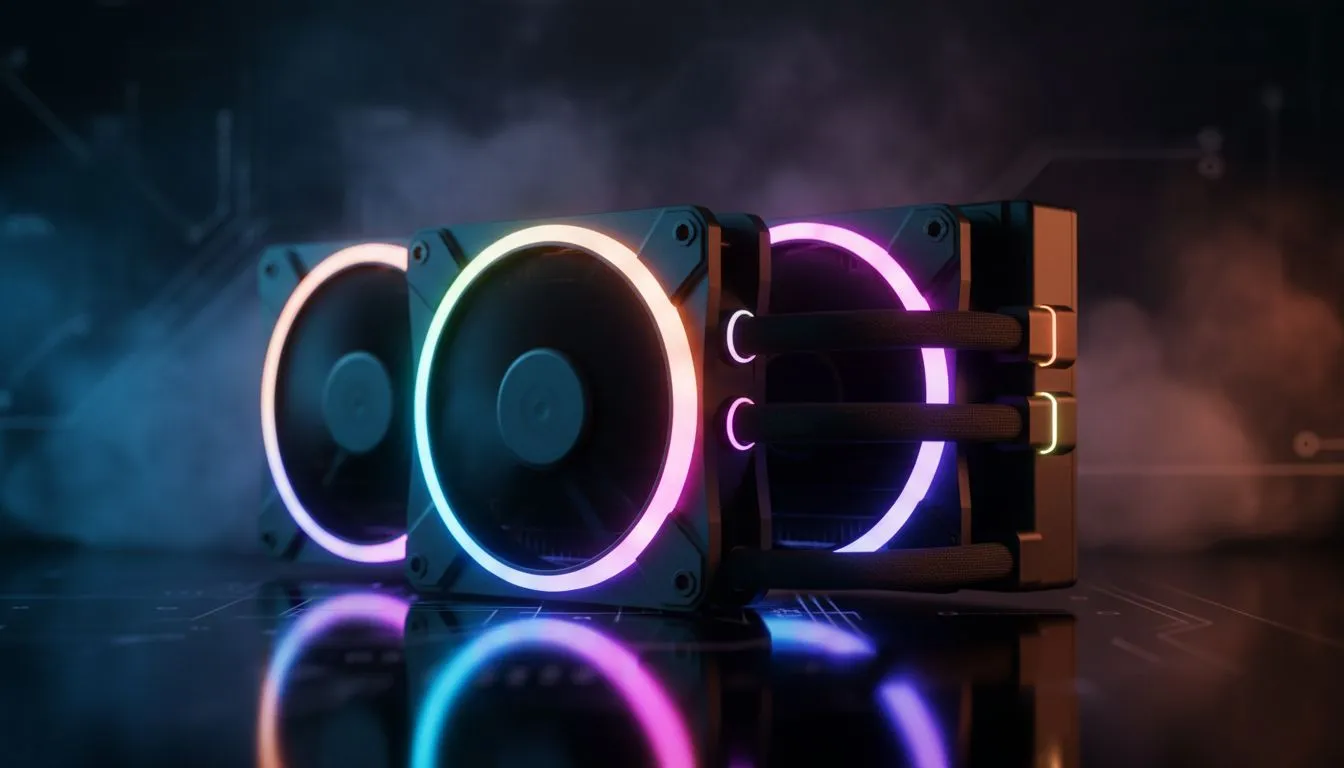
Walking into a dark room and seeing your PC glow isn't just about showing off... it is about creating an atmosphere. In South Africa, where our gaming setups are our sanctuaries, understanding ARGB lighting: how it works in PC builds and syncs with AIO units is essential for that premium look. Whether you are chasing a subtle sunset vibe or a full neon rave, ARGB is the key. 🔧
Understanding ARGB Lighting: How It Works in PC Builds
Traditional RGB was a bit of a one-trick pony... every LED on a strip or fan had to be the same colour at the same time. Addressable RGB (ARGB) changed the game by allowing each individual LED to be controlled independently. This is why you can have those mesmerising "rainbow wave" effects or complex patterns that move across your chassis.
When you are browsing for new CPU coolers, you will notice that ARGB components use a 3-pin 5V header. It is vital to remember that these are not compatible with the older 4-pin 12V RGB headers. Plugging a 5V ARGB connector into a 12V header is a quick way to fry your LEDs... an expensive mistake that no local gamer wants to face.
How ARGB Syncs with AIO Liquid Coolers
The most visual part of any modern build is usually the cooling system. A Liquid Cooler (AIO) often features lighting on both the pump head and the radiator fans. To get a cohesive look, these components need to be synchronised through your motherboard software or a dedicated controller.
ARGB Wiring Tip ⚡
When installing your AIO, try to use an ARGB splitter or a hub if your motherboard has limited headers. This ensures that your pump and fans receive the same signal simultaneously, preventing that awkward 'out of sync' flickering that ruins the aesthetic of a clean build.
For those running high-end chips that generate significant heat, a 360mm Radiator offers a massive surface area for both cooling and lighting displays. If your case is a bit more compact, a 240mm Radiator still provides plenty of room for vibrant ARGB effects without crowding your components. ✨
Top Brands for ARGB Integration
In the South African market, certain brands stand out for their ease of use and lighting quality. CORSAIR is a heavy hitter with their iCUE ecosystem, allowing you to match your AIO lighting with your RAM and peripherals perfectly.
On the other hand, Deepcool has gained a massive following by offering incredible value for money. Their ARGB implementation is often "plug-and-play" with major motherboard brands like ASUS, MSI, and Gigabyte, making it easier to manage your lighting: how it works in PC builds and syncs with AIO setups without needing proprietary controllers. 🚀
Whether you are spending R1,500 or R5,000 on your cooling solution, the goal remains the same: a system that runs cool and looks even cooler. By mastering ARGB synchronisation, you turn a collection of parts into a personalised piece of tech art.
Ready to Brighten Up Your Build? Mastering your PC's aesthetics starts with the right cooling hardware. Whether you need raw performance or stunning visuals, we have the stock to make it happen. Explore our massive range of CPU coolers and find the perfect match to light up your setup today.











