

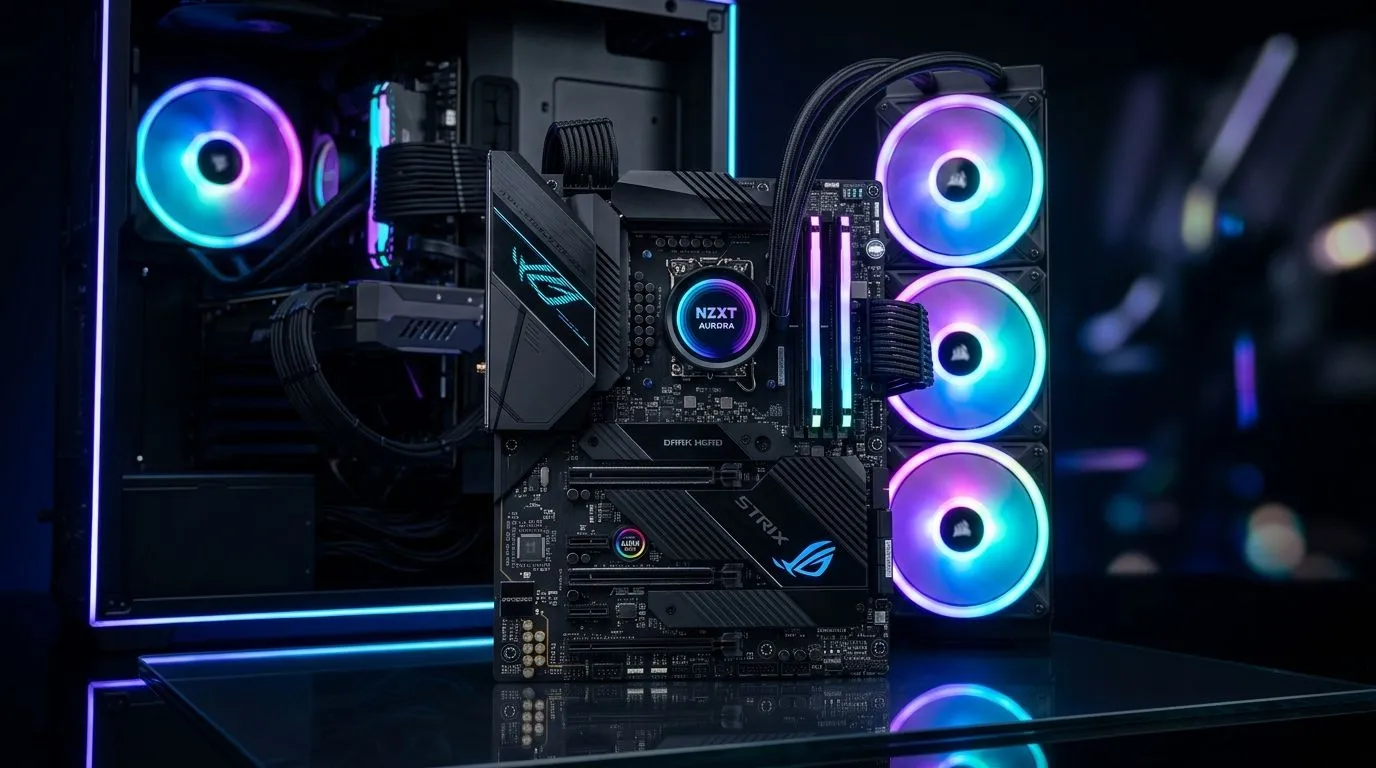
ARGB Motherboard Sync… why South African gamers care 🔧
If your PC case looks like a rainbow party but your sync is off… you’re not alone. South African gamers want that “one-button” lighting experience: fans, RAM, and even AIOs matching the beat. And when you’re spending real money in ZAR on RGB gear, you want it to work properly the first time.
This Deep Dive walks you through clean ARGB motherboard sync for case fans, so you can avoid flicker, weird sequencing, and “why is only one fan changing?” moments.
ARGB Motherboard Sync: Confirm your fan type and headers first ⚡
Before you touch any software, check the physical reality of your hardware:
- ARGB uses a 5V 3-pin header (often labelled 5V-D-G / D_LED or similar).
- RGB (non-addressable) uses 12V 4-pin and usually won’t sync properly with ARGB controllers.
Most modern ARGB case fans sold for PC builds fall under the “RGB lighting effects” umbrella. To browse compatible options, start with Evetech’s case fans selection:
- Explore case fans here: https://www.evetech.co.za/PC-Components/case-fans-97.aspx
Then narrow by brand or lighting:
- Want a specific ecosystem? Check brand options like CORSAIR fans at Evetech.
- Or go with Deepcool case fans for a commonly shared tuning style.
Why this matters: ARGB motherboard sync is a header-to-controller handshake. If your fans are ARGB but you plug them into a 12V port, you can get instability, no light, or worse, damage.
ARGB Motherboard Sync: Match effects and fan placement ✨
Case fan placement affects how lighting looks, not just airflow. Aim for:
- Front intake: brighter look, because light is “facing you” inside the build.
- Top/Rear exhaust: keep intensity slightly lower so it doesn’t over-blue your desk view.
Use Evetech’s lighting filters to pick what you actually want:
- Look for RGB lighting effects options.
- Or choose “no-frills” if you’re going clean and subtle with fans without lighting.
ARGB Motherboard Sync: Daisy-chain without chaos ✅
With ARGB fans, many kits let you chain the data line. The goal is:
- One motherboard ARGB header controls the whole chain.
- All fans should use the same lighting standard.
Before chaining, do a quick consistency check:
- Ensure all fans in the chain support ARGB addressable control.
- Confirm the controller method (usually “motherboard sync” vs “standalone”).
- Keep the chain tidy so you’re not hunting a loose connector after closing the side panel.
ARGB Motherboard Sync… configure 24-LED case fans cleanly in software 🔧
Now the “clean” part… in practice, clean sync is about assigning the right fan group and picking stable profiles.
ARGB Motherboard Sync: Set correct fan groups (and avoid mismatched profiles)
Most motherboards include an RGB software suite that lets you:
- pick devices (fan headers, controllers)
- assign zones (fan positions)
- choose lighting modes
If you have 24 LEDs across fans (for example, 2 fans with 12 LEDs each, or 3 fans with 8 LEDs each depending on model), treat them as one “zone” when you want perfect matching. When you split into multiple zones, you may see slight timing differences.
ARGB Motherboard Sync: Pick the right physical sizes for your case airflow
Not every case is built for the same fan layout. Common sizes are:
This matters because larger fans often run at lower RPM for similar airflow, which can reduce the “lighting looks good but the sound is annoying” problem.
Productivity Pro Tip ⚡
On Windows, keep lighting software and fan control apps organised by creating a dedicated startup folder and only enabling one RGB suite at a time. If you run two lighting tools, you can get conflicting device detection and “random flicker” after reboot.
ARGB Motherboard Sync: Quick troubleshooting before you blame the LEDs 🚀
If your sync is messy, try this order:
- Power cycle: fully shut down, switch PSU off for 10 seconds, then boot again.
- Re-seat the 3-pin ARGB connector: align the arrow/notch correctly. Don’t force it.
- Test one fan at a time: connect a single fan to confirm it responds to the motherboard profile.
- Simplify the profile: start with a solid colour or a slow fade, then move to chase effects.
If a single fan never matches, it’s often wiring order or a bad chain connection, not “bad ARGB.”
ARGB Motherboard Sync: Get the right fans and dial in the look (before payday regrets) ✨
When you pick the right ARGB case fans and configure them with the correct 5V addressable header, the result feels deliberate. Not chaotic. Your build starts looking like a cohesive setup, not an assortment.
Whether you’re going for a quiet stealth vibe or a RGB “showpiece” for LAN nights, the cleanest installs come from smart selection and careful grouping.
Ready to Find Your Perfect Match? Upgrade your case fans for smoother airflow and cleaner ARGB motherboard sync. Explore our massive range of case fans and build a setup that looks right the moment you power on.











