

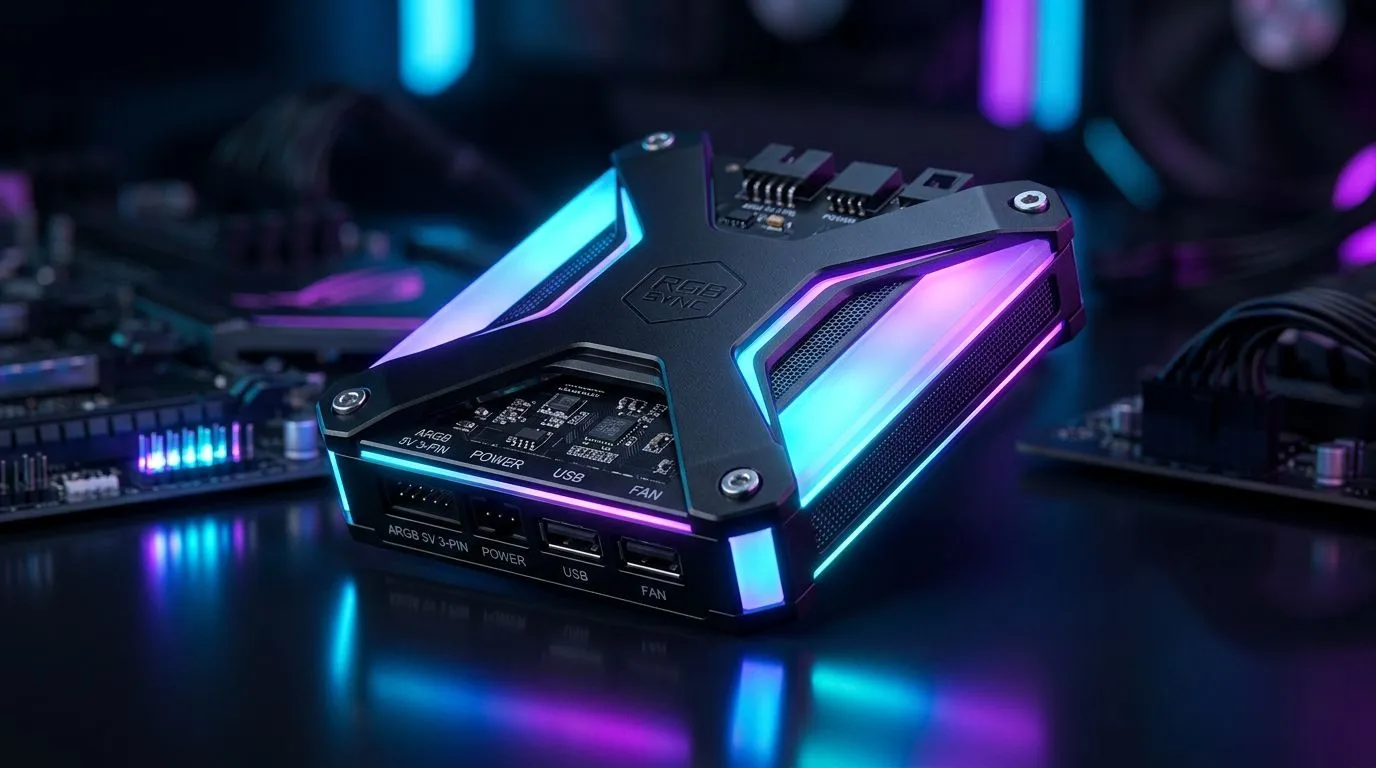
ARGB Sync Compatibility: Dual-Sided Lighting to Your Motherboard for SA Gamers
If you’ve ever stared at your PC case at 2am, wondering why the “cool” ARGB effects look washed out or out of sync… you’re not alone. South African gamers want the RGB to match the gameplay vibe. ⚡ The good news? Getting solid ARGB Sync Compatibility: Dual-Sided Lighting to Your Motherboard isn’t magic. It’s planning. This guide walks you through what to check, what to buy, and how to avoid the common “one side works, the other doesn’t” situation.
What “dual-sided” ARGB sync actually needs (and why it matters)
Dual-sided lighting usually means your case lighting and fan LEDs can be controlled in the same pattern. But to truly sync, your motherboard must support the right ARGB header and voltage standard.
Most modern systems use 5V ARGB headers (often labelled 5V-D-G on boards). Some cases and fans also support 3-pin 5V ARGB controllers, while RGB headers for older systems are often 12V (and mixing them can damage LEDs). If your LEDs don’t match your header type, you’ll get flicker, wrong colours, or no effects at all.
Evetech sells a wide range of addressable case fans, including options filtered by lighting effects and size, so you can build toward the layout you want. ✨
The key compatibility checklist (quick, practical)
Before you buy, confirm these:
- Your motherboard has a 5V ARGB header (common for sync)
- Your fans/case lighting are addressable (ARGB), not basic RGB
- You can route cables to support both sides without stretched wiring
- Your fans are the size that fits your build plan (120mm vs 140mm)
If any of those don’t line up, syncing becomes guesswork.
Productivity Pro Tip 🔧
On Windows, keep your motherboard’s RGB software installed and updated, then test effects before you close the case. You’ll catch a header mismatch early, when it’s still easy to swap fan positions or use the correct ARGB hub.
Picking case fans for ARGB sync on the way to your motherboard
Your motherboard won’t “understand” lighting by itself. The LEDs need to be addressable and wired correctly. When shopping, pay attention to lighting effects and fan size, because dual-sided setups often require consistent control across multiple fans.
If you’re building a symmetrical intake-exhaust look, pick fans that support the same control method across all positions. Evetech’s case fan range makes it easy to filter by RGB lighting effects and by size.
Here are some start points to build from:
- Browse general case fan options here: case fans for your build
- If you’re leaning toward a specific ecosystem, check CORSAIR case fans
- Prefer Deepcool for your cooling and lighting balance? Start with Deepcool case fans
- Want to filter for actual lighting effects? Try RGB lighting effects options
And if you’re trying to keep it subtle while still being sync-compatible, you can also narrow down by non-RGB options:
Finally, match the physical build plan:
Setup steps that prevent the “unsynced side” headache
Here’s the micro-process that saves time:
- Connect the ARGB cables first and confirm the motherboard detects them in software.
- Test effects with the side panel off. If one side won’t mirror the other, you likely have a cable/controller mismatch, not “bad luck”.
- Use the same lighting profile and brightness settings across fans. Some controllers default differently until your software syncs them.
- If you’re running many ARGB devices, consider an ARGB hub or controller so you don’t overload a single header. (When in doubt, ask us in-store or in the chat.)
Once it clicks, the results are worth it. Your PC stops looking like a pile of parts… and starts looking like a rig. 🚀
ARGB Sync Compatibility: Dual-Sided Lighting to Your Motherboard
Once your wiring and device type match, dual-sided ARGB sync becomes repeatable. The trick is simple: match 5V ARGB addressable lighting to the correct motherboard header, buy fans that support the same control style, and test before you close everything up. 🔥
Ready to Find Your Perfect Match? The Mac vs Windows debate is complex, but for maximum power, choice, and value in South Africa, Windows is hard to beat. Explore our massive range of laptop specials and find the perfect machine to conquer your world.











