


Complete Guide: Setting Up Monitor Light
Setting Up Monitor Light. Tested & verified settings for best FPS and visual quality on SA hardware budgets.
Read moreARGB vs RGB case fans: Learn how addressable RGB differs from standard RGB, compare lighting control, compatibility, performance and cost to pick the best fans for your build. 🔧💡
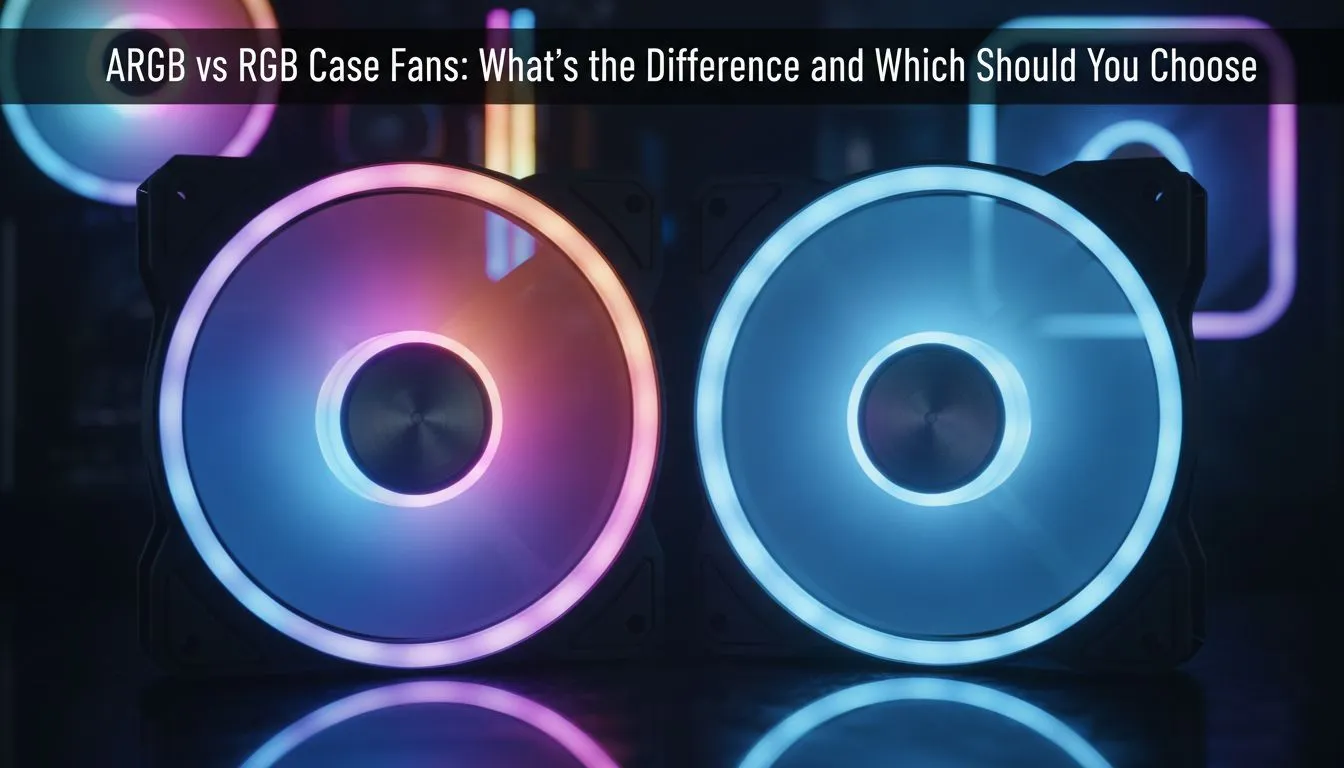
Building a custom gaming PC in South Africa is as much about aesthetics as it is about raw frame rates. You want your setup to reflect your style while keeping temperatures low during a hot Gauteng summer. When shopping for cooling, you will inevitably face the ARGB vs RGB case fans dilemma. Understanding the difference is vital to avoid hardware incompatibility or a very disappointing light show. ⚡
The main difference between these two technologies lies in how the LEDs are controlled and powered. Standard RGB case fans use a 12V 4-pin connector. In this setup, every LED on the fan is connected to the same circuit. This means all the lights must be the same colour at any given time. If you set the software to red, the entire fan glows red.
On the other hand, ARGB (Addressable RGB) uses a 5V 3-pin connector. Each individual LED has its own microchip... allowing for "addressable" control. This is how you achieve those mesmerising rainbow waves or "breathing" patterns where colours chase each other around the fan frame. If you want the most customisation for your ZAR, ARGB is the modern standard for enthusiasts.
Never force a 3-pin ARGB connector into a 4-pin RGB header on your motherboard. The voltage difference between 5V and 12V can instantly fry your fan's LEDs or even damage your motherboard. Always verify your header types before your final purchase.
Once you have decided on the lighting type, you need to consider the physical fit. Most mid-tower cases in South Africa rely on 120mm case fans for standard intake and exhaust. They offer a great balance between static pressure and noise levels.
If your chassis has the extra room, upgrading to 140mm case fans is a smart move. Larger fans can move the same amount of air at lower RPMs... which means a quieter gaming experience during intense sessions. 🚀
When it comes to brands, CORSAIR fans are often considered the gold standard for lighting ecosystems. Their iCUE software allows for incredible synchronisation across your entire desk. However, if you are looking for high performance that fits a tighter budget, Deepcool case fans offer fantastic reliability and vivid lighting without the premium price tag.
Not every gamer wants a light show that can be seen from space. Some prefer a professional, "blackout" look that focuses purely on thermal performance. In these instances, choosing case fans with no lighting is the best way to keep your build sleek and understated. ✨
If you are still unsure which direction to take, looking through a wide variety of case fans will help you visualise your final build. ARGB is perfect for those who love to tinker with software and create unique themes. Standard RGB is excellent for simple, single-colour themes that match your peripheral setup.
Whichever you choose, ensure your motherboard supports the specific header, or consider an external controller to manage your new glow. 🔧
Ready to Find Your Perfect Match? Choosing between ARGB and RGB is the first step toward a stunning PC build that stays cool under pressure. Explore our massive range of case fans and find the perfect lighting solution to match your unique South African gaming setup.
ARGB fans have individually addressable LEDs for per-LED effects; RGB fans use a single color channel for the whole strip. See difference between ARGB and RGB fans.
Yes. ARGB typically uses a 3-pin 5V addressable header; standard RGB uses a 4-pin 12V header. Check ARGB compatibility motherboard specs.
For aesthetics and advanced effects, yes. They don't improve cooling performance much, but ARGB adds flexible lighting for streaming and showcase builds.
Mixing is usually not recommended on the same header. You can mix if you use separate controllers or hubs designed for both addressable RGB and RGB fans.
Use motherboard lighting software (e.g., Aura Sync, Mystic Light) or a dedicated ARGB controller to sync and customize effects. Learn how to sync ARGB fans.
Typically yes. ARGB fans add per-LED control hardware, so budget ARGB case fans still cost more than equivalent RGB models.
No. RGB or ARGB impact only lighting. Cooling, airflow, and noise depend on fan design, bearing type, and RPM, not the lighting system.
Choose fans that match your controller/header, fit your budget, and have good airflow/noise reviews. Search 'best ARGB case fans' for tested picks.
Setting Up Monitor Light. Tested & verified settings for best FPS and visual quality on SA hardware budgets.
Read more
Assassins Creed Shadows Ultrawide Support: 21:9. Clear setup instructions with SA-specific considerations, troubleshooting tips & recommended components.
Read more
Complete Gaming Setup Guide for the Collector. Clear setup instructions with SA-specific considerations, troubleshooting tips & recommended components.
Read more
Will the Steam Deck 2 Have an OLED Screen? Leaked. Plain-English explanation of what it means, why it matters & how it affects your buying decisions in SA.
Read more
Setting Up Ultrawide 144Hz. Tested & verified settings for best FPS and visual quality on SA hardware budgets.
Read more
Kingdom Come: Deliverance 2 Ultrawide Support. Clear setup instructions with SA-specific considerations, troubleshooting tips & recommended components.
Read more
When Will the RTX 6090 Launch in South Africa Detailed answer with SA data, expert analysis & practical recommendations for local buyers.

Top Valorant Settings for RTX 5070: FPS Optimisation picks evaluated on performance, value & SA availability with current Rand pricing from Evetech.

RDNA 3.5 Graphics in Ryzen AI 400? Can You Game. Plain-English explanation of what it means, why it matters & how it affects your buying decisions in SA.

GPU Price Index : December Report. Current stock data & price tracking for SA buyers. See what is available and where prices are heading.

Can the RX 7700 XT Handle 1440p 144Hz Gaming. Performance testing verdict with real data & practical recommendations for SA buyers.

Top Laptop with Core i7 + RX 7700S: Picks picks evaluated on performance, value & SA availability with current Rand pricing from Evetech.

RX 7700 XT Black Myth Wukong 2 FPS: Performance. Real-world benchmark data, FPS numbers & performance analysis. What SA gamers can actually expect.

RTX 6080 Gran Turismo 7 PC Performance: FPS Test. Real-world benchmark data, FPS numbers & performance analysis. What SA gamers can actually expect.
Setting Up Monitor Light. Tested & verified settings for best FPS and visual quality on SA hardware budgets.
Assassins Creed Shadows Ultrawide Support: 21:9. Clear setup instructions with SA-specific considerations, troubleshooting tips & recommended components.
Complete Gaming Setup Guide for the Collector. Clear setup instructions with SA-specific considerations, troubleshooting tips & recommended components.
Will the Steam Deck 2 Have an OLED Screen? Leaked. Plain-English explanation of what it means, why it matters & how it affects your buying decisions in SA.