

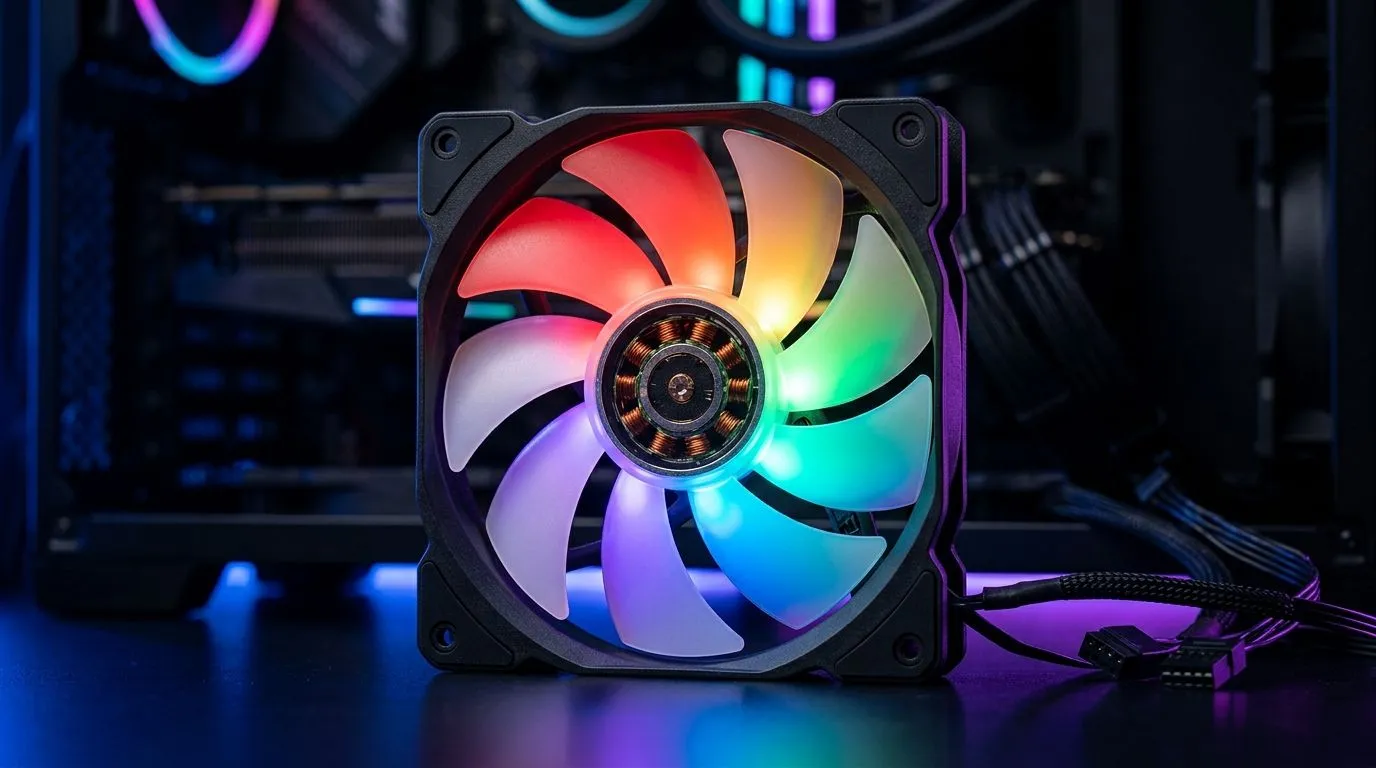
ARGB vs Standard RGB: Full Guide for PC Cooling (South African Buyers Guide)
If your PC looks like a rainbow… but your temps still creep up, you’re not alone. South African gamers love a good setup, yet “RGB” shouldn’t be the only priority. The real question is simple: does ARGB vs Standard RGB: Full Guide for PC Cooling actually affect performance, or is it just aesthetics? In this guide, we’ll break down what changes, what doesn’t, and how to pick fans that cool properly without wasting money in the wrong place. 🔧✨
ARGB vs Standard RGB: Full Guide for PC Cooling (What the labels actually mean)
Standard RGB fans typically use a simpler control method (often a single colour “channel” concept across the strip). ARGB (Addressable RGB) lets you control individual LEDs, so different colours and effects can sit in the same fan.
Important bit for buyers: both ARGB and standard RGB can deliver similar cooling performance if they share the same basics like fan size, airflow design, and fan speed (RPM). Lighting is mostly about “how it looks”, not “how much air it moves”. The exception is power draw and control complexity, but in real-world gaming builds, that difference is usually minor compared to airflow and case ventilation. ⚡
Here’s how to think about it:
- If you care about effects (multiple colours per fan), ARGB wins.
- If you want a clean look with simpler control, standard RGB can be enough.
- If cooling is the priority, choose the right fan size and mount positions first.
ARGB vs Standard RGB: Full Guide for PC Cooling (Cooling performance that matters)
Your best cooling gains usually come from airflow strategy:
- Front intake + rear/top exhaust is a proven baseline.
- Match fan sizes to your case support (120mm vs 140mm).
- Don’t ignore dust filters and radiator placement.
If you’re building around a radiator, remember that fan airflow direction and RPM influence heat removal more than whether the LEDs are addressable.
Cooling Pro Tip 🔧
most gaming PCs, start by checking your case airflow plan: place intake fans at the front (cool air in), exhaust fans at the rear or top (hot air out). Then set a fan curve in BIOS so fans ramp with CPU or GPU temperature. This usually improves thermals more than changing RGB style.
ARGB vs Standard RGB: Full Guide for PC Cooling (Which fans should you buy?)
Use what your setup needs, not what looks trending on TikTok.
Pick by size first: 120mm vs 140mm
If your case supports both, 140mm fans often move more air at similar noise levels because they have more blade surface area. 120mm fans can still be excellent, especially when radiator fitment or cable routing matters.
Shop options:
- Browse 120mm case fans here: 120mm PC case fans
- Browse 140mm case fans here: 140mm PC case fans
Pick by lighting later
Once airflow is sorted, lighting becomes the “nice-to-have” (unless you’re building a full showpiece).
If you want “maximum glow”, look for ARGB-specific options:
- Explore RGB lighting effects filters: RGB lighting effects
- If you’d rather keep it subtle or budget-focused, consider None: No lighting (None)
If you’re brand-leaning (common in SA builds), you can narrow picks quickly:
- General fan selection: Case fans from Evetech
- Corsair picks: Corsair case fans
- DeepCool picks: DeepCool case fans
ARGB vs Standard RGB: Full Guide for PC Cooling (Simple decision checklist)
Before you add fans to cart, ask:
- Does my case support the fan size I’m buying? (120mm vs 140mm)
- Can I place fans for intake and exhaust correctly?
- Do I want addressable effects, or just “it lights up”?
- Is the fan curve setting something I’ll actually use in BIOS? 🔥
If you answer “yes” to airflow first, you’ll be happier with your temps… and your lighting will look way better too.
Before you decide, consider what you want the PC to do daily. Most SA gamers want reliable frames, stable thermals, and a setup that feels premium. RGB is fun. Cooling is forever. 🚀
Ready to Find Your Perfect Match? The Mac vs Windows debate is complex, but for maximum power, choice, and value in South Africa, Windows is hard to beat. Explore our massive range of laptop specials and find the perfect machine to conquer your world.











