

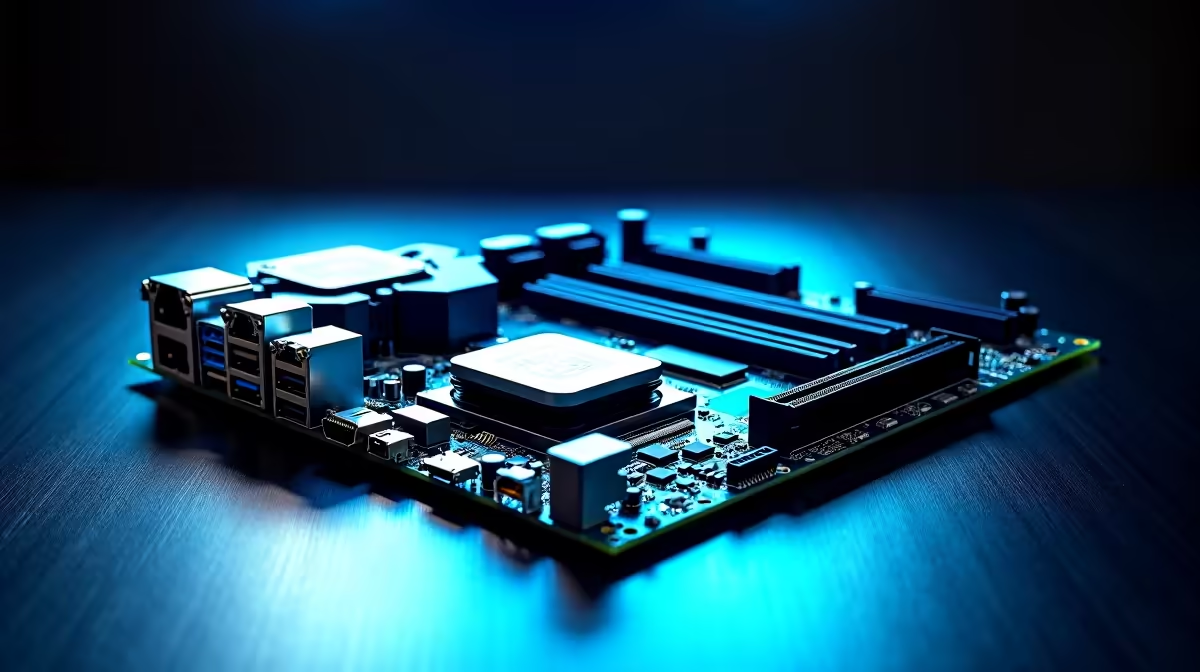
Rendering a massive 4K timeline or training a local AI model shouldn't feel like waiting for load-shedding to end. If your current rig is buckling under heavy workloads, your foundation might be the bottleneck. Today we are unpacking the ASUS Pro WS Z890 workstation motherboard features that matter for AI PCs and creator builds... because true performance always starts at the board level.
Power Delivery That Never Quits ⚡
When you are pushing an Intel Core Ultra processor to its absolute limits in Blender, DaVinci Resolve, or Stable Diffusion, stable power delivery is non-negotiable. The Pro WS Z890 boasts massive VRM heatsinks and premium chokes designed specifically for sustained multi-core loads. If you are looking to upgrade your motherboard foundation, this level of server-grade thermal management ensures your system will not throttle during a gruelling 12-hour render, even during a hot South African summer.
Massive Memory Support for AI Datasets
AI models eat RAM for breakfast. To keep your workflow smooth, you need immense capacity and flawless stability. This motherboard supports massive DDR5 configurations with advanced error-correction features. Pairing the Z890 with premium high-speed memory kits means you can load enormous datasets directly into your system memory without relying on slower SSD paging files.
AI Memory Pro Tip 🧠
When configuring a local AI workstation, always prioritise total RAM capacity over pure speed. A stable 128GB DDR5 kit running at base speeds will prevent out-of-memory errors during complex LLM training far better than a faster but smaller 32GB kit.
Blistering Storage for Massive Projects 🔧
When dealing with 8K RAW video files or massive AI checkpoints, standard storage speeds will severely bottleneck your workflow. The Pro WS Z890 features multiple onboard M.2 slots wired directly for PCIe 5.0 speeds. This allows you to install hyper-fast NVMe drives that can push read and write speeds well beyond 10,000 MB/s. For South African video editors facing tight deadlines, this means no more stuttering playback when scrubbing through complex timelines. You can load your assets instantly and keep your creative momentum flowing without frustrating hardware hiccups.
Uncompromised PCIe Connectivity 🚀
For serious creators and AI researchers, a single graphics card rarely cuts it. You need multiple PCIe 5.0 slots to run dual or even triple GPUs. ASUS is renowned for its robust PCIe slot reinforcement, preventing GPU sag with heavy modern cards. Whether you prefer top-tier ASUS Intel motherboards like this Z890, or you are exploring the red team with high-end ASUS AMD motherboards, having uncompromised bandwidth between your graphics cards is crucial for parallel processing and fast render times.
Furthermore, the inclusion of Thunderbolt 5 ports means you can transfer terabytes of raw video footage to external NAS drives in seconds. Every minute saved on data transfer is a minute you can spend actually creating.
Building the Ultimate Creator Workstation
Building a professional workstation from scratch requires carefully balancing your budget, especially with top-tier components easily pushing past the R15,000 mark. Sometimes, grabbing one of the best gaming PC deals and customising it into a creator powerhouse is the smartest move for your ZAR. It saves you build time and guarantees compatibility right out of the box... letting you get straight to work.
The ASUS Pro WS Z890 is not just a piece of hardware; it is a direct investment in your productivity and creative potential.
Ready to Find Your Perfect Match? The Mac vs Windows debate is complex, but for maximum power, choice, and value in South Africa, Windows is hard to beat. Explore our massive range of motherboards and find the perfect machine to conquer your world.











