

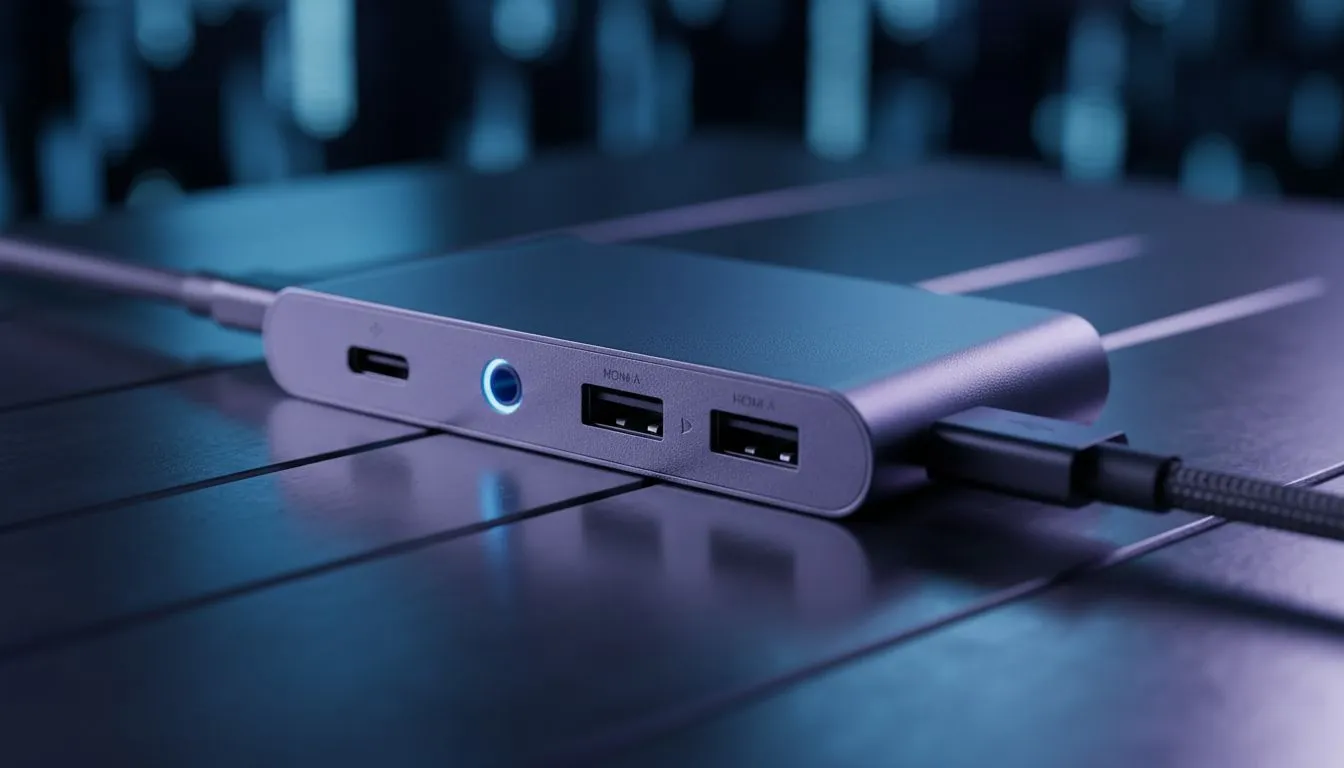
Plugging In: Unlocking AUX Audio on USB-C Hubs for South African Gamers & Creatives
Ever found yourself staring at your sleek, modern laptop, clutching your favourite gaming headset, and wondering, "Where did the headphone jack go?" You’re not alone. Many South African tech enthusiasts are grappling with the shift to USB-C, especially when it comes to getting reliable AUX audio on USB-C hubs. It’s a common frustration, but understanding how these hubs handle sound can save you a world of trouble and elevate your setup. Let's dive in and demystify the audio experience with your USB-C dock.
The USB-C Audio Conundrum Explained ✨
The beauty of USB-C lies in its versatility: power, data, and video all through one port. But audio? That’s where things get a bit nuanced. Unlike the old days of dedicated 3.5mm jacks, modern USB-C ports can carry audio signals in a few different ways, and not all USB-C hubs are created equal in how they interpret or output these signals. This can lead to confusion when you're expecting plug-and-play sound from your trusty headphones or speakers.
How AUX Audio on USB-C Hubs Actually Works (or Doesn't)
When you connect a USB-C hub with an AUX port, several things could be happening under the hood. The audio signal can be transmitted digitally over USB-C and then converted to analogue by a Digital-to-Analogue Converter (DAC) inside the hub. If your hub lacks a DAC, or if your device isn't sending the audio signal correctly, you might hear nothing but silence.
There are two main ways a USB-C port handles audio:
- DisplayPort Alternate Mode (Alt Mode) with Audio: Many USB-C ports support DisplayPort Alt Mode, which can carry audio alongside video. If your hub uses this for its display output and also has an audio jack, it might be tapping into this signal.
- USB Audio Class (UAC): This is more common. The hub essentially acts as an external sound card, using the USB data lines to transmit digital audio to its internal DAC, which then outputs analogue sound via the 3.5mm jack.
The key takeaway? Not all USB-C ports on laptops support audio output in the same way, and crucially, not all hubs include the necessary DAC to convert the digital signal back to an analogue one for your 3.5mm headphones. This is why you might find that while one hub provides crystal-clear sound, another, seemingly identical one, leaves you without audio.
What to Look For in a USB-C Hub for Audio Excellence 🎧
Choosing the right USB-C hub for audio isn't just about finding one with a 3.5mm jack. It's about ensuring it has the right internal components.
- Integrated DAC: This is non-negotiable for reliable AUX audio. Look for hubs that specifically mention "audio output," "headphone jack with DAC," or "USB Audio Class support."
- Compatibility: While USB-C is universal, ensure the hub is compatible with your specific device (Mac, Windows PC, Android phone, Steam Deck, etc.). Some hubs are optimised for certain operating systems.
- Power Delivery (PD): If you plan to charge your laptop through the hub while using audio, ensure it supports sufficient Power Delivery (e.g., 60W or 100W). This prevents power-related audio dropouts.
- Brand Reputation: Stick to reputable brands known for quality peripherals. Brands like Promate offer reliable docking stations with good audio solutions.
Audio Troubleshooting Tip 🔧
If your USB-C hub's audio isn't working, try connecting your headphones directly to the hub before plugging the hub into your laptop. Sometimes the device needs to detect the audio output upon initial connection. Also, check your operating system's sound settings to ensure the hub is selected as the default output device.
Troubleshooting Common USB-C Audio Hiccups
Even with the right hardware, sometimes things go wrong. Here are quick tips for when your AUX audio on USB-C hubs plays hide-and-seek:
- Check Default Playback Device: In Windows (Sound Settings) or macOS (System Settings > Sound > Output), ensure your USB-C hub or "USB Audio Device" is selected as the primary output.
- Update Drivers: Make sure your laptop's USB-C drivers, chipset drivers, and audio drivers are all up to date.
- Test Another Port/Device: Try connecting the hub to a different USB-C port on your laptop, or test the hub with another USB-C enabled device to rule out a port or device-specific issue.
- Restart: The classic IT solution often works wonders.
- Cable Quality: A poor-quality USB-C cable connecting your laptop to the hub can sometimes cause data integrity issues, affecting audio.
Finding Your Perfect Audio-Ready USB-C Hub in SA 🇿🇦
Whether you're a gamer needing crisp comms, a content creator editing video, or just someone who enjoys music, getting your audio setup right is crucial. Investing in a quality USB-C hub or docking station that explicitly supports AUX audio can transform your workflow and entertainment experience.
For those on a budget, you can find a range of budget-friendly USB-C hubs under R1000 that offer solid audio performance alongside other essential ports. If you need more robust connectivity and higher performance, exploring high-performance docking stations under R2000 will open up options with more features, including advanced audio chipsets and multiple display outputs. Don't let the lack of a traditional headphone jack hold you back; the right USB-C solution is out there.
Ready to Upgrade Your Connectivity? Don't let a missing port limit your potential. Whether you're enhancing your gaming setup or streamlining your workstation, a high-quality USB-C hub or docking station is a must-have. Explore our extensive range of docking stations and USB-C hubs at Evetech and find the perfect solution to keep your audio, data, and power flowing seamlessly.











