

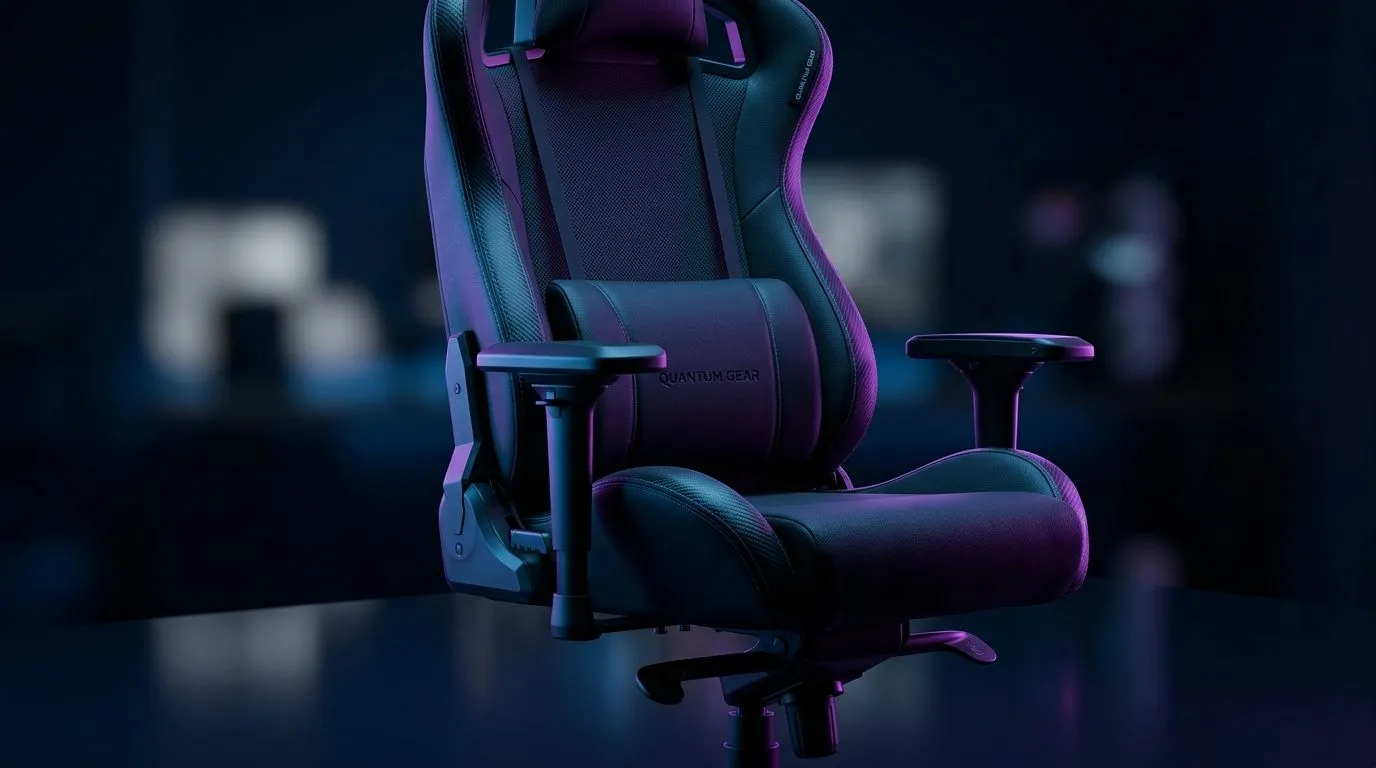
Back Pain During Gaming Sessions: Quick Posture Fixes for South African Gamers 🔧
If your lower back feels wrecked after a few ranked matches, you’re not imagining it. Long gaming sessions can leave even the best setup feeling wrong. The fix is often simpler than you think... small posture changes, better desk height, and a chair that supports your spine properly. The good news? You can improve comfort fast without rebuilding your whole battlestation.
Back Pain During Gaming Sessions: What Usually Goes Wrong
Most gaming posture issues start with the same habits. You lean forward. Your shoulders round. Your neck creeps towards the screen. Then your lower back takes the strain.
A proper gaming setup should let your feet rest flat, your elbows sit near desk height, and your screen stay at eye level. If your current desk is too high or too low, your body compensates. That’s when fatigue kicks in.
For South African gamers shopping smart, a dedicated gaming desk can help you set a more natural position. It’s not about looking flashy. It’s about giving your arms, wrists, and back a better angle for long sessions.
Back Pain During Gaming Sessions: Build a Better Sitting Position ⚡
Start with these basics:
1. Keep your feet planted
If your feet dangle, your pelvis tilts forward. That puts pressure on your lower back. Use a footrest if needed.
2. Support your lower back
Your chair should encourage a gentle inward curve in the lumbar area. If it does not, add a cushion.
3. Raise the screen
Your monitor should sit high enough that you are not looking down constantly. Looking down for hours strains the neck and upper back.
4. Relax your shoulders
Tense shoulders are a sneaky source of back discomfort. Drop them occasionally and reset your posture between rounds.
Quick Reset Tip 🔧
Before every new match, take ten seconds to sit back, plant your feet, and roll your shoulders once. It sounds small, but repeated resets help prevent the “I’ve been hunched for three hours” feeling.
Back Pain During Gaming Sessions: Why Chair Quality Matters
A decent chair does more than feel soft. It helps you stay in a neutral position for longer. That means less slouching, less twisting, and less pressure on your spine.
If your current chair sags, rocks, or forces your knees too high, it may be working against you. Browse gaming chairs in South Africa if you want a seating upgrade that supports better posture during long play sessions.
For a more complete setup, Evetech’s Arrozi gaming setups can help you match desk, chair, and screen placement more effectively. A coordinated setup often feels more comfortable because the pieces work together.
Back Pain During Gaming Sessions: Small Tweaks That Help Fast ✨
You do not need to wait for a full upgrade to feel better. Try these practical fixes today:
- Move your chair closer so you stop reaching for the mouse
- Lower your keyboard if your wrists are bent upward
- Place your monitor directly in front of you
- Stand up between matches or loading screens
- Stretch hip flexors and chest muscles after a long session
If your battlestation needs a visual refresh too, subtle NZXT case lighting can improve visibility around your setup without adding clutter. Better lighting makes it easier to notice poor posture habits, cable tangles, or awkward monitor positions.
Back Pain During Gaming Sessions: When to Take It Seriously
If your pain is persistent, sharp, or spreading down your leg, do not ignore it. That can signal more than simple sitting fatigue. A posture adjustment can help with general discomfort, but ongoing pain needs proper medical advice.
For most players, though, the issue is usually setup-related. Once the chair, desk, and screen line up correctly, the body stops fighting the environment. That is where comfort improves fast.
Back Pain During Gaming Sessions: Final Setup Check
Before your next grind session, ask yourself:
- Are my feet flat?
- Are my elbows supported?
- Is my lower back relaxed?
- Is my monitor at eye level?
- Am I taking short breaks?
If you answered “no” to most of those, your setup probably needs a refresh. The right chair or desk can make long sessions feel far less punishing.
Ready to Find Your Perfect Match? The Mac vs Windows debate is complex, but for maximum power, choice, and value in South Africa, Windows is hard to beat. Explore our massive range of laptop specials and find the perfect machine to conquer your world.











