

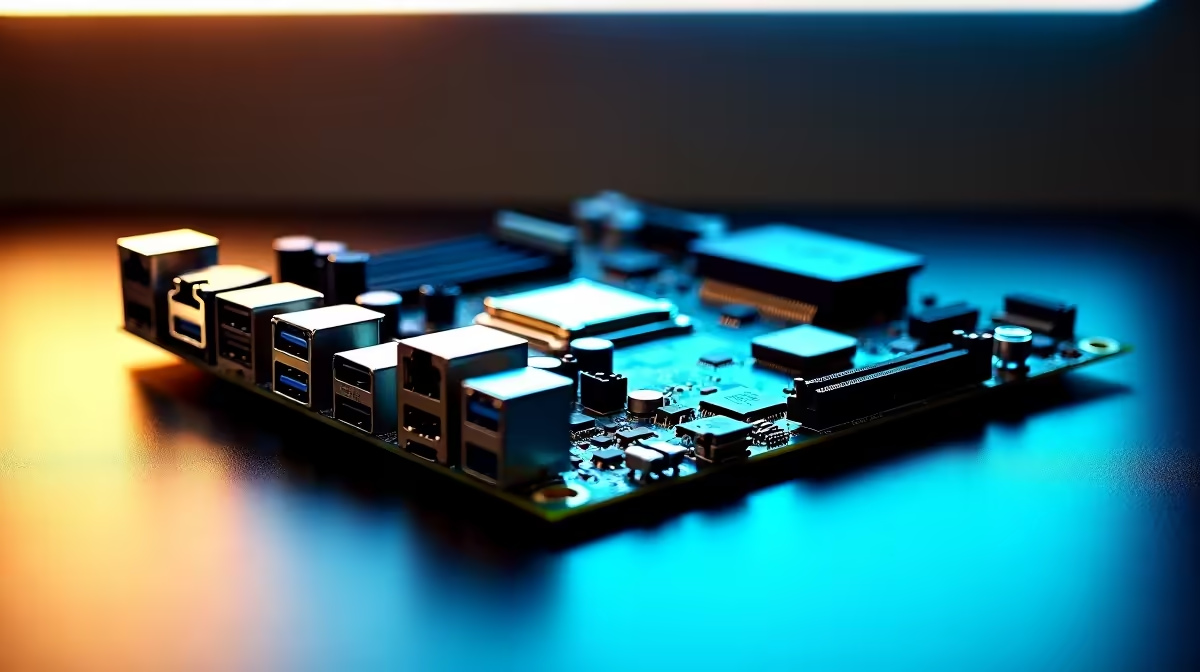
Building a PC in South Africa right now means making every single Rand count. You want a rig that pushes frames today but won't need a total overhaul tomorrow. That is exactly why balancing upgrade headroom, connectivity and Rand value when buying a new motherboard is your most critical mission. Get it wrong, and you bottleneck your entire system. Get it right? Pure gaming bliss. ✨
The Core of Your Rig... and Your Budget
Before you drop thousands of ZAR on a flashy graphics card, remember that your mainboard dictates absolutely everything. It decides which processors you can run, how fast your storage communicates, and whether you can easily slot in upgrades later.
When you browse the latest motherboards, it is easy to get distracted by aggressive styling and flashy RGB lighting. However, true value lies hidden in the specs sheet. You need a board that serves as a solid foundation without eating up the budget you need for a better GPU or faster storage.
Choosing Your Camp: Intel vs AMD
Socket longevity is the ultimate test of upgrade headroom. Upgrading your CPU in three years without buying a new board saves massive amounts of ZAR.
If you want a platform that will support new processor generations for years to come, AMD’s AM5 socket is looking incredibly strong. You can explore top-tier ASUS AMD motherboards to secure that future-proof foundation.
On the flip side, Intel offers massive performance right out of the gate with highly robust feature sets. If Team Blue is your preference, checking out reliable ASUS Intel motherboards will ensure you get rock-solid stability and excellent power delivery for those high-clocking processors. ⚡
Connectivity... What Do You Actually Need?
Do you really need dual LAN ports and five M.2 slots? For most South African gamers, a solid B-series board offers the perfect sweet spot. Look for PCIe 4.0 or 5.0 support for your primary graphics card and at least two M.2 slots for fast NVMe storage.
You also need to ensure the board supports the latest high-speed memory kits to keep your frame rates flawlessly smooth. Buying a board with built-in Wi-Fi 6 is a smart move if you cannot run an Ethernet cable directly to your router. Don't forget about your peripherals... ensure there are enough high-speed USB ports on the rear I/O for your mouse, keyboard, and headset. Good onboard audio is also a massive plus if you aren't planning to buy a dedicated sound card or an external DAC.
Compatibility Pro Tip 🔧
Always check the motherboard's Qualified Vendor List (QVL) before buying RAM. This simple step ensures your expensive new memory kit will run at its advertised speeds without random crashes or blue screens.
Maximising Your ZAR
Balancing upgrade headroom, connectivity and Rand value when buying a new motherboard ultimately comes down to brutal honesty. Buy for the upgrades you will actually make... not the ones you dream about. A well-chosen motherboard is an investment in your gaming future, giving you the freedom to evolve your setup as new games demand more power.
If piecing together individual components feels too stressful, you can always bypass the headache entirely. Grabbing one of our expertly balanced pre-built gaming PC deals guarantees you get perfectly matched hardware without the guesswork. 🚀
Ready to Build Your Dream Rig? The right motherboard sets the stage for years of elite gaming. For maximum performance, future-proofing, and unbeatable Rand value in South Africa, Evetech has you covered. Explore our massive range of PC components and find the perfect board to conquer your world.











