

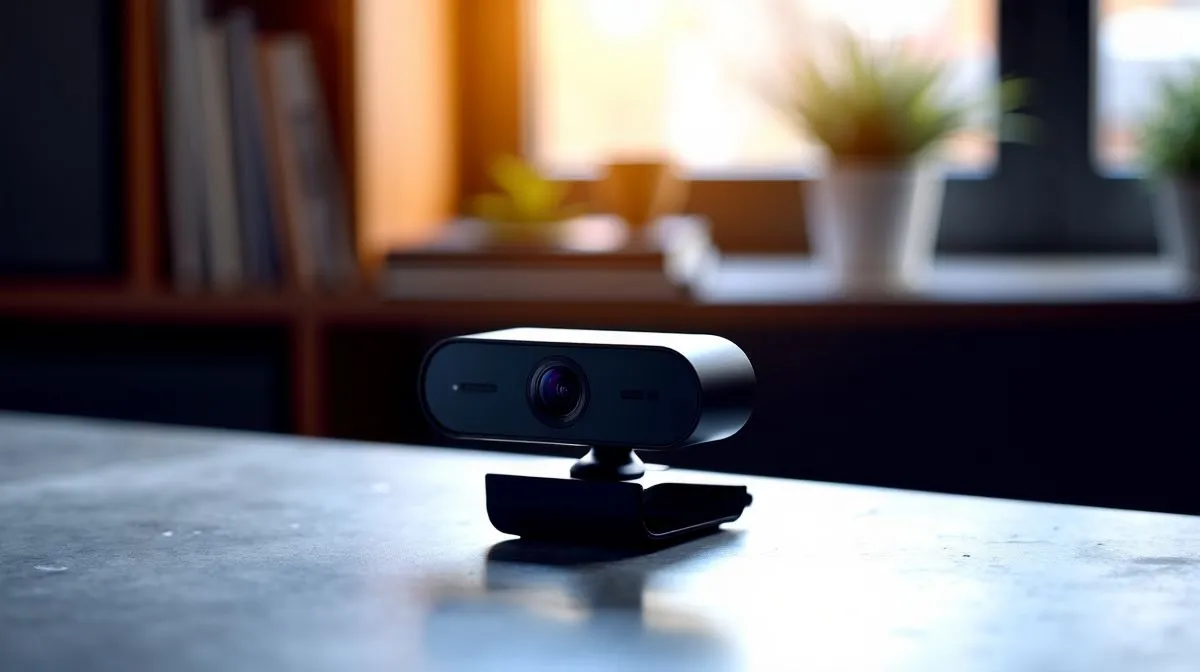
Best 1080p Camera Features for South African Remote Work
South African remote work has changed the way we judge a webcam. A blurry feed, weak mic, or poor low-light performance can make you look unprepared in a client call. Whether you’re in Joburg, Durban, or working from a quieter town with patchy lighting, the right 1080p camera keeps you sharp, professional, and easy to trust. That matters more than ever when meetings, interviews, and team check-ins happen on screen. ⚡
Best 1080p Camera Features for South African Remote Work: what actually matters
A 1080p webcam sounds simple, but the details make the difference. Resolution is only the start. Look for a camera that also offers smooth 30fps video, decent autofocus, and a wide enough field of view for your setup. Logitech’s product pages and support materials consistently highlight these as core webcam basics, and that lines up with what most remote workers need: clarity, stability, and a natural-looking image.
If you’re browsing options, start with a broad selection of 1080p webcams for work and study. Then narrow it down by your budget and room lighting. A good camera should make you look presentable without forcing you to sit in perfect studio light every morning.
Lighting and low-light performance
This is where many webcams fall short. South African homes and flats often deal with mixed lighting, from bright windows to dim evening rooms. A webcam with better low-light handling will keep your face visible without turning the image grainy. If you work late or start early, that matters.
For budget shoppers, webcams under R1,000 can still cover the basics. Just check whether the camera handles indoor lighting well. A cheap 1080p label means little if the picture washes out.
Microphone quality and real-world usability
Built-in mics are fine for casual calls, but better webcams usually add cleaner voice pickup. That helps if you’re not using a headset every day. Still, if you do lots of meetings, a dedicated mic or headset remains the smarter choice. That’s common advice from Microsoft Teams and Zoom guidance, which both stress audio clarity as a key part of remote communication.
Best 1080p Camera Features for South African Remote Work: buying for your budget
If you want better image quality, sturdier mounts, or wider framing, move up a bracket. Mid-range webcam options up to R2,000 often balance sharper optics with better autofocus and better light response. That’s the sweet spot for many professionals working from home full-time.
For users who want stronger build quality or premium features, higher-end webcams up to R3,000 are worth a look. This tier often suits people who stream, present often, or simply want fewer compromises during video calls 🚀
Small details that improve the experience
A privacy shutter is useful. So is a flexible clip or tripod support. These may seem minor, but they make the camera easier to live with every day. If you’re hopping between a laptop, monitor, and docking setup, convenience matters.
Productivity Pro Tip ⚡
On Windows, use your webcam’s software settings, if available, to lock exposure and sharpen focus. It helps prevent your image from constantly changing when clouds pass or you shift position near a window.
Best 1080p Camera Features for South African Remote Work: a simple shortlist
Before you buy, ask three questions. Does it deliver clean 1080p video? Does it handle your room lighting well? Does the price match the features you’ll actually use?
If the answer is yes, you’re probably looking at a solid pick. If not, keep browsing. The right webcam saves time, avoids awkward calls, and helps you look ready from the first minute.
Ready to Find Your Perfect Match? The Mac vs Windows debate is complex, but for maximum power, choice, and value in South Africa, Windows is hard to beat. Explore our massive range of laptop specials and find the perfect machine to conquer your world.











