

Tired of frantically alt-tabbing to adjust your Discord volume mid-clutch? Or having your epic game soundtrack drowned out by a Spotify ad? Juggling audio sources is a pain for any South African streamer or gamer. A dedicated audio mixer isn't just for pro DJs; it's the key to simplifying your sound setup, giving you effortless, fingertip control over your entire audio experience. Let’s dive into the top audio mixers available right here in SA.
Why Your Stream Deserves a Dedicated Audio Mixer
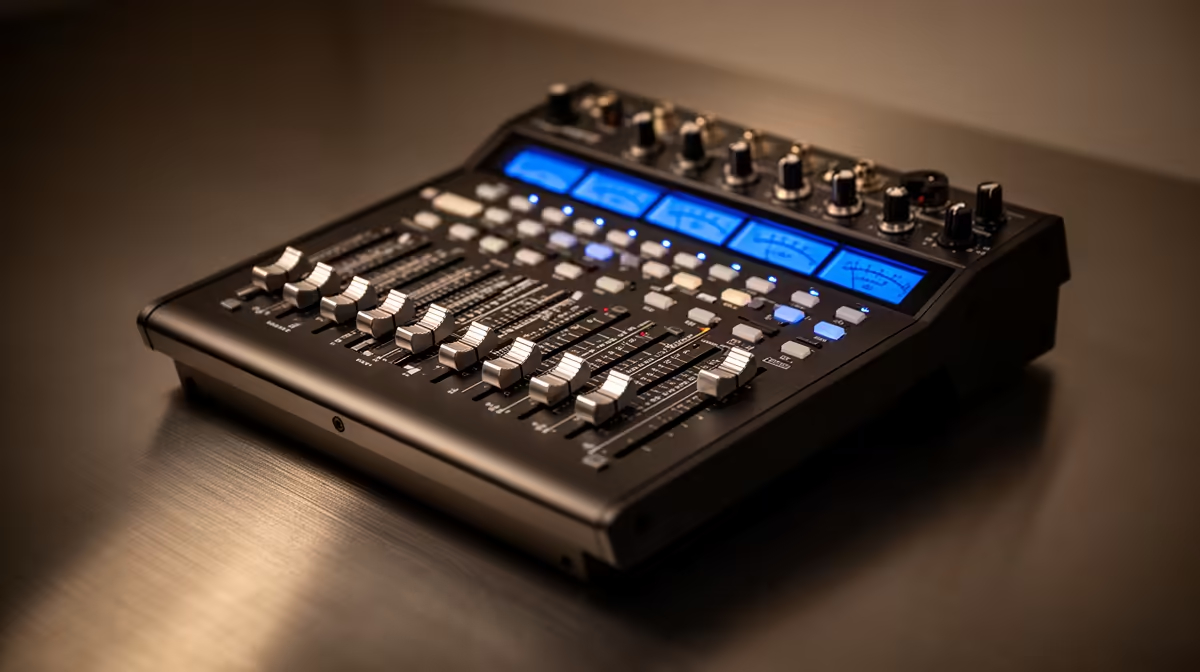
Before we talk about specific models, let's be clear on why you need one. An audio mixer takes multiple sound inputs—your mic, game audio, music, Discord—and blends them into one clean, controlled output for your stream or headphones. It’s the difference between a chaotic mess and a professional broadcast. 🎧
Imagine adjusting your teammate's volume with a physical slider instead of a finicky in-game menu. Or muting your music instantly when the action heats up. This level of control not only makes your life easier but also massively improves your audience's listening experience. A clean sound setup is a core part of any streamer's toolkit, just as important as a good webcam or microphone. Investing in one is an investment in your channel's quality, and you can find all the essential streaming gear you need to get started.
Key Features in the Best Audio Mixers 🎛️
Not all mixers are created equal. For a gaming or streaming setup, you need to look for a few specific features that will simplify your workflow. The best audio mixers for this purpose often blend hardware simplicity with powerful software.
Inputs and Outputs (I/O)
This is the most critical part. How many sources do you need to connect? A typical setup includes:
- Mic Input: Usually an XLR or USB. XLR offers higher quality but requires a mixer with "phantom power."
- Line-In: For your PC's game/desktop audio.
- Headphone Out: So you can monitor exactly what your audience hears.
Consider your future needs, too. Planning to add a console or a second PC to your stream? Look for a mixer with extra inputs. Some of the most popular streaming solutions, like those in Corsair's streaming lineup, are designed to integrate seamlessly with multi-device setups.
Pro Tip: XLR vs. USB Mics
A USB mic is plug-and-play, but an XLR mic connected to a mixer gives you far more control over your vocal tone, gain, and effects. Most professional-grade mixers for streaming will support XLR with built-in +48V phantom power.
Physical Faders and Mute Buttons
The magic of a good audio mixer is the tactile control. Physical faders (sliders) allow you to make smooth, precise volume adjustments on the fly. Having a dedicated, easily accessible mute button for your mic is also non-negotiable for those moments when you need to cough or shout at the cat without your entire audience hearing it. ✨
Finding the Right Mixer for Your Mzansi Setup
A killer stream is about the full package: crisp audio and slick visuals. Once you've sorted out your sound, integrating dynamic lighting can take your production value to the next level. Setting up some smart ambient lighting from Cololight can create a professional studio vibe that complements your new, polished audio.
You don't have to spend a fortune to get one of the top audio mixers for your rig. The goal is to find a unit that matches your current needs and budget. Whether you're a beginner looking for a simple 2-channel mixer or a seasoned pro needing more inputs, there are fantastic, budget-friendly choices. You can find plenty of great options under R6000 that deliver incredible performance without breaking the bank.
Ready to Master Your Audio? Stop fighting with software sliders and take command of your sound. Explore our massive range of streaming essentials at Evetech and build the clean, professional setup you've always wanted.











