

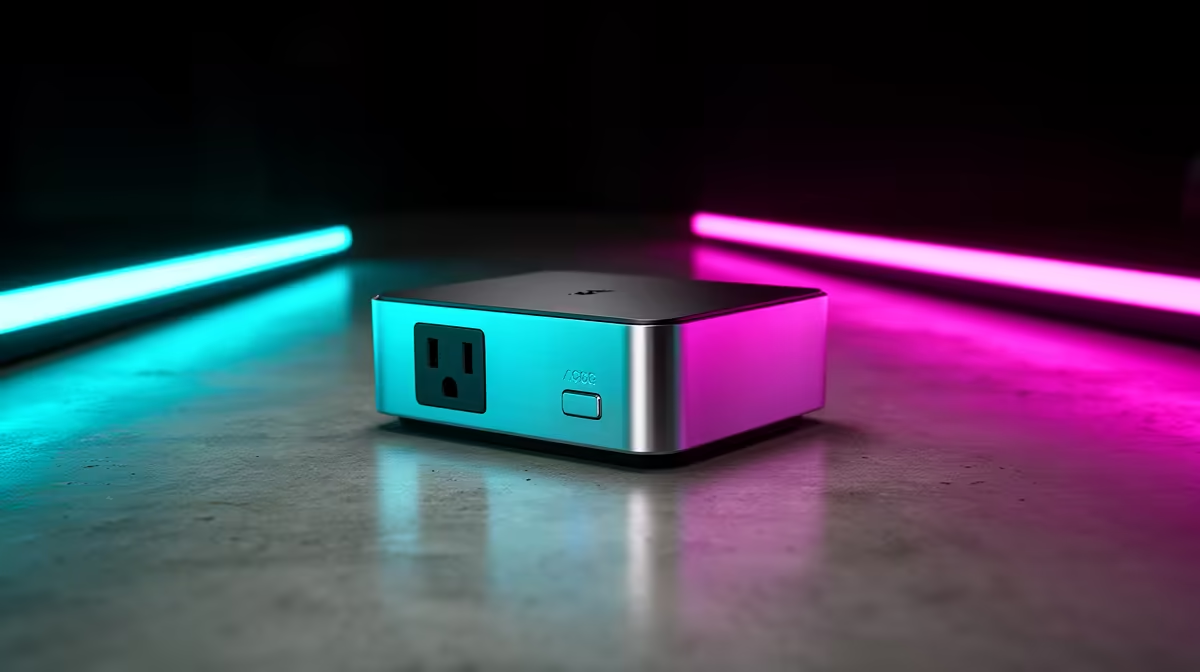
You’ve found the perfect spot. Halfway between your router and that Wi-Fi dead zone in the lounge, there’s a free plug. You slot in your new signal booster, feeling chuffed… until you realise its bulky design has just blocked the only other socket. Now, where will the TV plug in? 🤦
It’s a uniquely South African frustration. We need our tech to just work. This guide will help you find the best boosters that don't block an extra wall plug, keeping your setup clean and functional.
Why a Pass-Through Extender is Your Best Mate
In many South African homes, wall sockets are prime real estate. You can’t afford to waste a single one. This is where Wi-Fi extenders with a "pass-through" or "integrated socket" design come in. They're built with a three-prong socket right on the front, so you can plug the extender into the wall and then plug another device directly into the extender. You get boosted Wi-Fi without sacrificing a power point. ⚡
These clever devices are the ideal solution for anyone tired of juggling plugs or running messy extension cords. When choosing, look for a compact model that delivers strong performance without the bulk. You can find a great selection of these smartly designed wireless range extenders that respect your space.
Placement is Everything 📶
For the best results, plug your extender in about halfway between your router and the area with a weak signal. Don't place it in the dead zone itself, as it needs a decent signal to amplify effectively. Keep it away from thick walls and appliances like microwaves.
More Than Just a Plug: What Else to Look For
Finding a Wi-Fi extender that doesn't block a plug is the first step, but a few other features separate the good from the great:
- Wi-Fi Standard: Look for Wi-Fi 5 (802.11ac) at a minimum. For future-proofing and faster speeds, a Wi-Fi 6 (802.11ax) model is even better, especially if you have a compatible router.
- Ethernet Port: A built-in Ethernet port is a massive win. It lets you run a network cable directly to your gaming console, smart TV, or PC for a rock-solid, low-latency connection.
- Easy Setup: Most modern extenders feature a WPS (Wi-Fi Protected Setup) button. You press it on your router, then on the extender, and they connect automatically. No complex configurations needed.
Sometimes, the issue isn't just a dead zone but an older main router. Pairing your extender with one of the latest wireless routers can create a powerful and seamless network across your entire home.
Completing Your Home Network
A strong Wi-Fi signal is the backbone of any modern home, connecting everything from your gaming rig to your smart home devices. If you have a desktop PC tucked away in a corner without a convenient Ethernet connection, a simple USB or PCIe device is all you need. High-quality wireless adapters can pull in that newly boosted signal, ensuring you get the speeds you pay for.
Choosing a signal booster that doesn't block your extra wall plug isn't just about convenience; it's about smart, efficient setup. It means no more compromises between a strong signal and a powered-up gaming station.
Stop Sacrificing Sockets for Speed Ready to reclaim your wall plugs and eliminate Wi-Fi dead zones for good? Explore our full range of smart wireless networking solutions and find the perfect fit for your home.











