

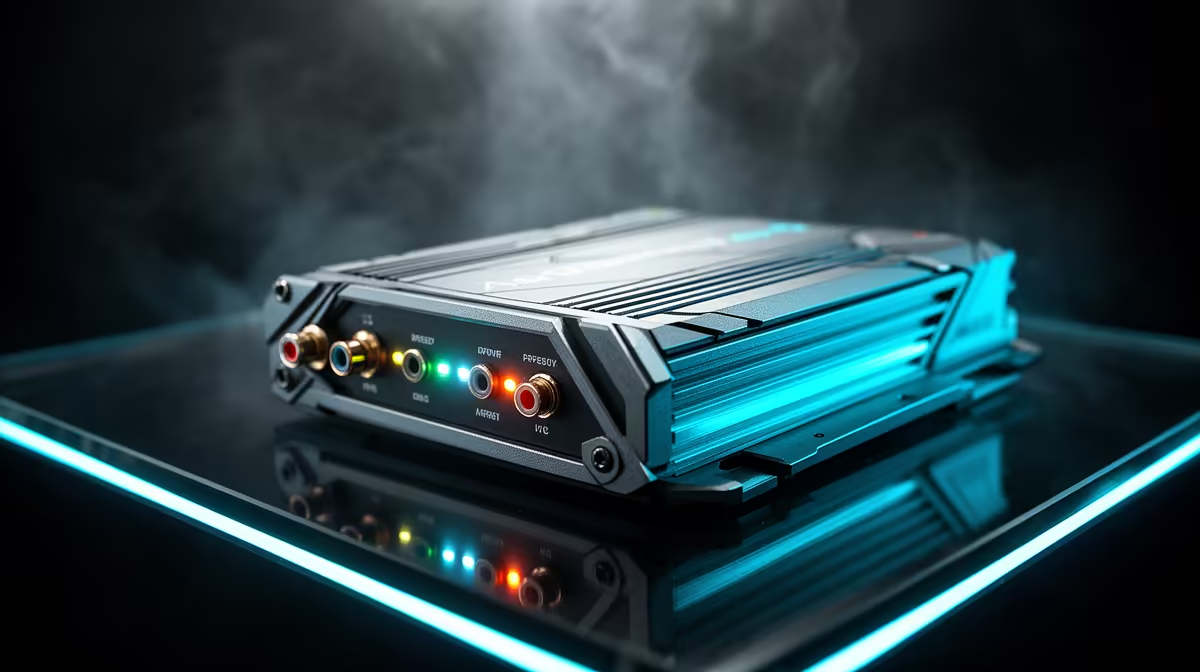
Tired of your Wi-Fi dropping mid-match, just as you're about to clutch the win? Or maybe you're just trying to stream from the patio without buffering. In South Africa, a stable connection is gold. Many of us grab a signal booster, but just plugging it in anywhere is a shot in the dark. That's where the magic of LEDs comes in, turning guesswork into a simple, visual science for the best signal optimization. ✨
Why LED Indicators Are Your Secret Weapon
Let's be honest, we often treat tech setup like a guessing game. But when it comes to boosters with LEDs for signal optimization, those little lights are your most valuable tool. They aren't just for show; they're a direct line of communication from your network, telling you exactly how strong the connection is between the booster and your main router.
- Solid Green/Blue: Howzit, perfect signal! You've found the sweet spot. The booster is receiving a strong signal and can extend it effectively.
- Amber/Orange: Ja, nee... it's okay, but not great. The signal is weak, and while it might work, your speeds will be lower.
- Red or Off: Eish, no signal. The booster is too far from your router to be of any use.
Using these indicators properly is the key to unlocking the performance you paid for.
Placing Your Booster for Maximum Performance 🚀
Finding the perfect spot for your Wi-Fi booster is less about the "dead zone" you're trying to fix and more about the "reception zone" from your router. The goal is to place the booster where it can still get a powerful signal from the source.
Think of it like a relay race... you don't put the next runner at the finish line. You place them where the first runner can successfully pass the baton. Your booster is that next runner.
Start by plugging it in about halfway between your router and the area with poor Wi-Fi. Watch the LED. If it's red, move closer to the router. If it's green, you can try moving it a little further away towards your dead zone until you find the furthest point that still maintains a solid green light. Sometimes, the issue isn't just range but the core hardware itself; a powerful wireless router forms the foundation of any good home network.
Pro Tip: Avoid Obstacles
Thick brick walls, metal appliances (like your fridge), and even water (like in a fish tank) are Wi-Fi killers. When placing your booster, try to ensure it has the clearest possible line-of-sight back to your router for the best results.
Is a Booster Always the Answer?
While a booster is fantastic for extending range, it can't fix a fundamentally slow or unstable connection at the source. Before you invest, it's worth checking a couple of other potential bottlenecks.
For desktop gamers, the PC's own wireless adapter can sometimes be the culprit. An older adapter might not support the latest, fastest Wi-Fi standards, creating a bottleneck even if your signal is strong. Upgrading this one component can make a massive difference.
Ultimately, achieving flawless connectivity is about creating a balanced ecosystem. From your router to your adapters and extenders, every piece plays a part. Taking a moment to assess your complete setup ensures you're targeting the right problem. For a full overview, you can explore our complete range of wireless networking gear to see how all the pieces fit together. 🔧
Ready to Banish Buffering for Good? Stop guessing and start optimising with a clear, visual indicator of your signal strength. Check out our powerful wireless range extenders at Evetech and say goodbye to dead zones.











